Adjusting Payment - Wrong Account
1. Anywhere you see payment transaction data (Payment Batches or Account Detail Transactions), click the three-dot menu.
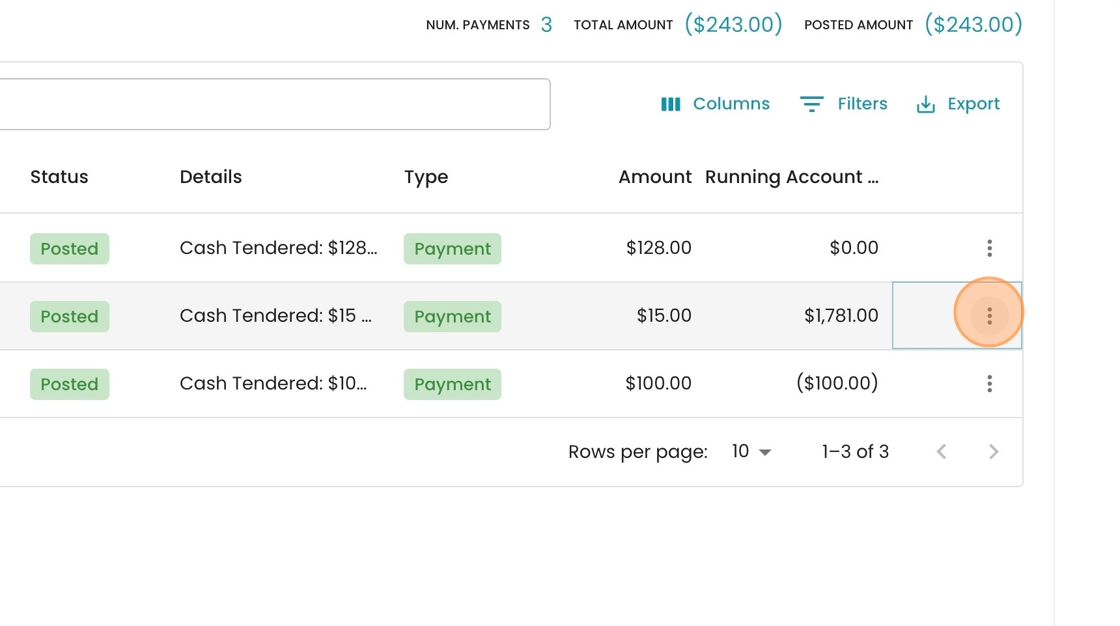
2. Click "Adjust Payment"

3. Click "Account" from the dropdown menu.

4. Click the "Account ID" field to select a new account.

Tip: You can search by account number or name
5. Select the account you want to transfer the payment to (in this case "1-1-2-2 | John Smith")

6. Optionally type in the "Reason for adjustment" in the comment box

7. Click "Save" to finalize your changes
