Import and Process Payment Batch from CSV
Import and Process Payment Batch from CSV
This guide provides step-by-step instructions on how to import and process a payment batch from a CSV file. It explains how to upload the file, review the payments, and post the payments to customer balances. It is a useful resource for anyone who needs to efficiently handle a large number of payments in their business.
1. From the Payments screen click "Import Payment Batch"

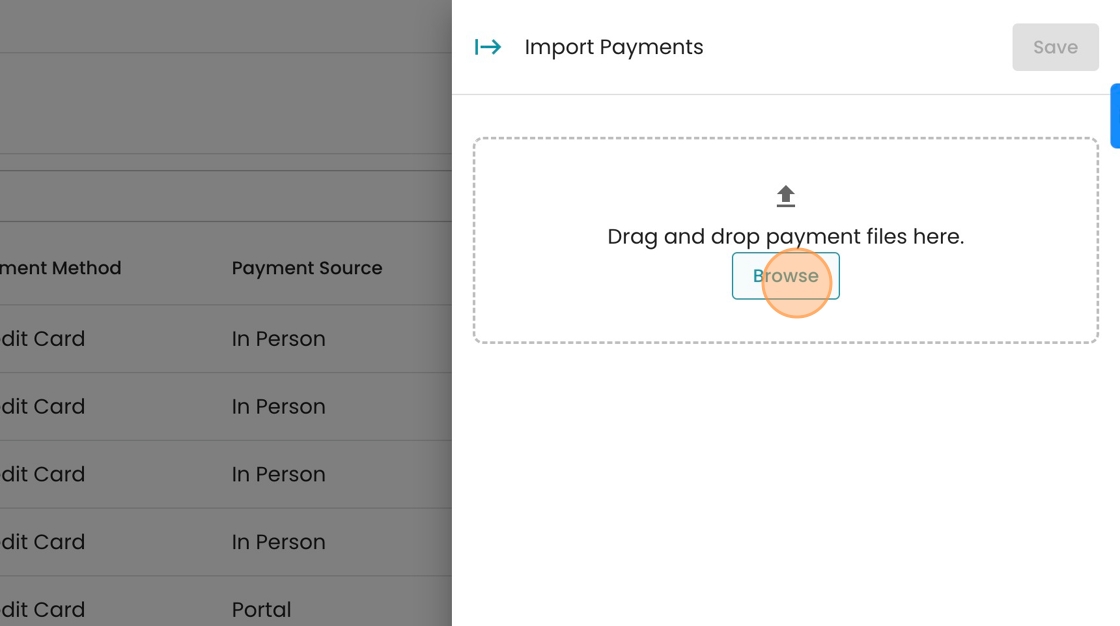
2. Browse for the payment file you want to upload, or drag & drop it into the import file box. Ensure this file has at least 3 columns: Account ID, Payment Amount, and Payment Method (e.g. Check, Cash, Money Order)
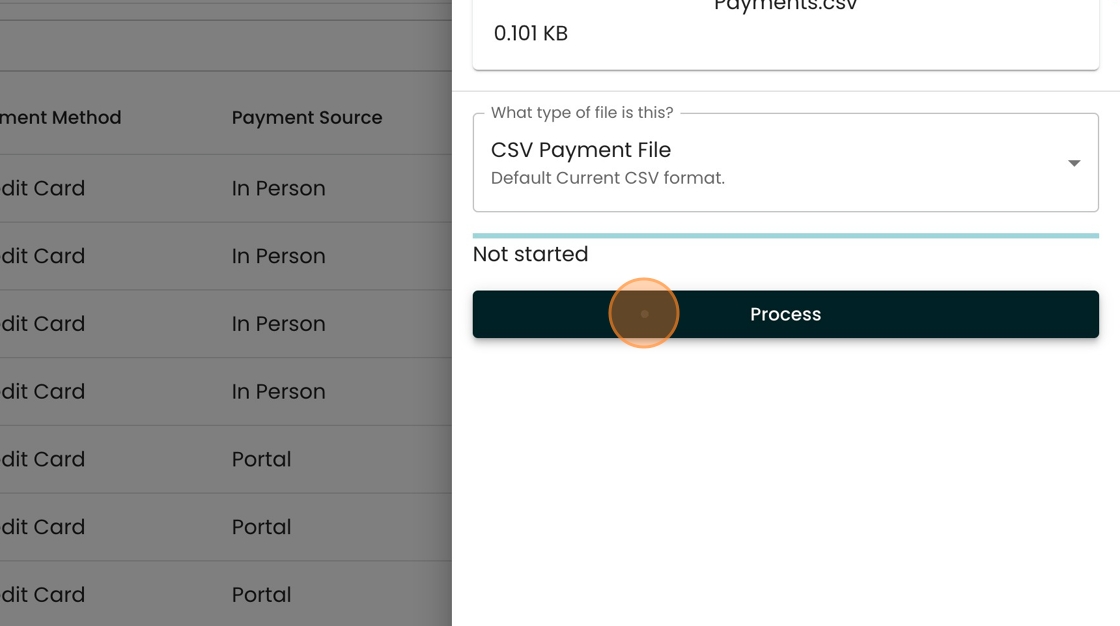
3. When the file has finished uploading, click "Process"
4. Review the payments you are uploading and how they will impact customer balances. To proceed, click "Post Payments"

5. View your completed batch.
