Move Out
Move Out
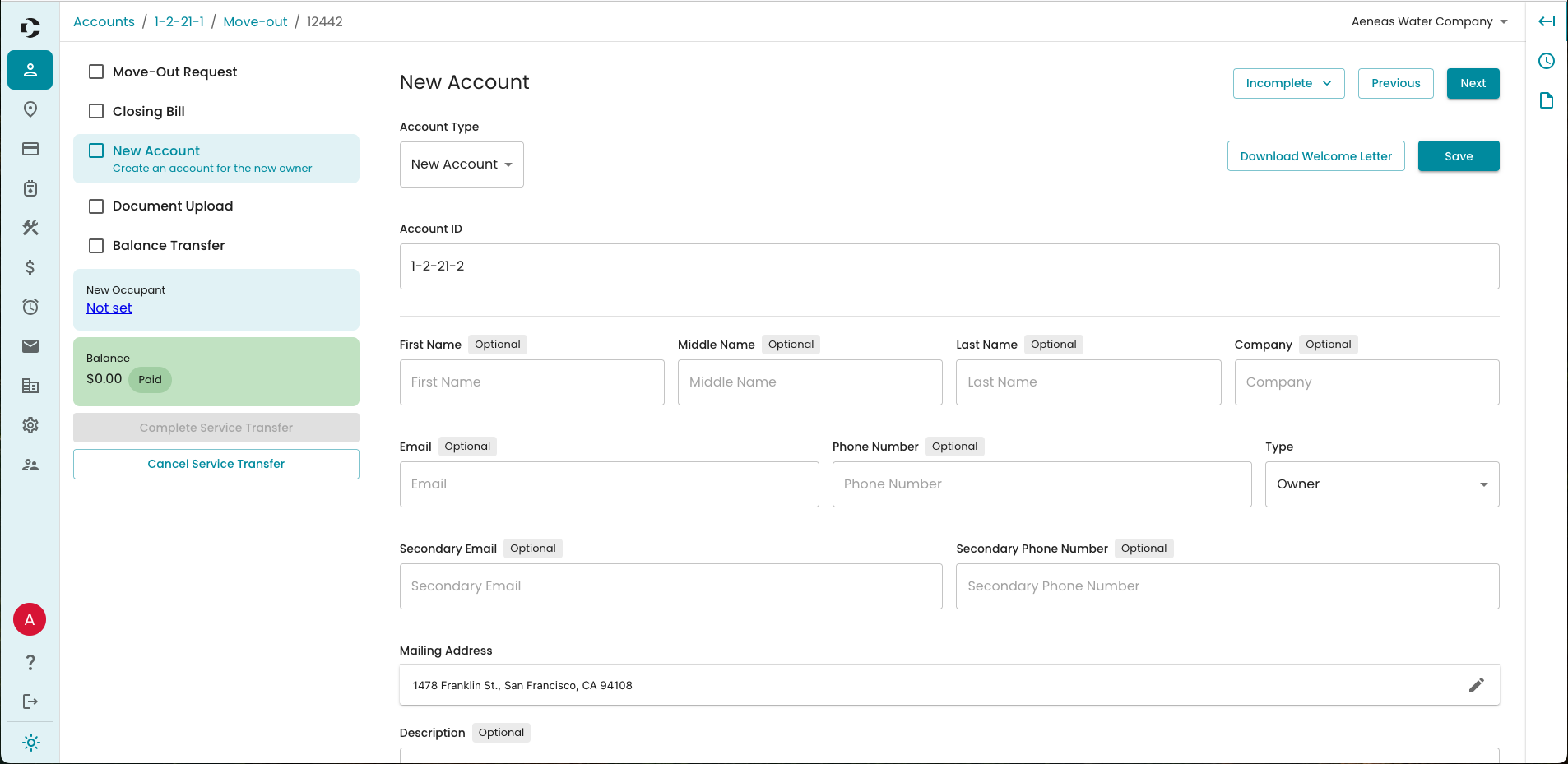
The Move Out process is designed to streamline the task of transferring responsibility of a location. As a part of the move out process, the old account will be deactivated and given a last bill then a new account will be created. The move out process also allows you several other options to aid in the transfer.
Starting a Move Out
A Move Out can be started by opening the moving out account, and selecting Move Out under More Options. Once a move out is started, returning to the original account will show a notice bar to return to the move out screen. It will also be listed under the Move Outs report on the Operations Dashboard.
Required Steps
- Move-Out Request
- This is the first step and allows you to select the date of the move out. Once selected, the system will estimate their last bill.
- This step will be marked complete by setting the Move-Out Date.
- Closing Bill
- Allows you to enter the final meter reading on the account, and post their final bill.
- Entering the Current Meter Read and selecting Calculate Closing Bill will show a preview of the bill to be posted. Once estimated, the Post Bills button will become available.
- This step will be marked complete following the bill being posted.
- New Account
- The new account the service will be transferred to. Available options are to create a new account or to use an existing account.
- If selecting a new account, it will provide a form for all the details of the new account.
- An existing account must be an account previously linked to the location.
Optional Steps
You can leave a service transfer open after the Closing Bill step if you do not yet have a new account.
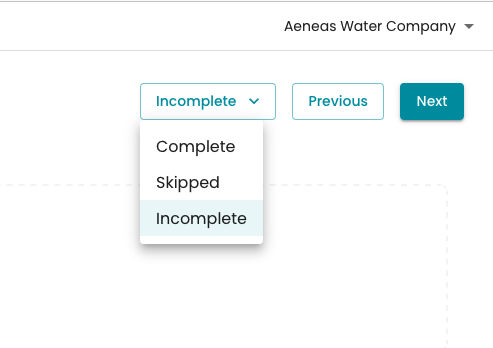
With the optional steps, you can select the dropdown in the top right corner that has a status of Incomplete, Completed, or Skipped. You can select Skipped if you do not need to complete a step.
- Document Upload
- Allows you to attach supporting files to the Move Out
- Transfer Shares
- If you have a mutual company, this allows you to transfer the previous account's shares to the new account
- Balance Transfer
- After posting the closing bill, you can decide whether or not the outstanding balance gets transferred to the new account