Add Files to an Account (Using Document Center)
Use this help article to attach files or documents to a specific account.
Made by Barrett Hansen with Scribe
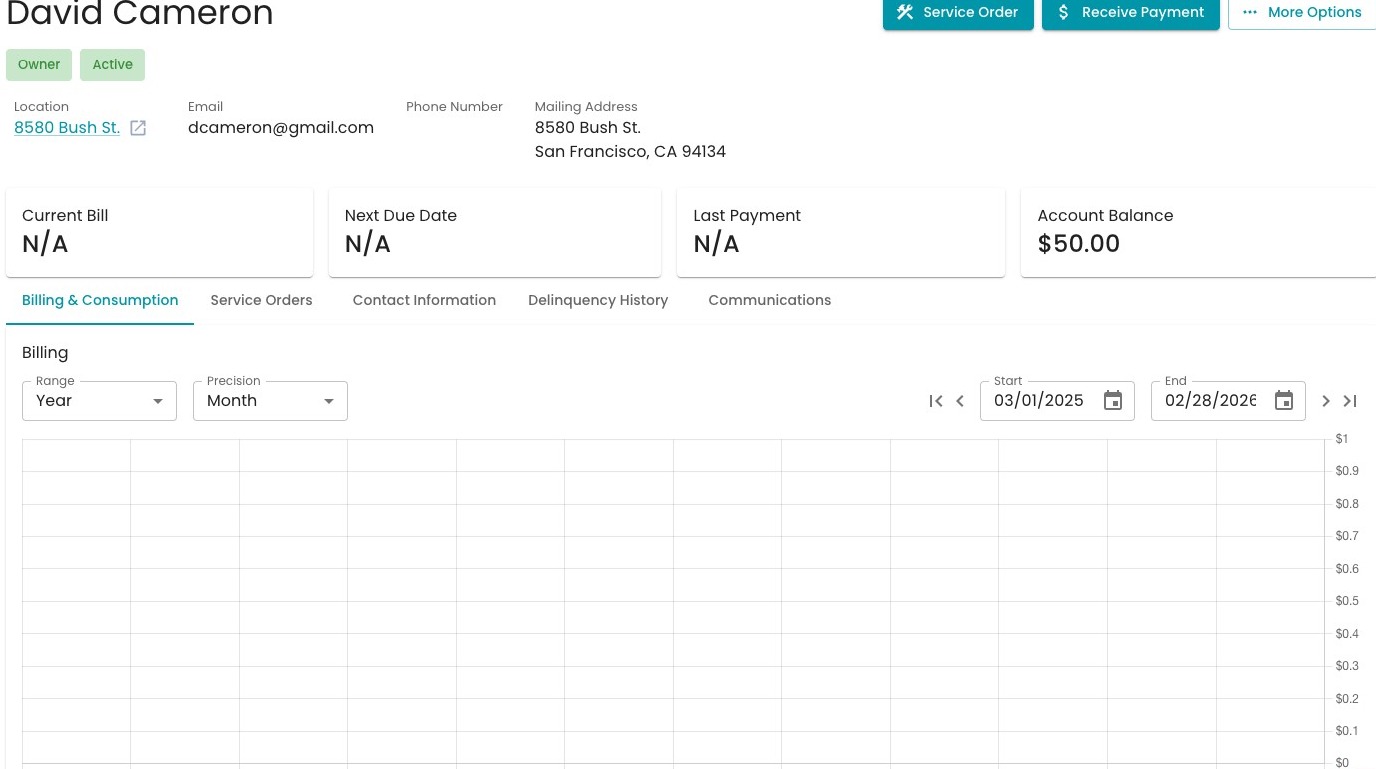
1. Start on an Account Detail page.
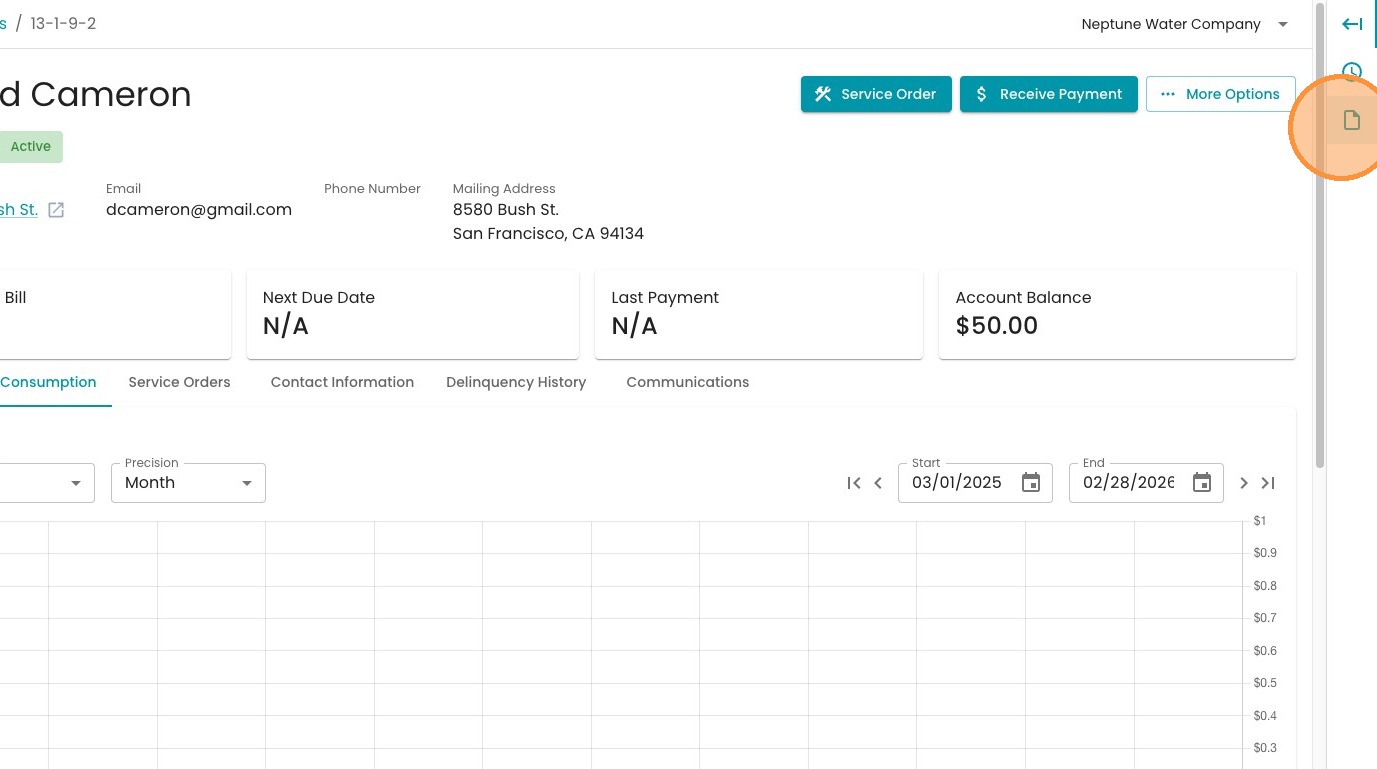
2. Click the Documents icon in the right-hand panel
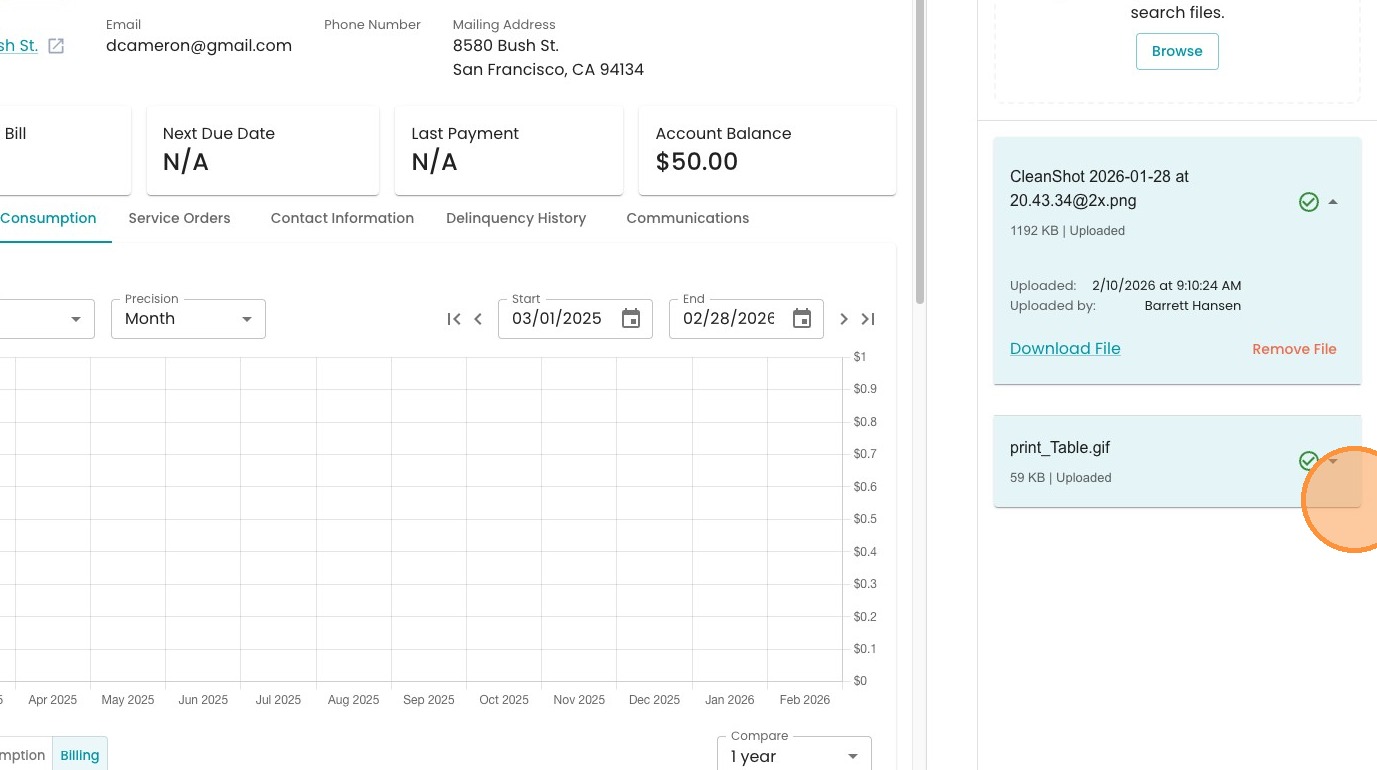
3. See any past files added to the account. Press the down arrow to expand the information
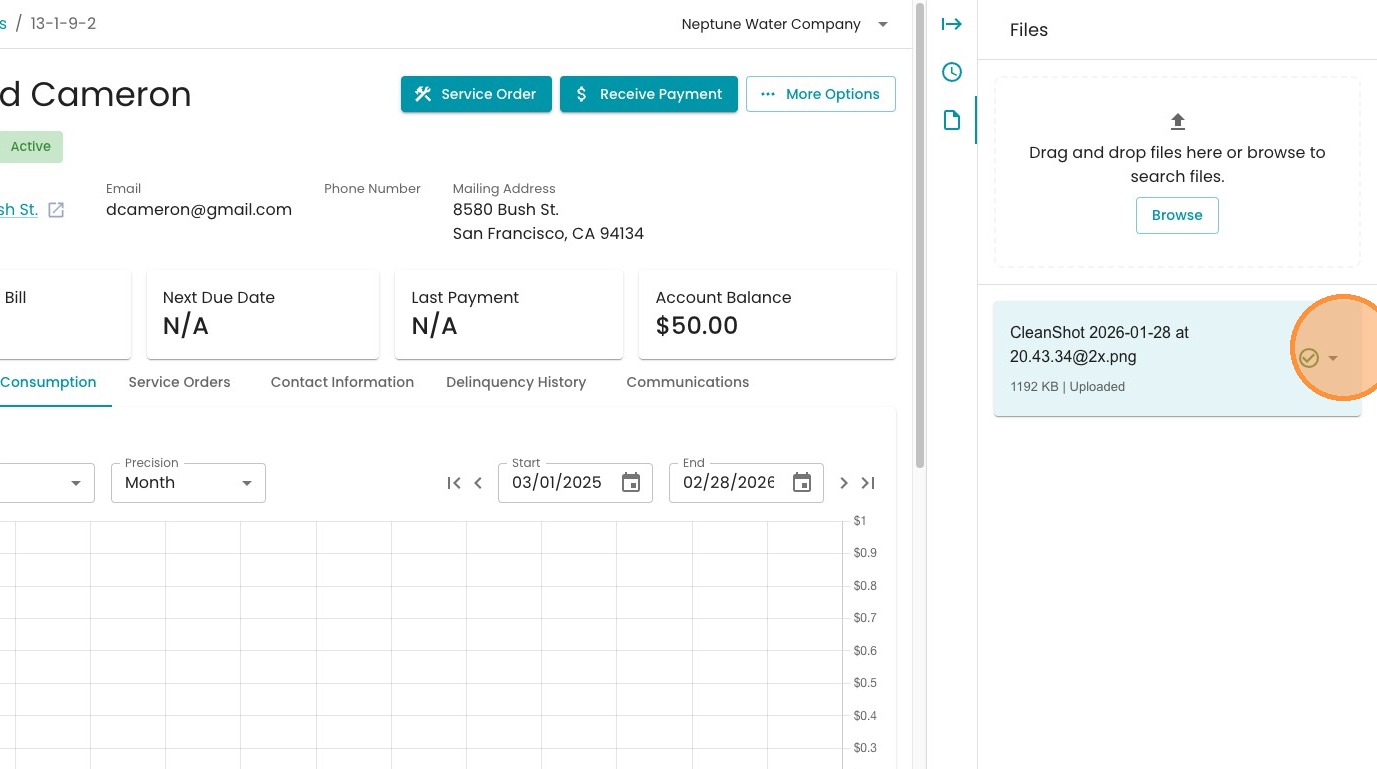
4. To add a new file, press "Browse" to find a file on your computer, or simply drag and drop to that window.
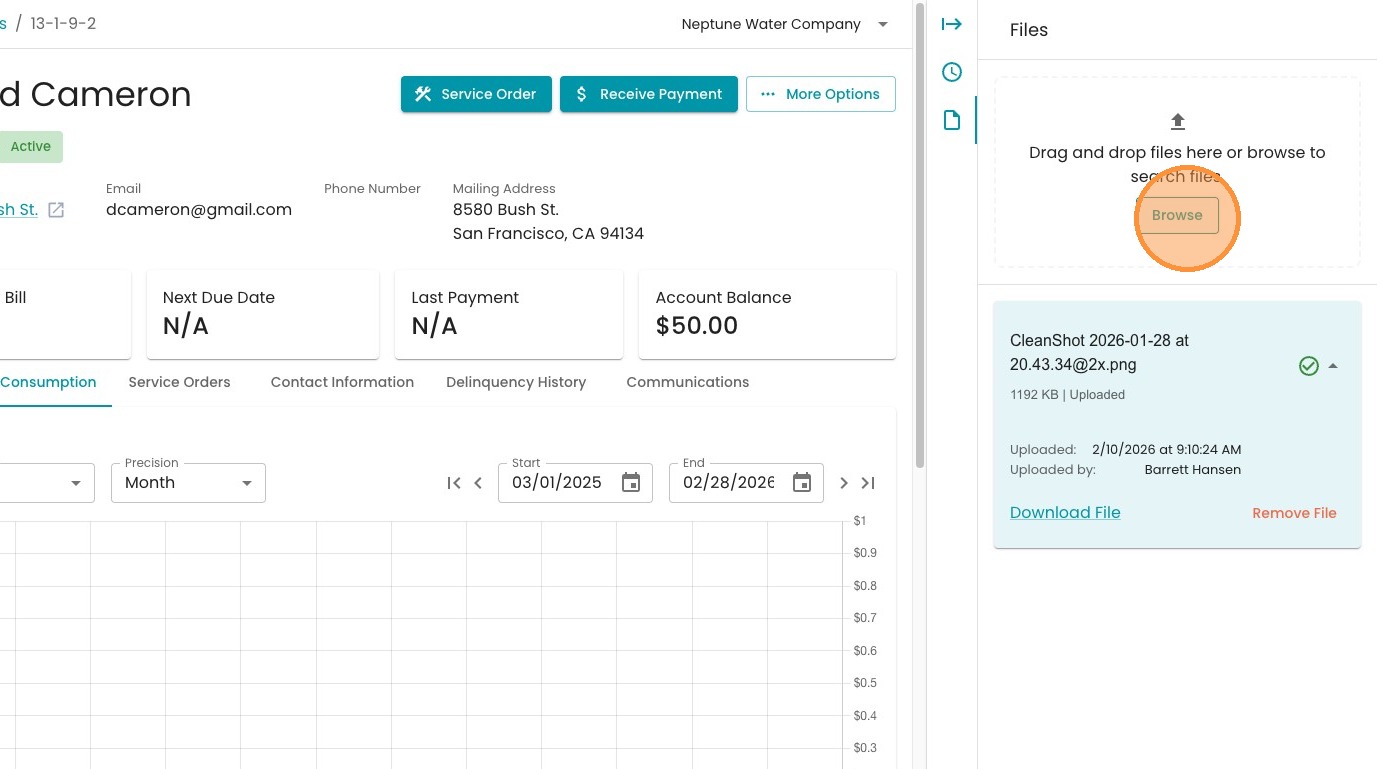
5. Now you can see any new files you've added.