How to Adjust a Bill with a Corrected Meter Read
Adjust a Bill with the Correct Meter Read
Made by Barrett Hansen with Scribe
Learn how to adjust a meter read after you've billed it. Current will adjust the previous transactions to provide you with a correct bill.
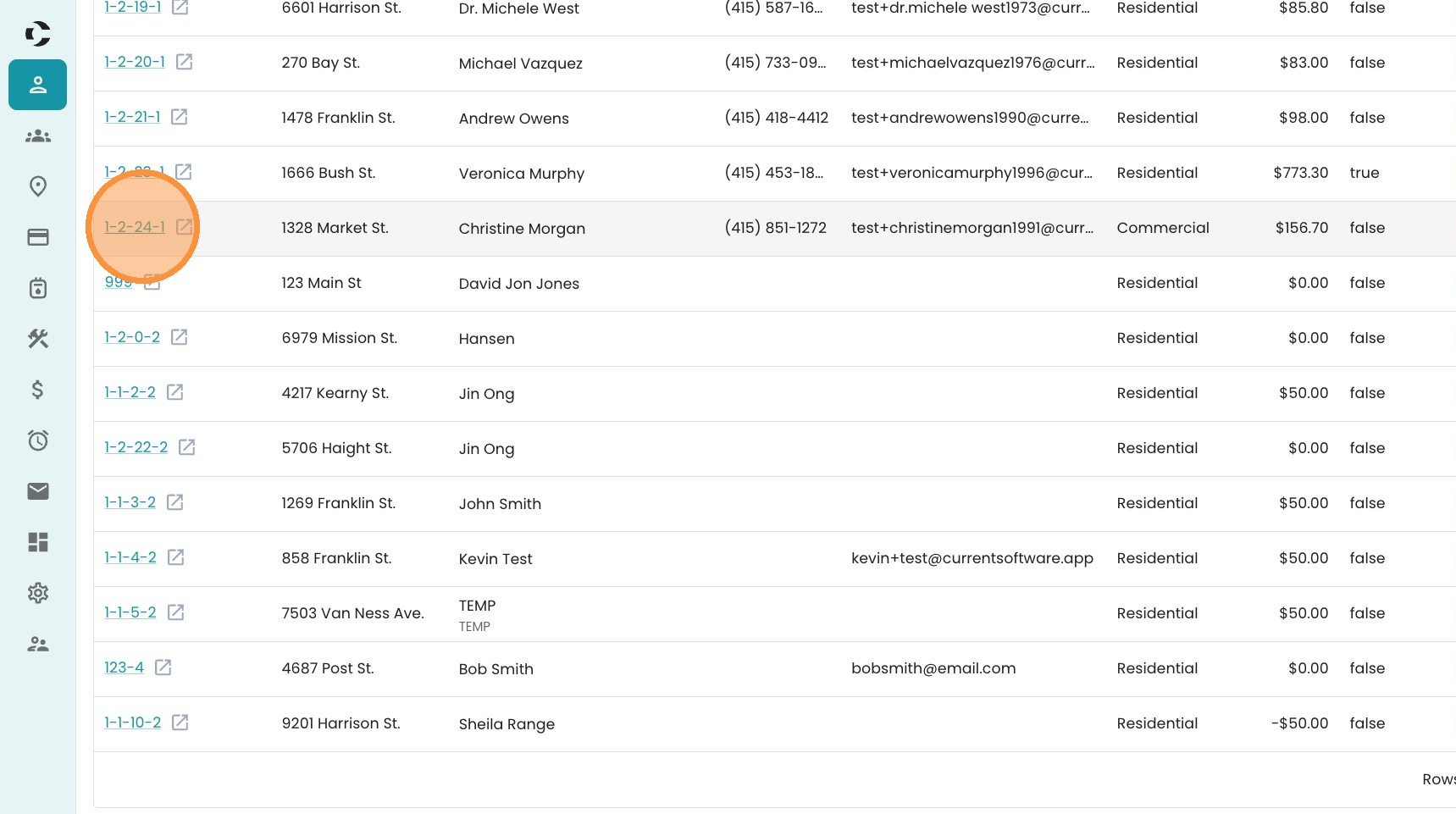
1. From the Accounts screen, click on the account whose bill you need to adjust.
2. Find the three dot menu.
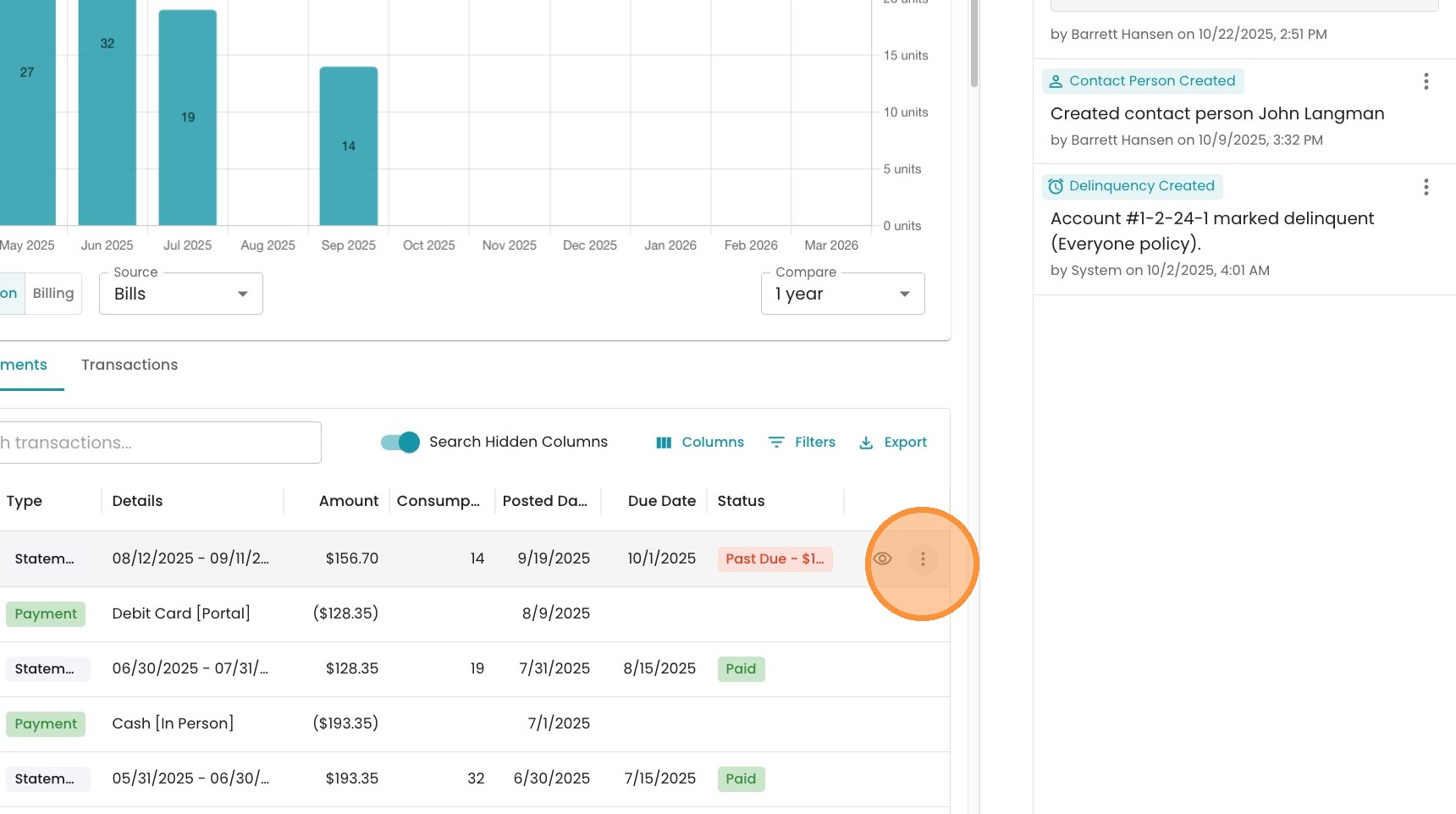
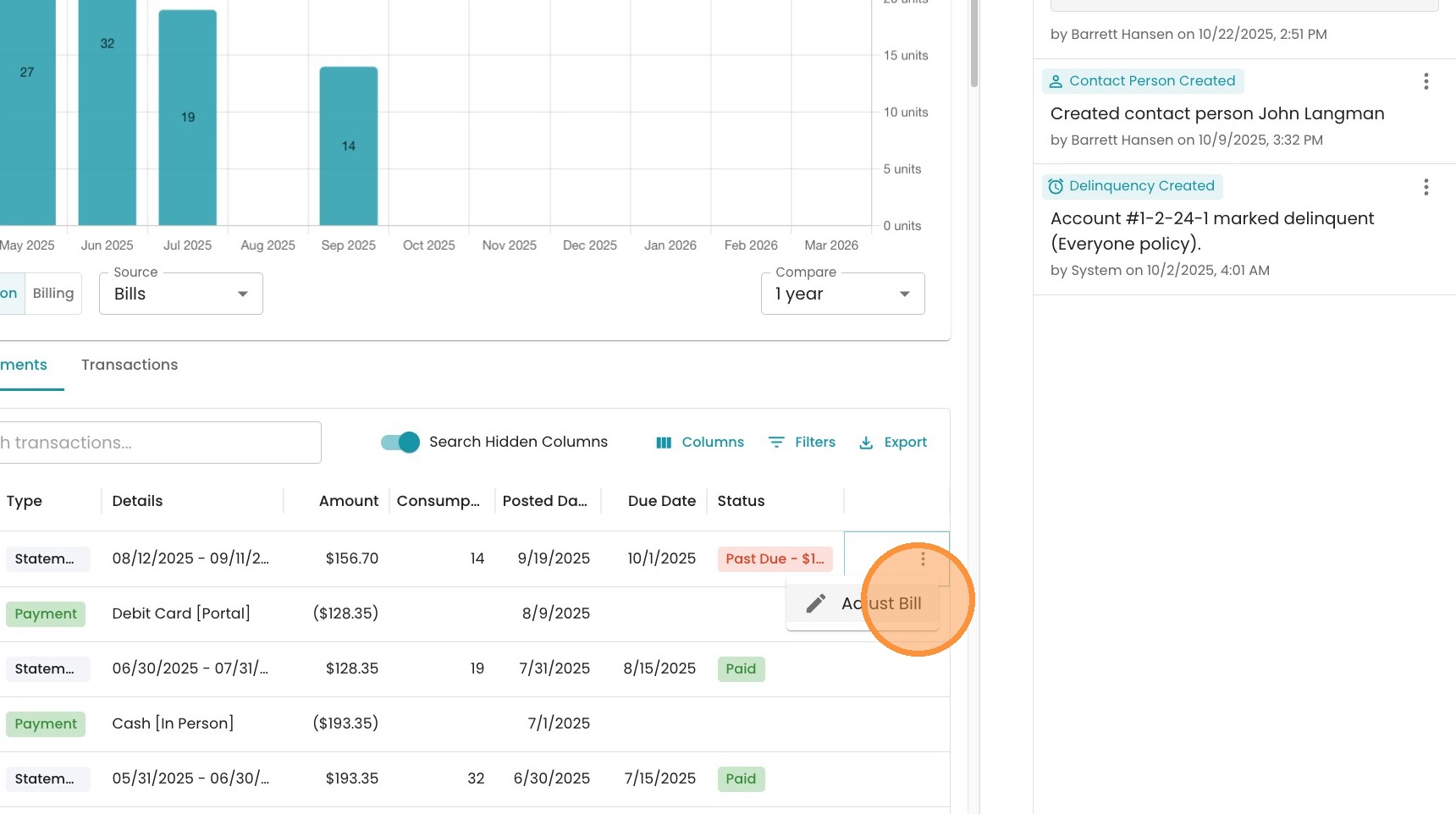
3. Click "Adjust Bill"
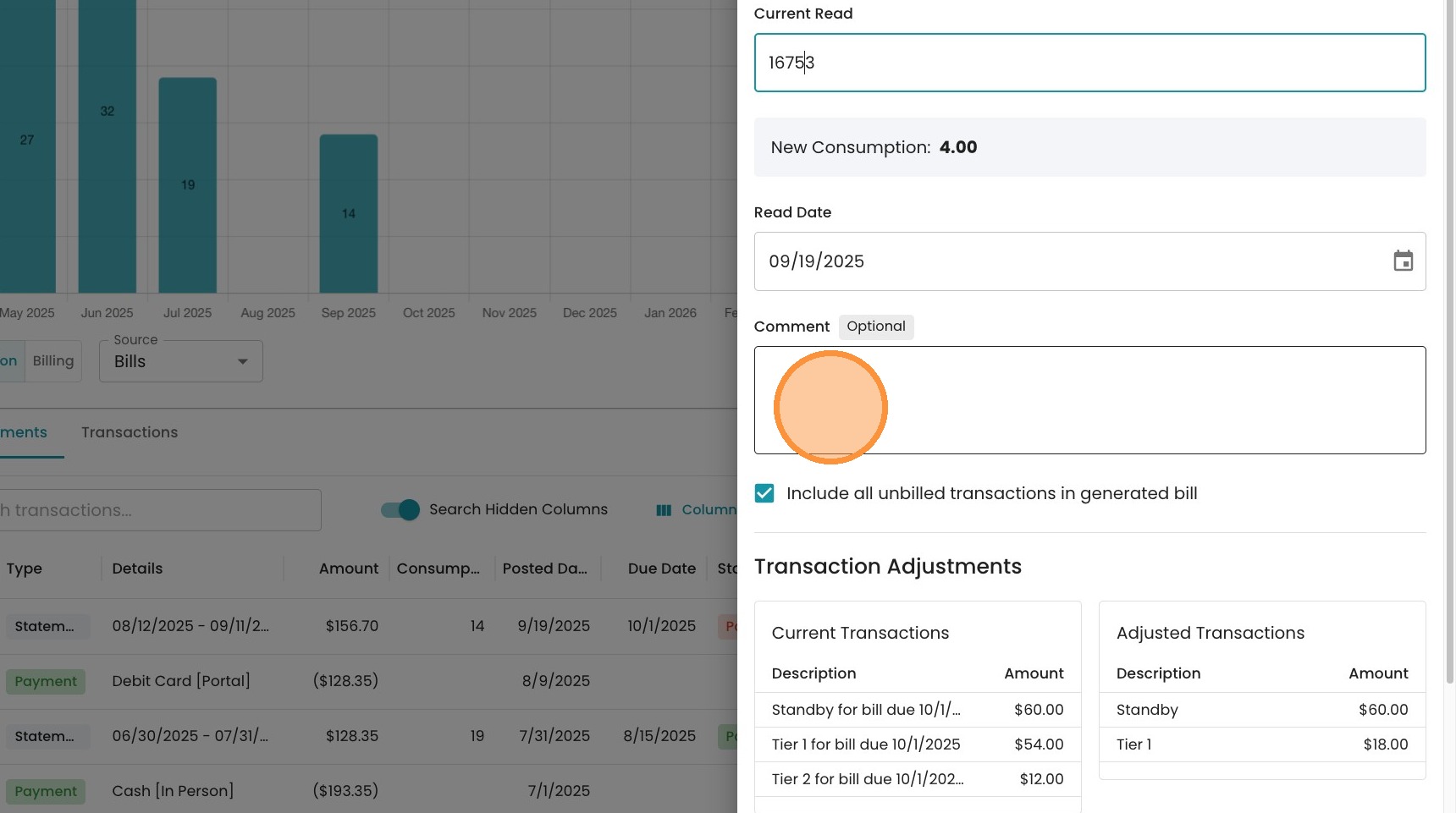
4. Type in the corrected meter read here.
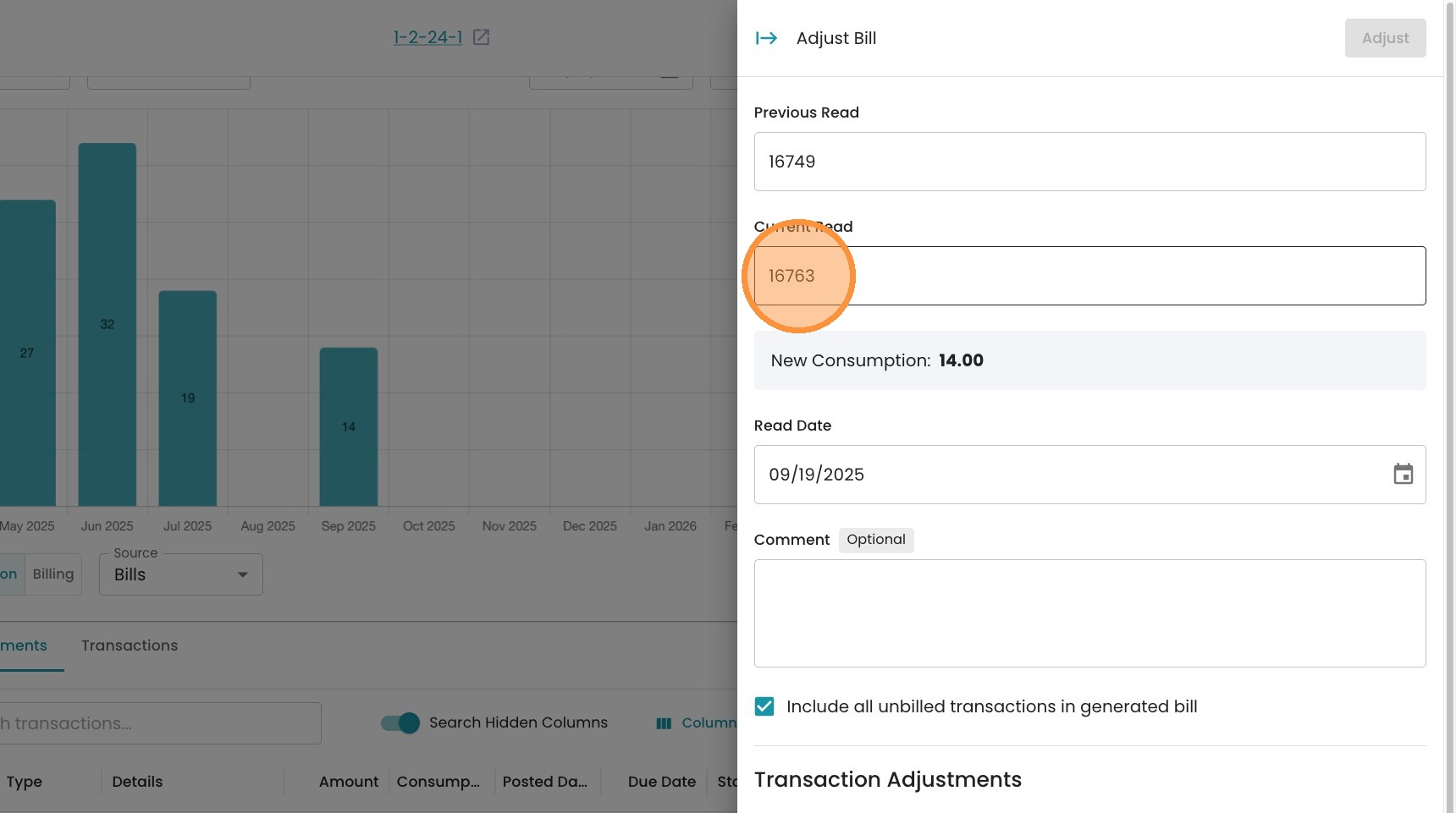
5. Add an optional comment here for your records.
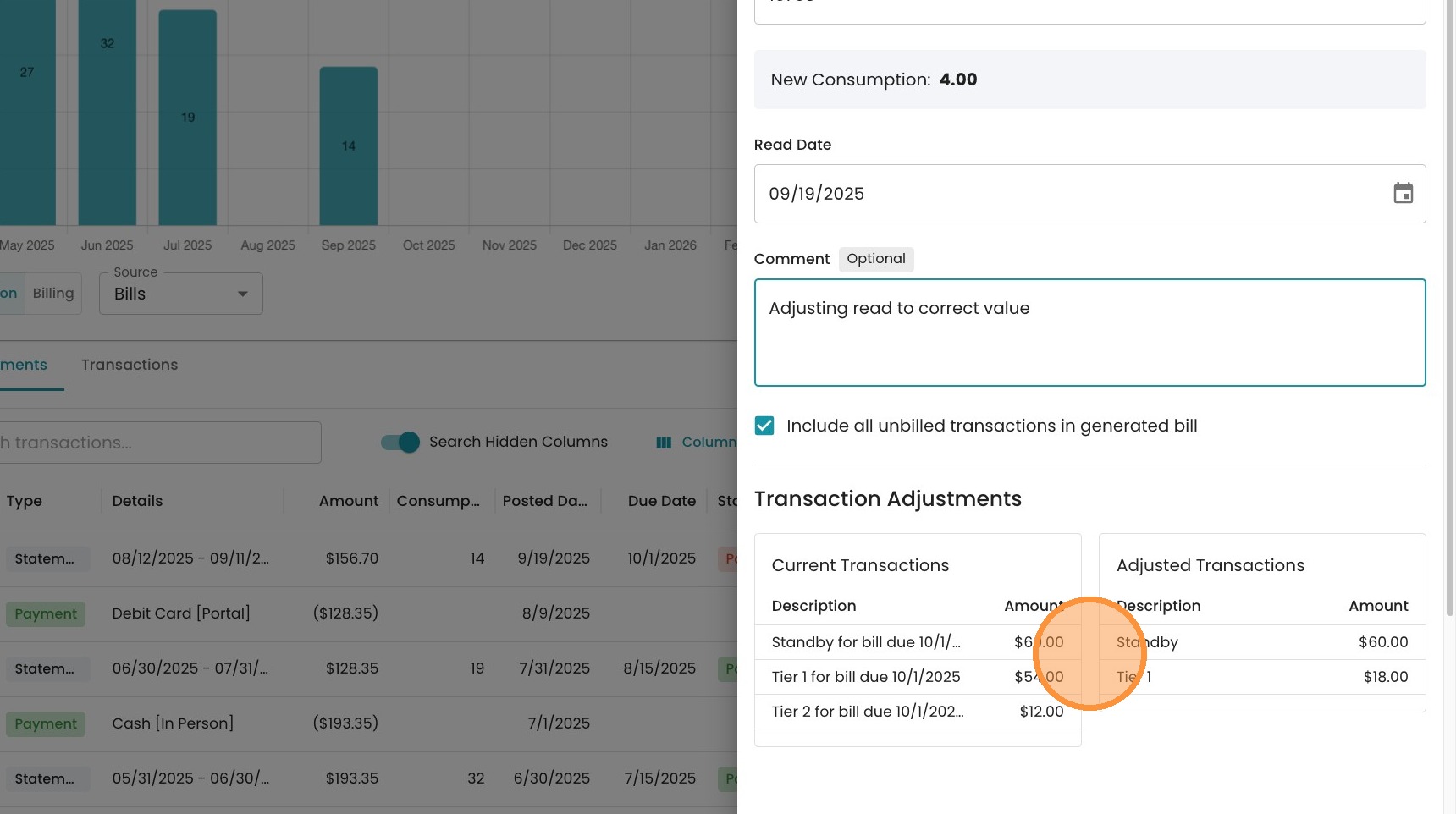
6. Observe here how the bill will be adjusted. When you put in the new read, the system automatically re-calculates the consumption charges, including the tiered rates. In this case, since consumption is adjusted downwards, the overall bill goes down.
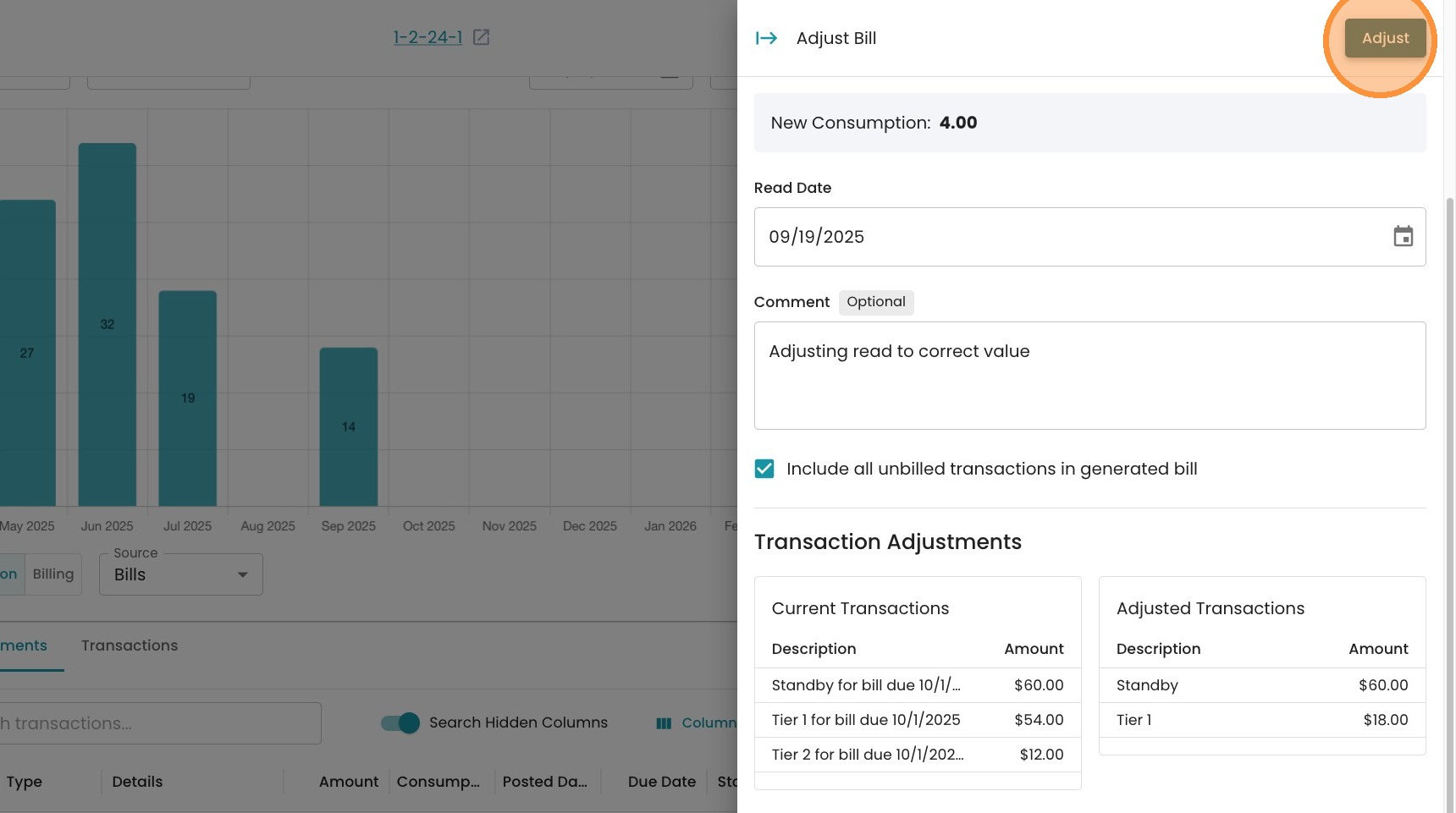
7. Click "Adjust" to finalize this adjustment.
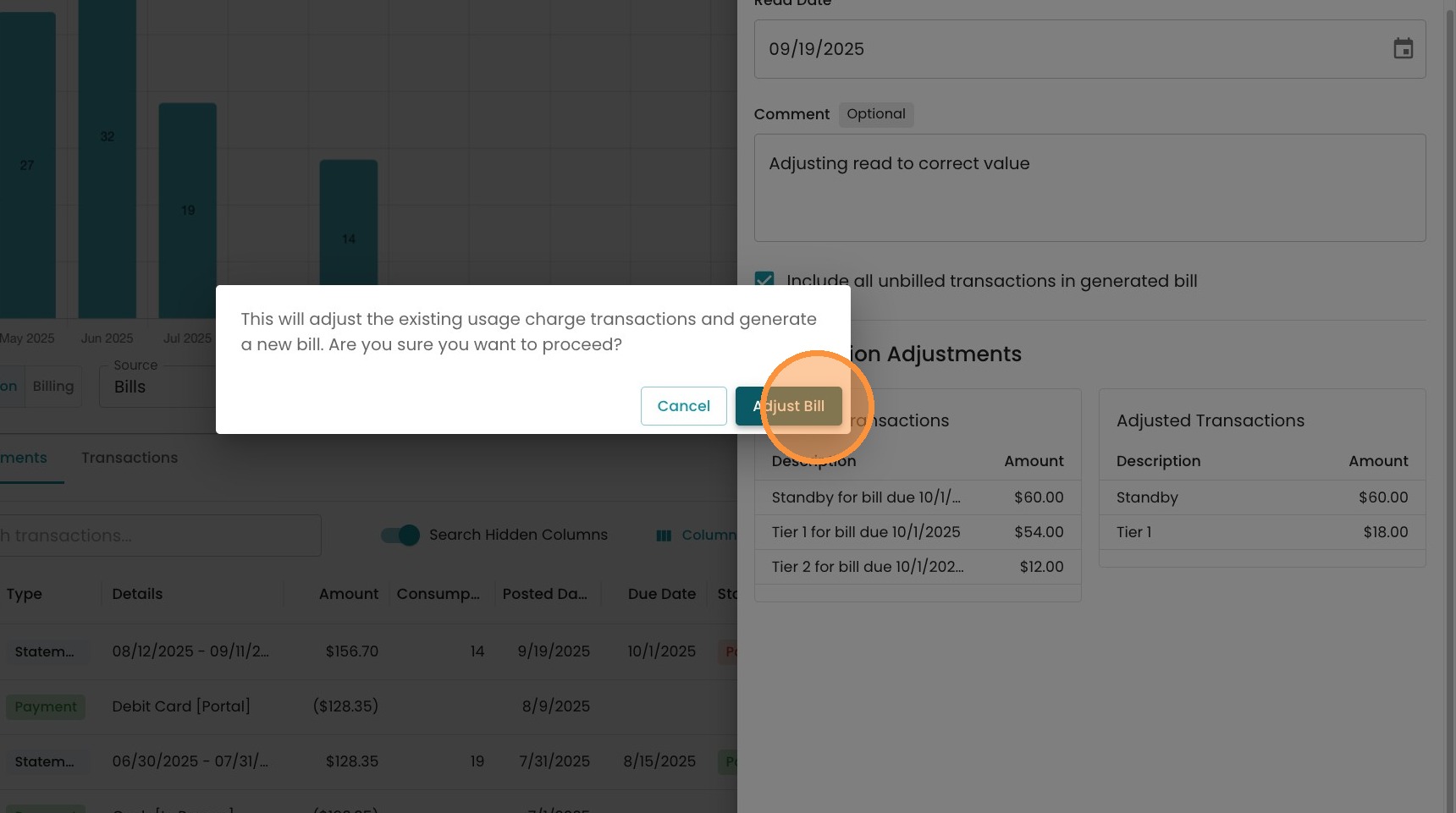
8. Click "Adjust Bill" to confirm.
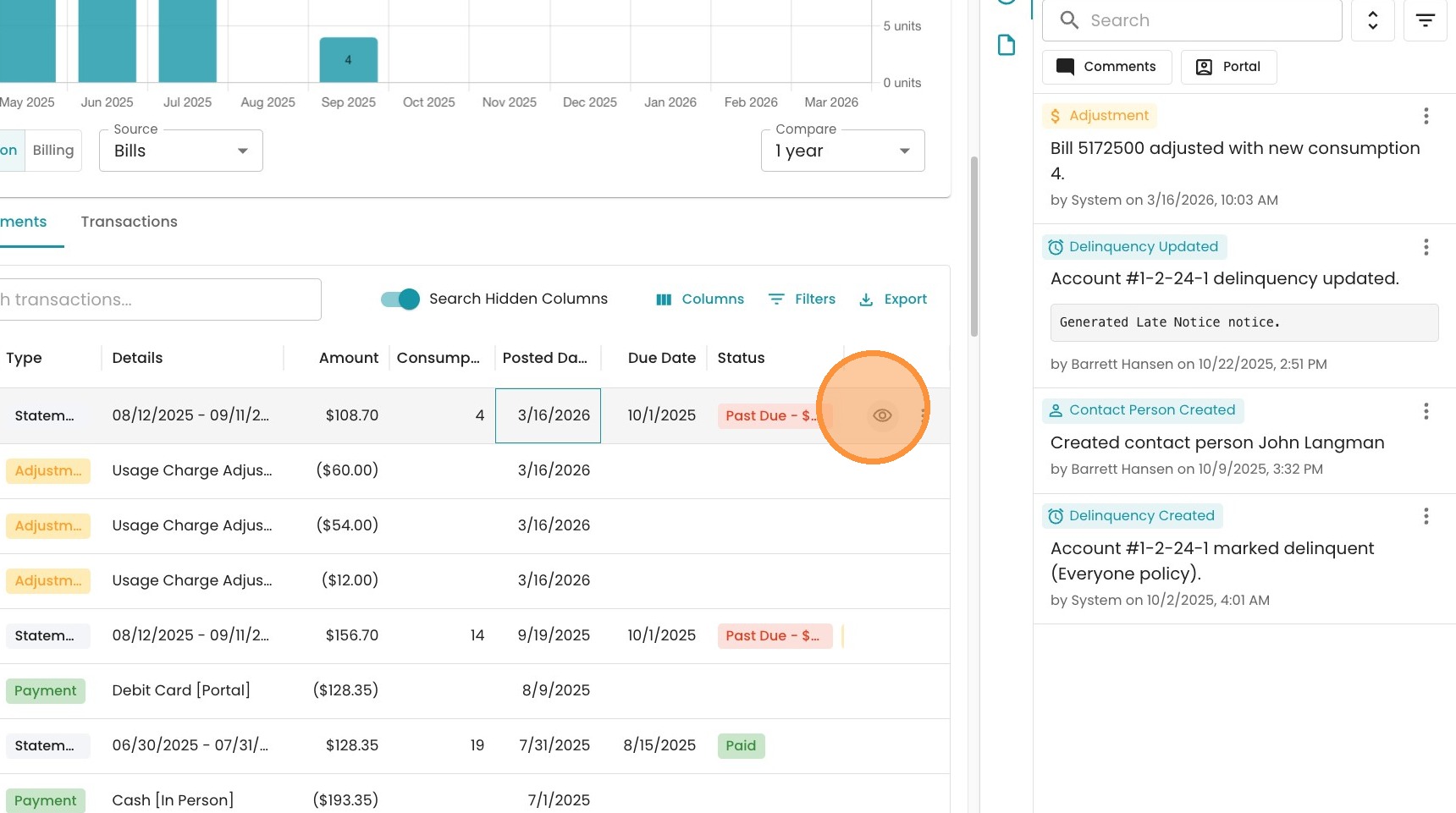
9. Now you can see the adjustments that undo the previous charges, as well as the new statement with the corrected charge. Click on the "eye" icon to view the new bill
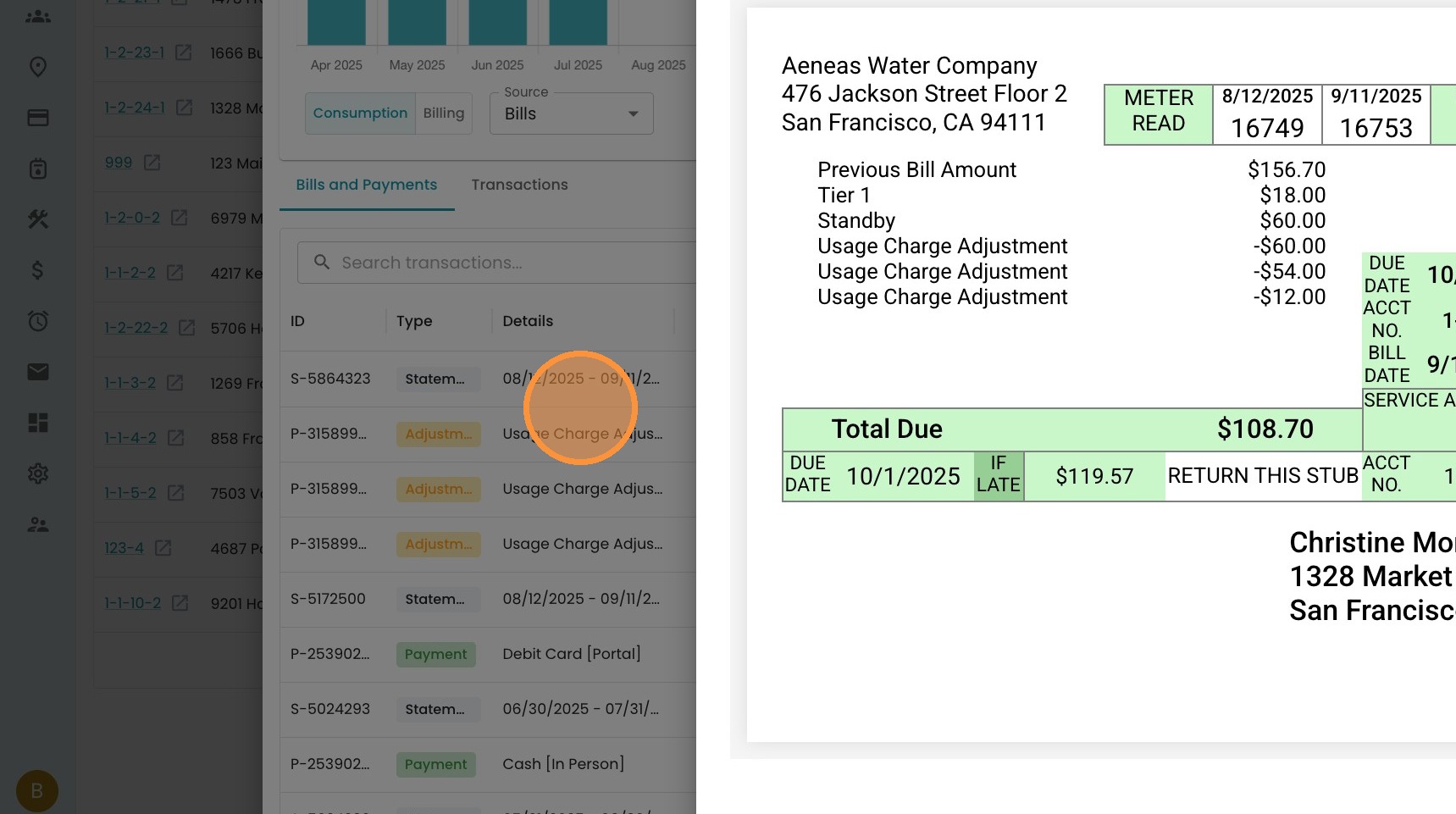
10. See the new bill here. Well done!
Made with Scribe
If the Historical Meter Read was adjusted first, you will receive a "failed to adjust bill" error.
The“failed to adjust” message usually mean that the historical meter reading for the location no longer matches the billed reading that the system is trying to update. So, if you went back and updated the meter read for the bill, it will not allow you to correct the bill.
To get you unstuck so you can finalize the account, first change the meter read on the location back to the value that was originally billed for that final statement. Once the location’s read matches the billed read again, you should then be able to use Adjust Bill to correct the final meter read.