Print Mailing Labels
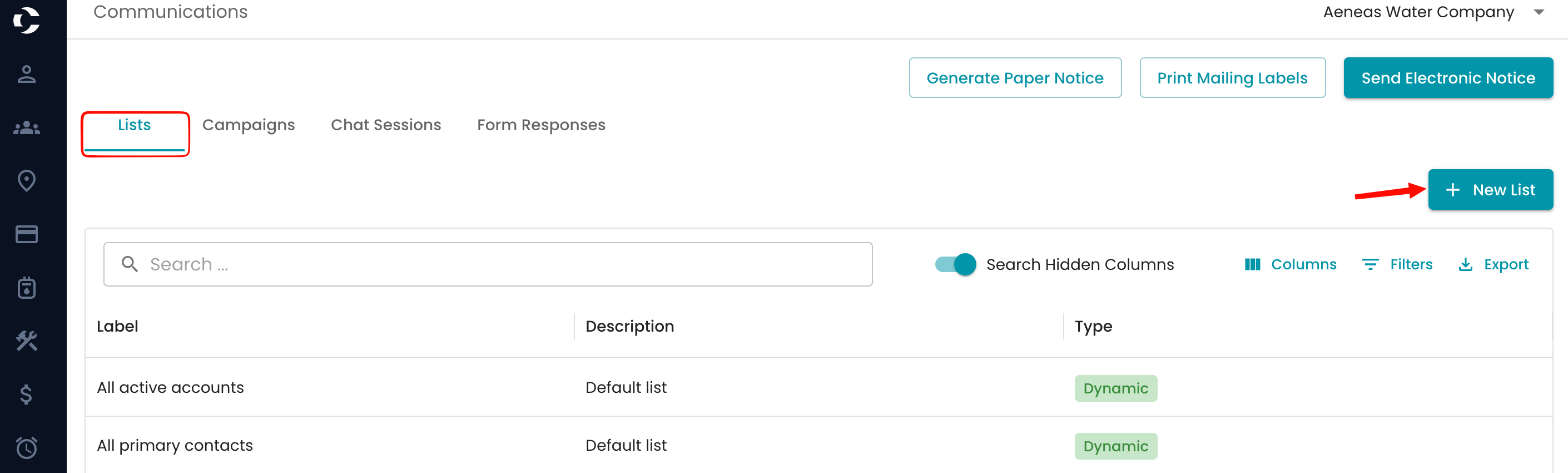
Staff can now generate printable mailing labels directly from within the platform. Please navigate to the Communications section and look for Print Mailing Labels along the top.

Print mailing labels for the lists configured in the system

A label file will download automatically so you can print it. An example is provided below:

Additional lists may be created within your Communications section so they appear in your mailing label drop-down menu.
To Create A New List
In your Communications section, select Lists, and then select the + New list button to configure your dynamic or static list. These lists will appear on the communications list and can be used for any communications.