Meter Changeout
To initiate a meter change-out for an account, you will need to navigate to the location associated with it.
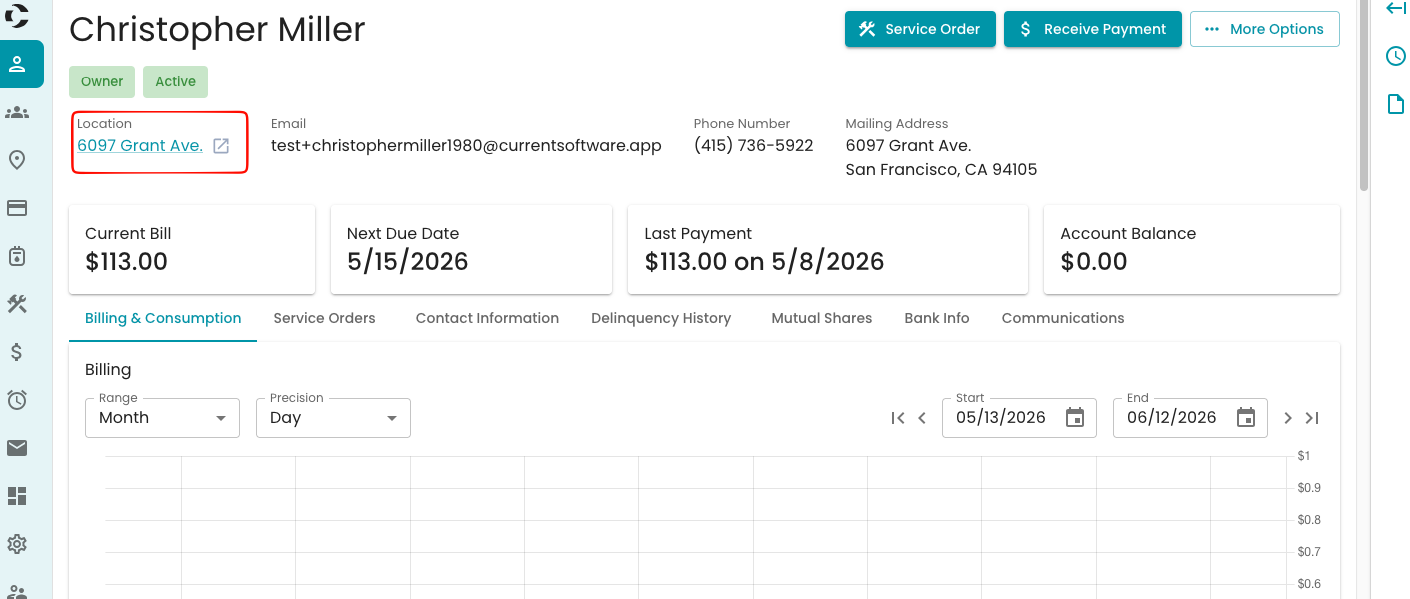
To access your location from an account:
Open the account and locate the location in the top-left corner. Select the location.
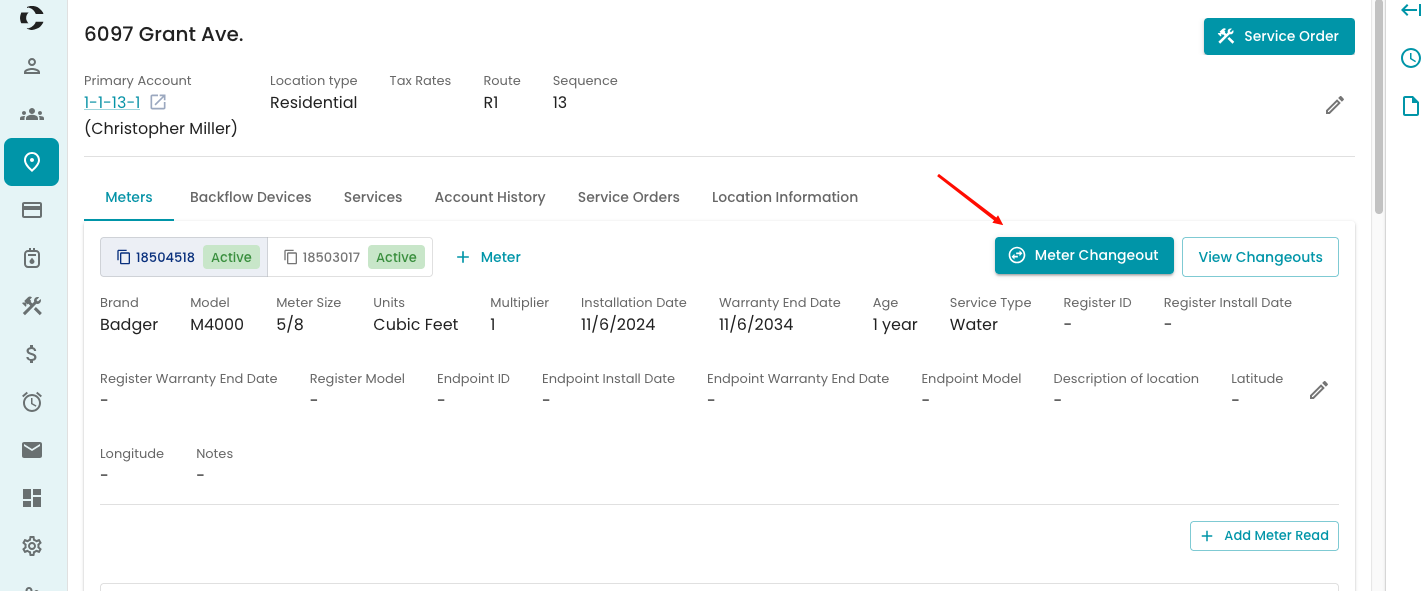
Once you are in the location screen, you can see the Meter change out button to start the process
You will now see the Meter change out page to enter all associated details related to the change-out
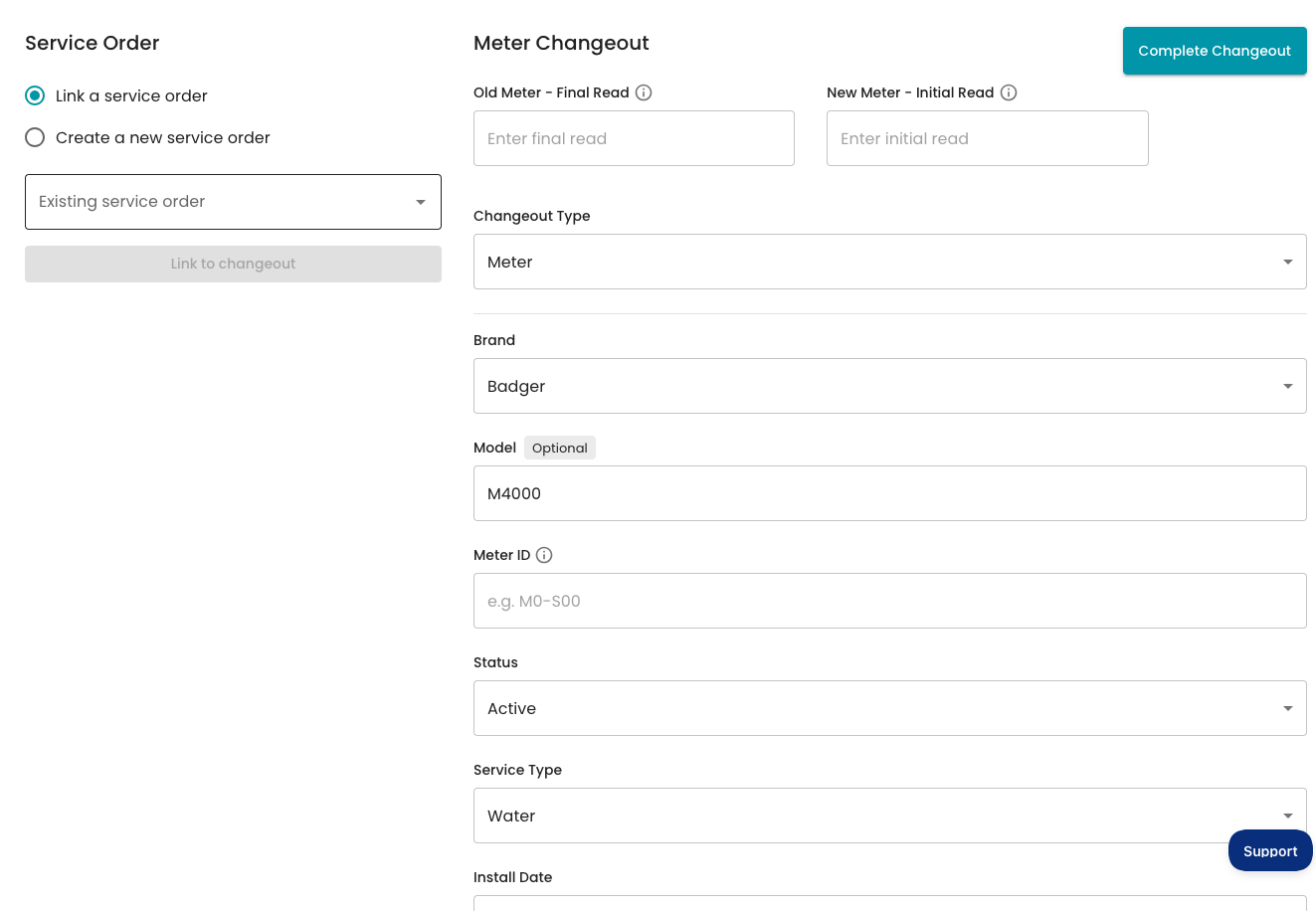
Select if you want to link a service order or create a new service order for this change-out
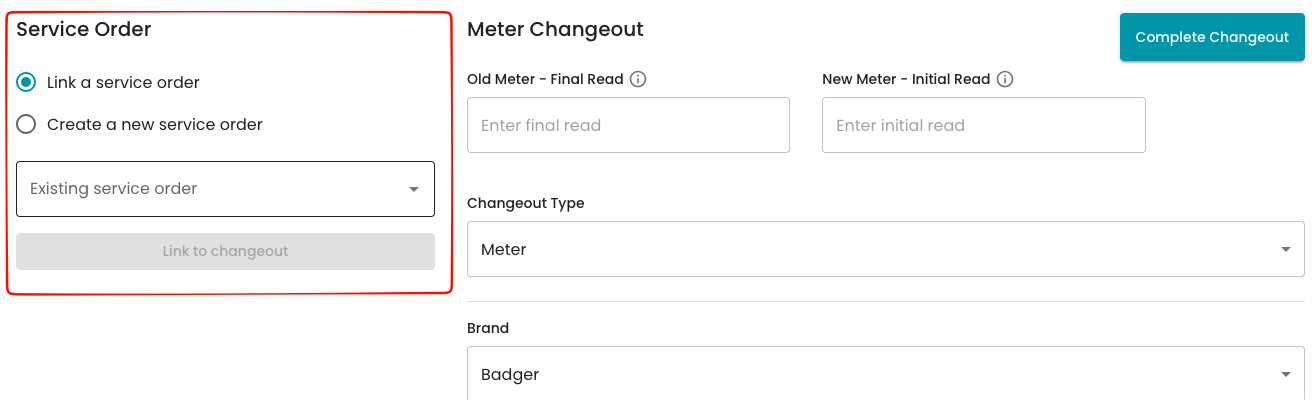
Start adding the old and new meter information, then follow the list down.
- Enter the old meter read
- Enter the new meter initial read (typically 0)
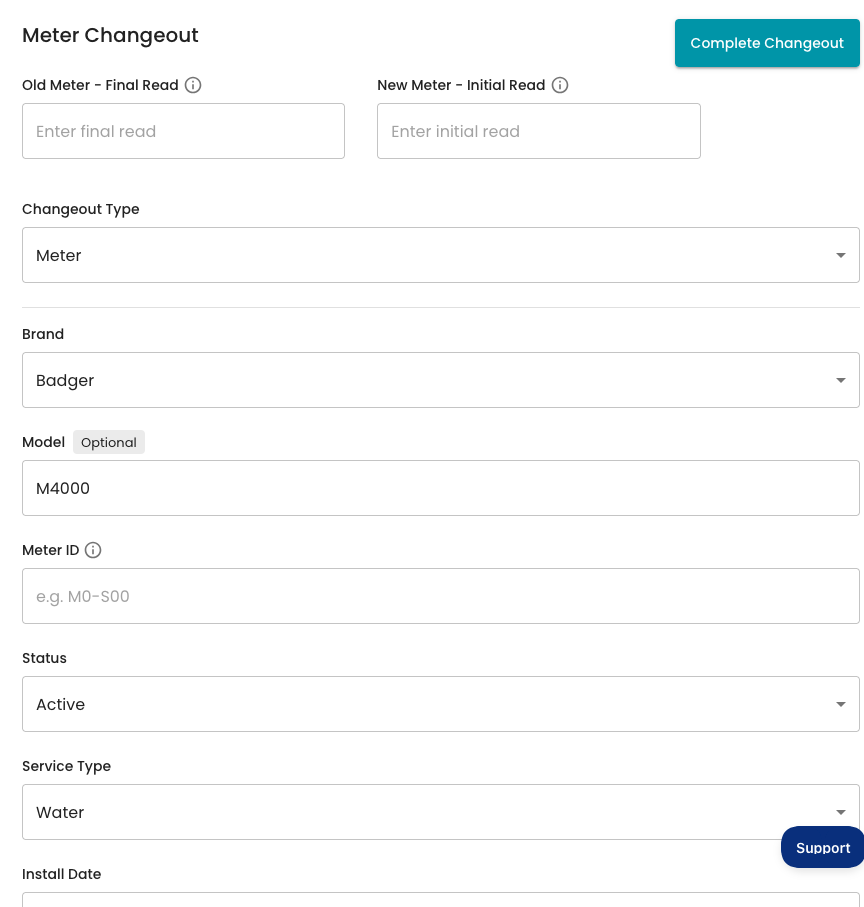
If you have Asset Management Enabled you will see the option to retrieve the new meter or asset in the meter change out view, once selected it will auto fill all of the information associated with the meter selected. Asset Management Help Doc

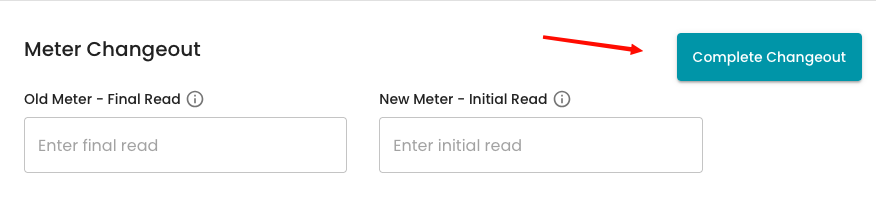
When you review all of the information, select Complete change-out at the top.
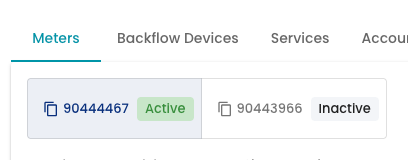
Once you return to the location, you can see the changed meter reading and the active meter.