Delete Saved Payment Method
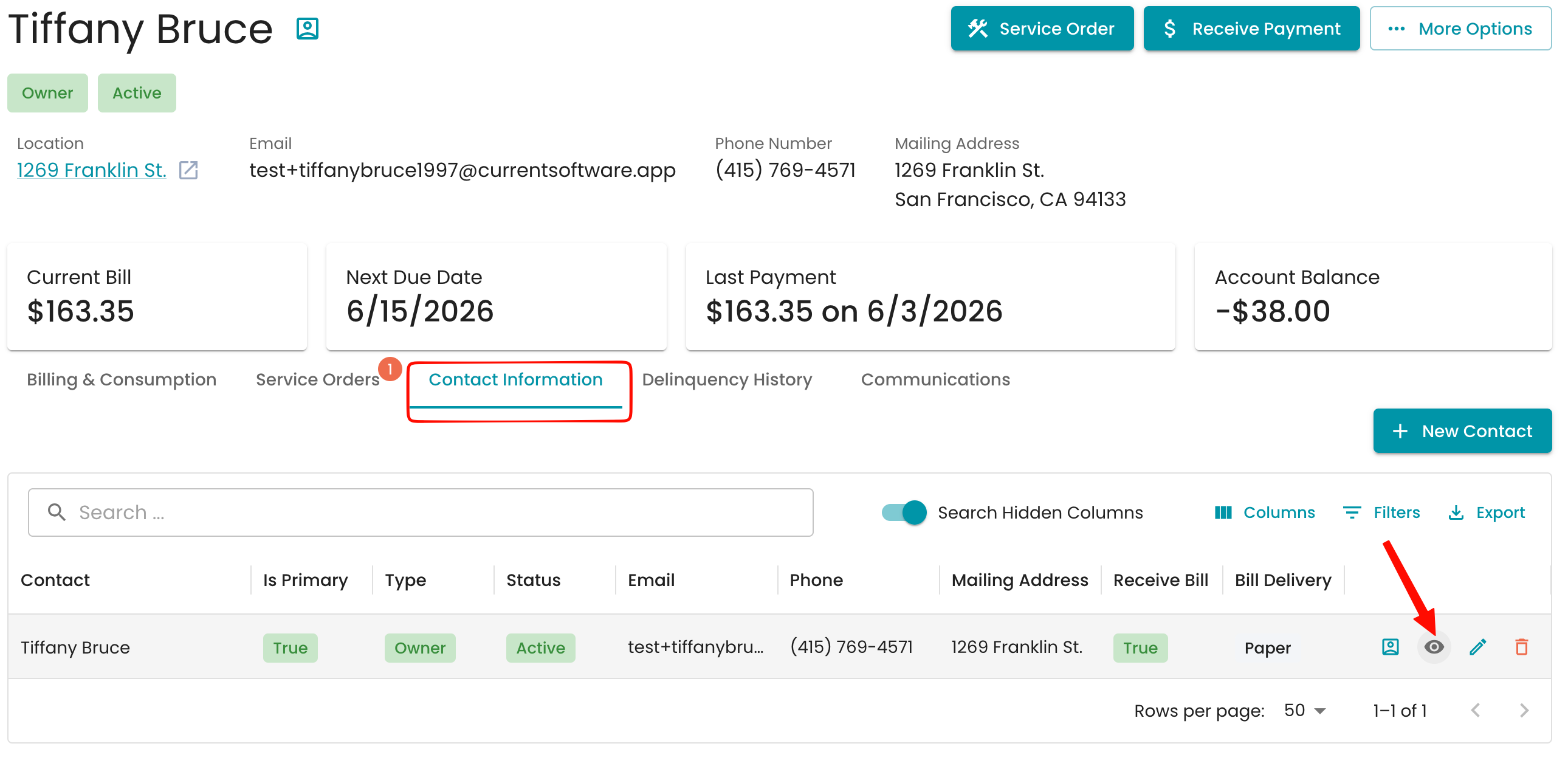
To delete a saved payment method, navigate to the Contact Information section within your account and select the preview eye next to the contact you need.
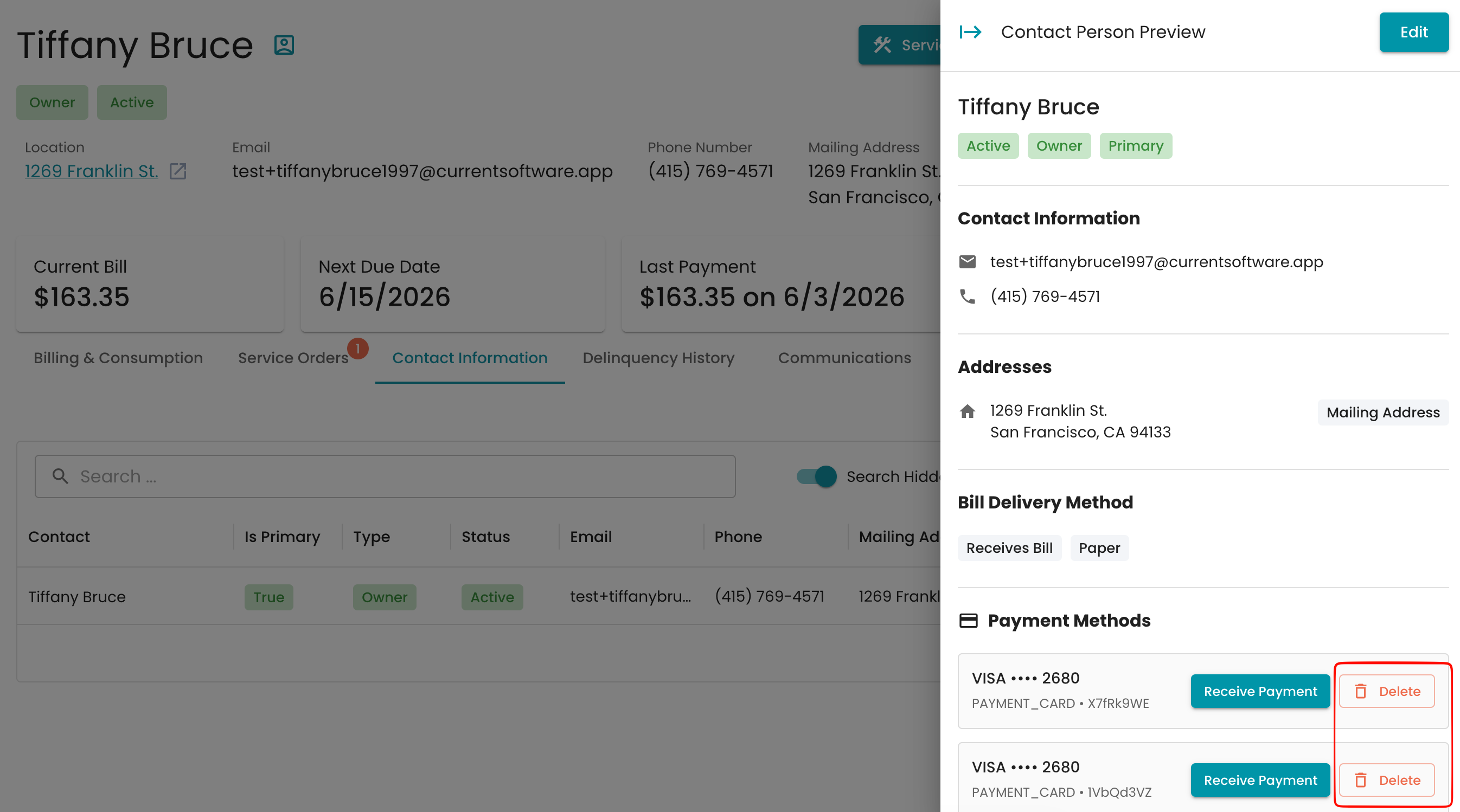
The delete option is available next to the saved payment method.
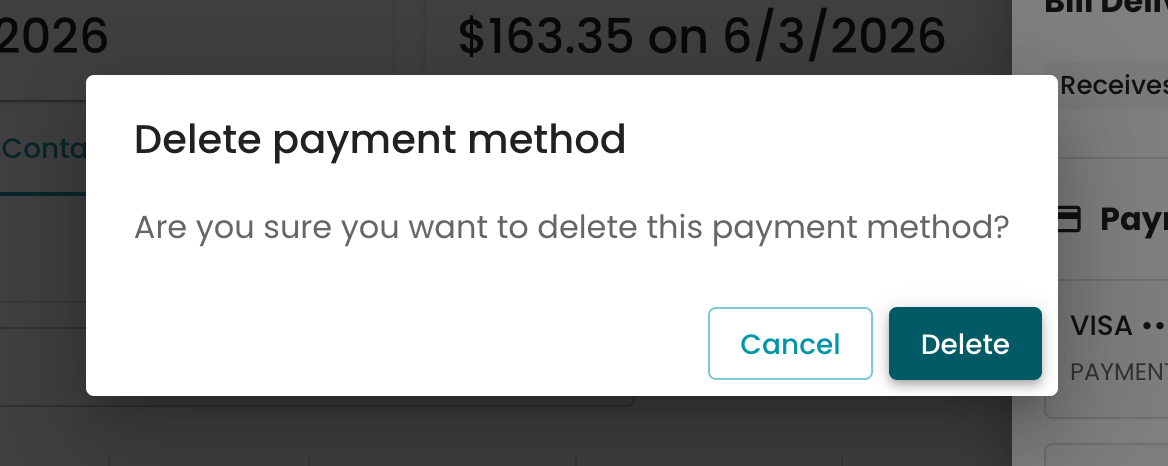
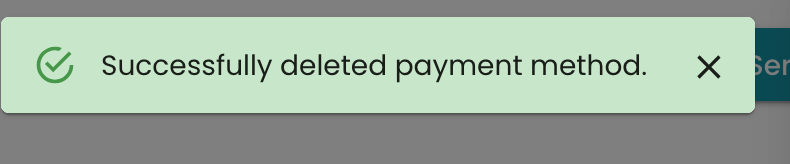
A prompt will appear confirming the removal of the payment method, and a successful banner should appear when it has been removed.
See how to add a payment method here : Add a payment method and enable auto pay