Organization Settings
To view the organization settings for your account, navigate to Settings > Organization > Organization Settings.
Details
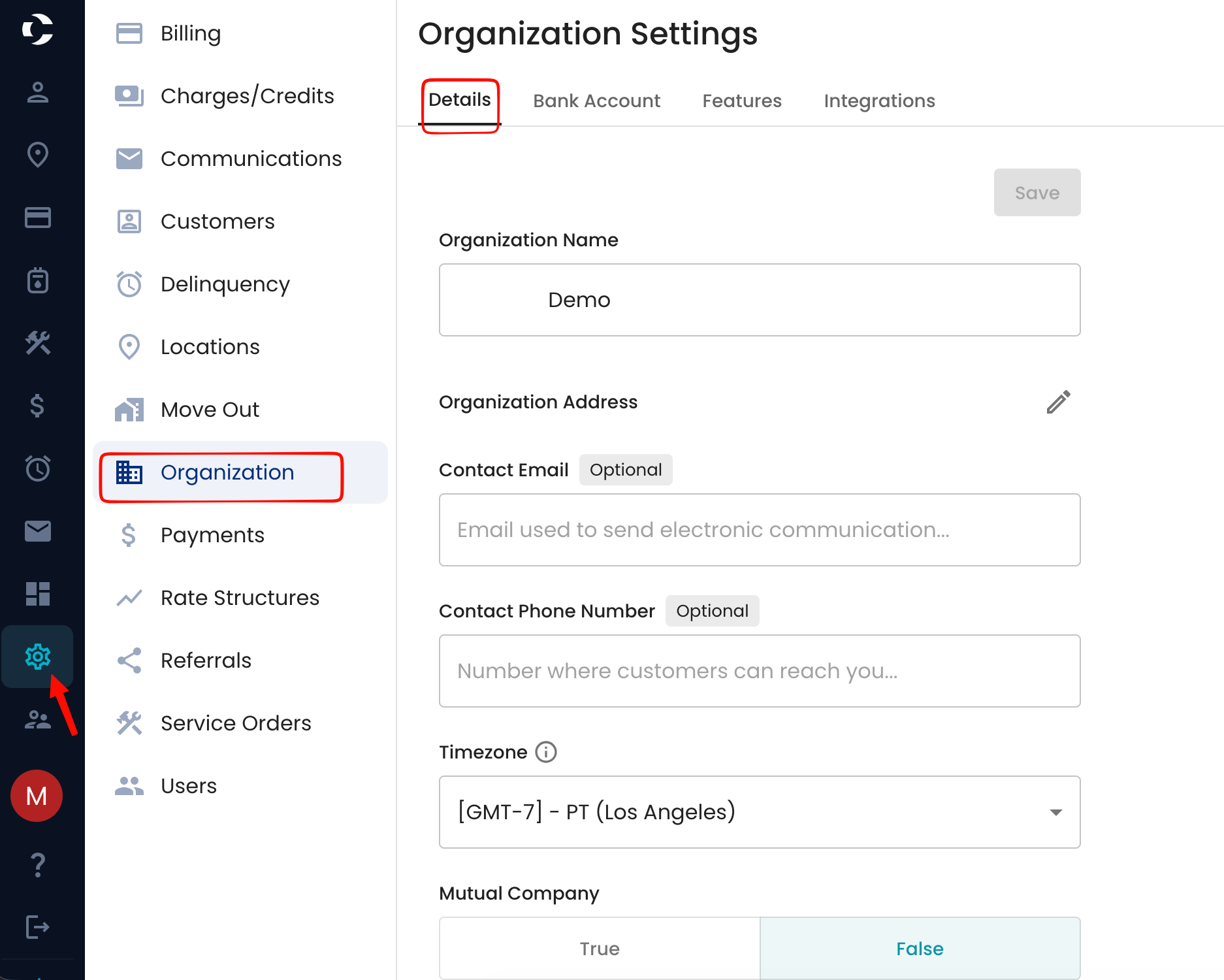
The first option is the Details Page, where you can view the organization’s name, add or edit the organization address, a contact email that is used to send communications, a contact phone number, edit the time zone, and determine whether the company is a mutual company.
The organization logo can now be uploaded or removed here.
The logo is used on bills, emails, and the customer portal.

Bank Account
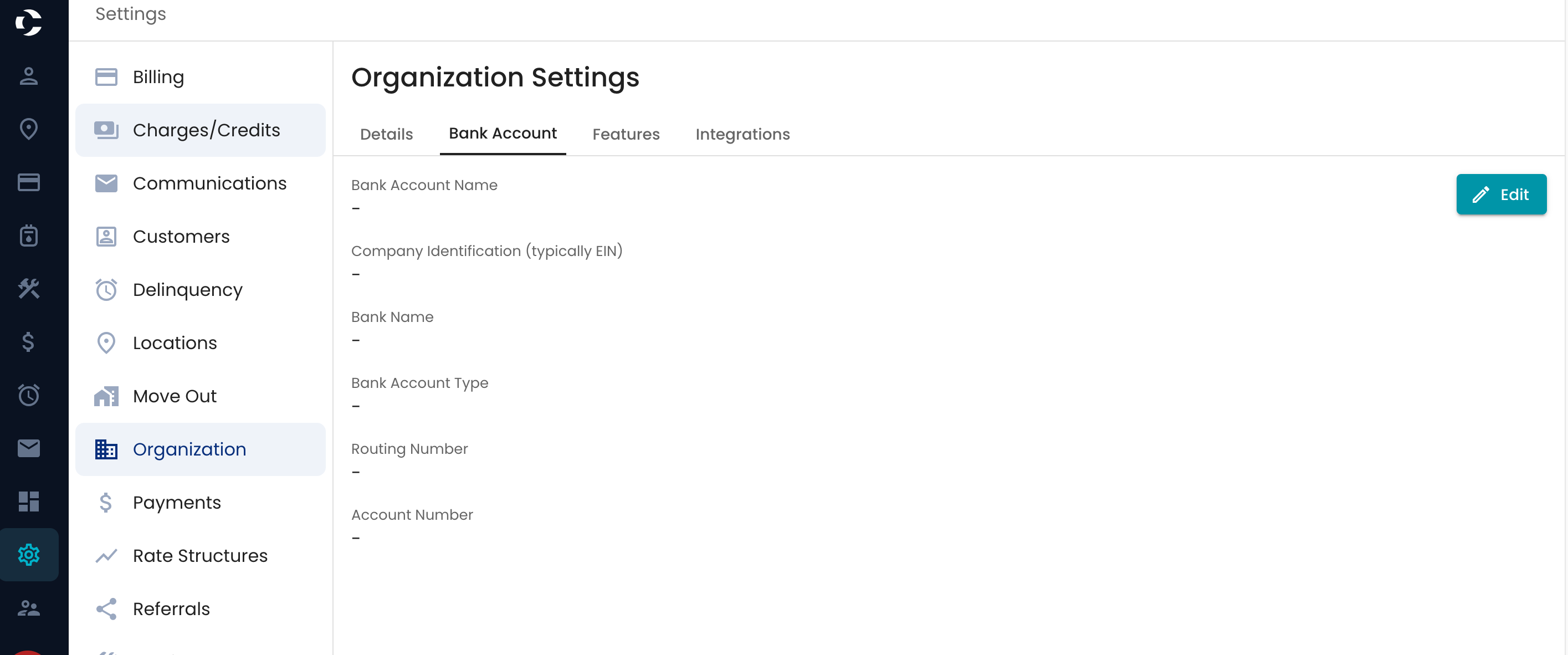
The next is the bank account, which is used as your organization’s own bank account profile for ACH/NACHA payment processing.
Features
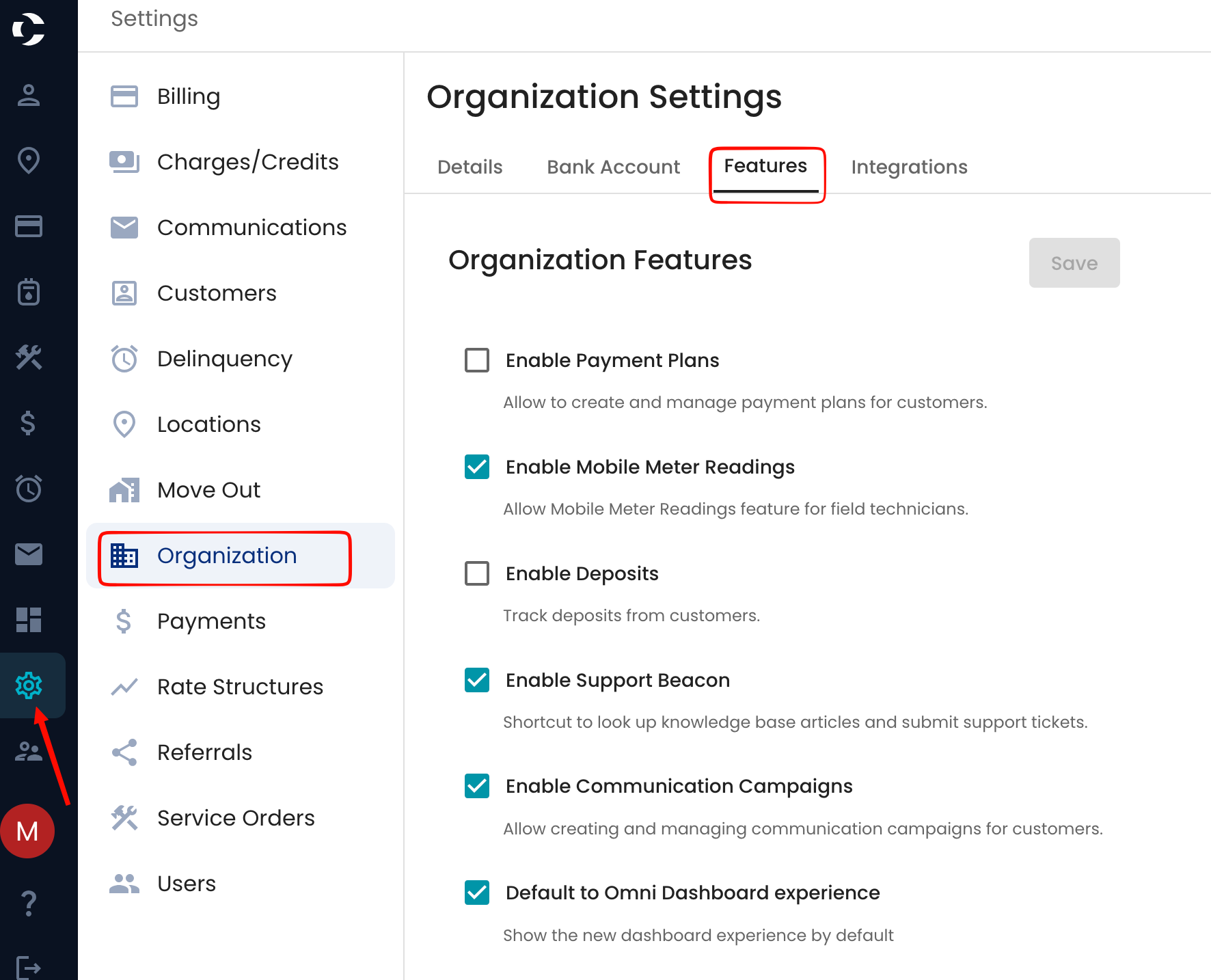
In the Features section, you can enable certain features that are not automatically enabled during onboarding, as it is up to the organization to decide whether they want these options available to them.
Here you can:
- Enable/Disable payment plans
- Enable/Disable mobile meter reading
- Enable/Disable deposit tracking
- Enable/Disable the support beacon (your ability to ask support questions to us)
- Enable/Disable communication campaigns