Create and Assign a Service Order
A service order can now be created in the service order page as well
1. From an Account or Location Detail page, click "Service Order" in the top right.

2. Click the "Select a type" field.

3. Select the type you want (in this case "Meter Read")

4. Click the "Assignee" dropdown to assign this to someone.

5. Click the person you want to assign.

6. Optionally, enter a description as a note for the technician working the service order.

7. Click "Save". This will automatically send an email to the assignee.

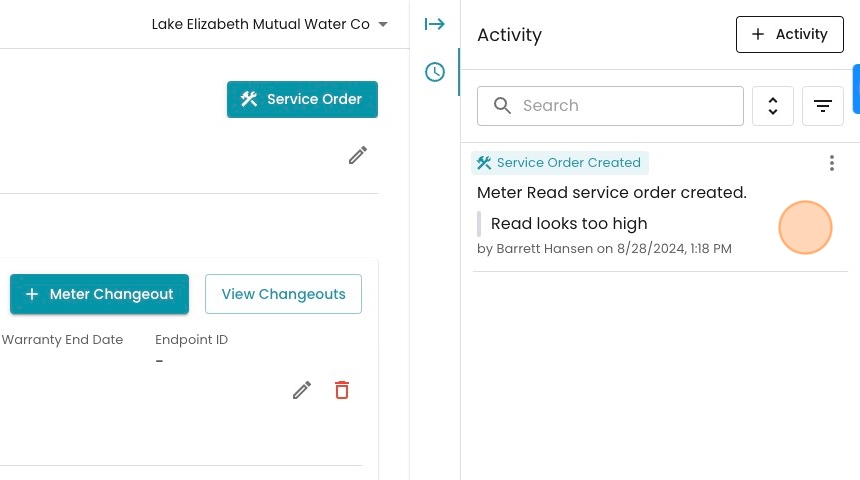
8. Notice this action is logged to the account's activity feed!