Update Contact Information
Update Contact Information
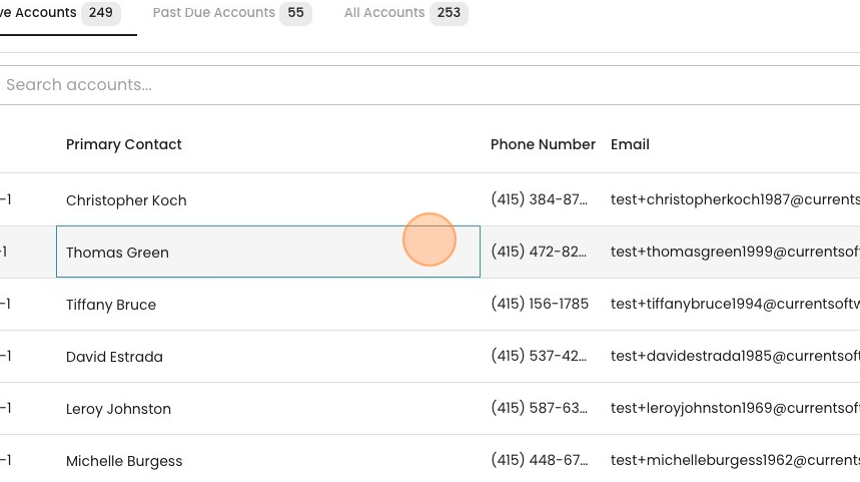
1. From the Accounts page, select a specific account.
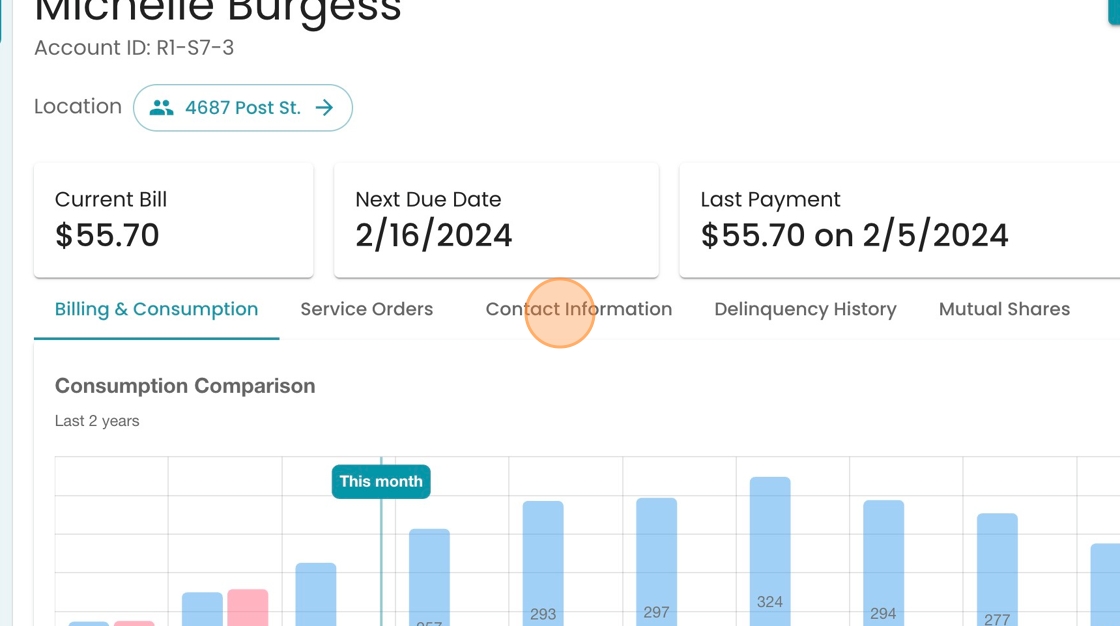
2. Click "Contact Information"
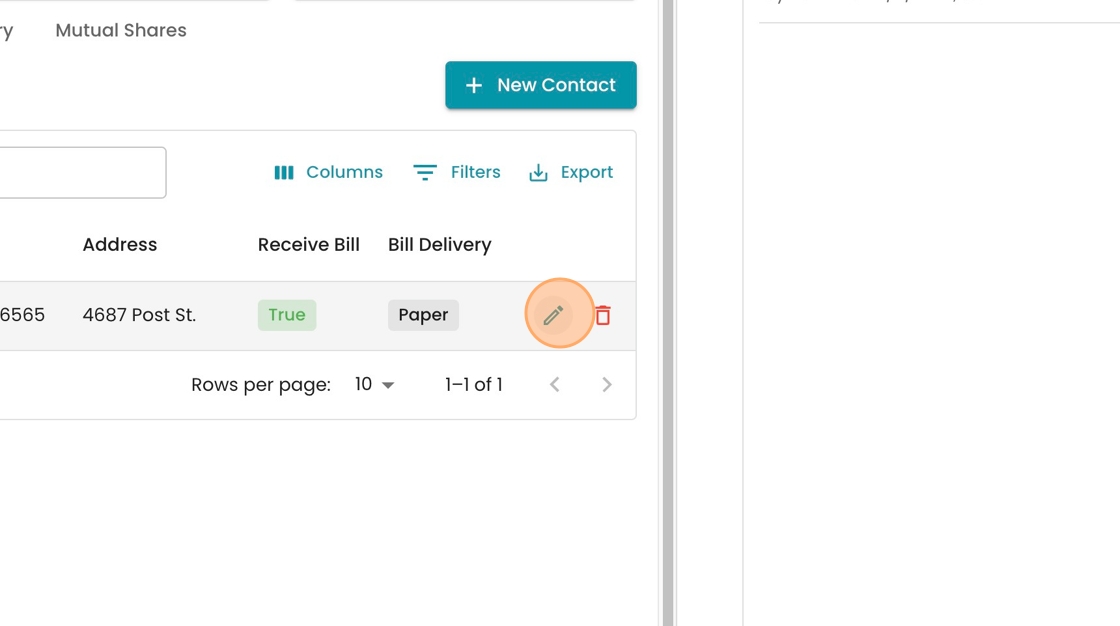
3. Click the pencil icon on the right to edit the contact record.
4. In this example, we see both first and last name in the last name field. So we can correct the contact name by moving "Michelle" into the "First Name" field

5. Continued from above.

6. Click "Save" to record the changes.

7. Note how the activity log tracks your change for future reference.
