Using the Activity Feed - Sorting Filtering and Searching
Using the activity feed - sorting, filtering and searching.
1. Look for the Activity Feed on the right hand side.

2. Click this icon to see your sorting options (default is newest to oldest).

3. Click "Oldest to Newest" to have the oldest activities show first.

4. To filter to specific activities, click this icon.

5. Note all the activity types are selected by default. To limit to only certain types, start by pressing "Deselect All"
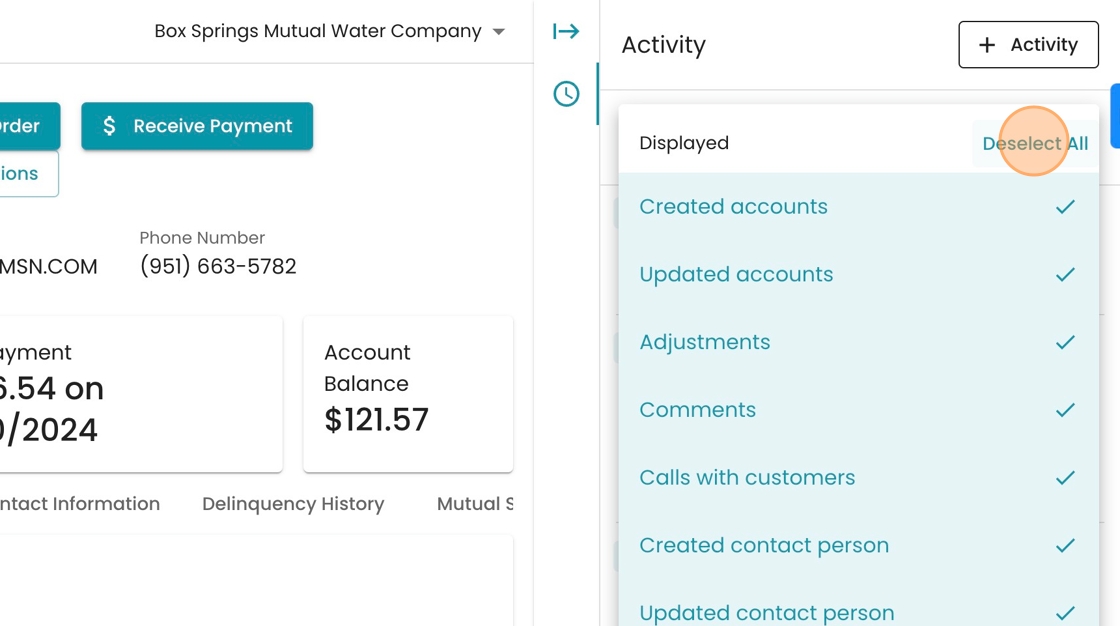
6. Let's say we're interested in delinquent behavior. We can start by selecting "Delinquency Created".

7. Also select "Delinquency Updated"

8. And "Delinquency Exemption"

9. Click away from the filter to apply it.
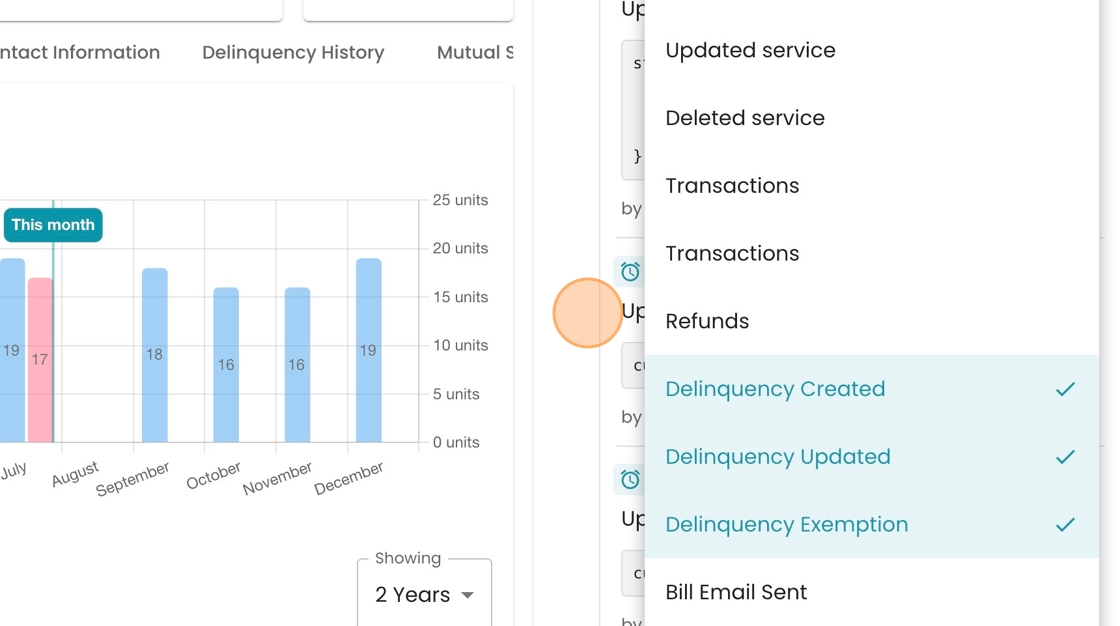
10. See the activity you selected here. including a record of who performed the action and when it occurred.

11. If you want to search by keyword, click the "Search" field.

12. See how if you type in a keyword like "payment" it will filter to activities including that word, such as this payment batch upload which included this account.
