Generate Financial Report from Custom Transaction Detail in Accounts Receivable
Generate Financial Report from Custom Transaction Detail in Accounts Receivable
2. Click the dropdown in the top right to select another report.
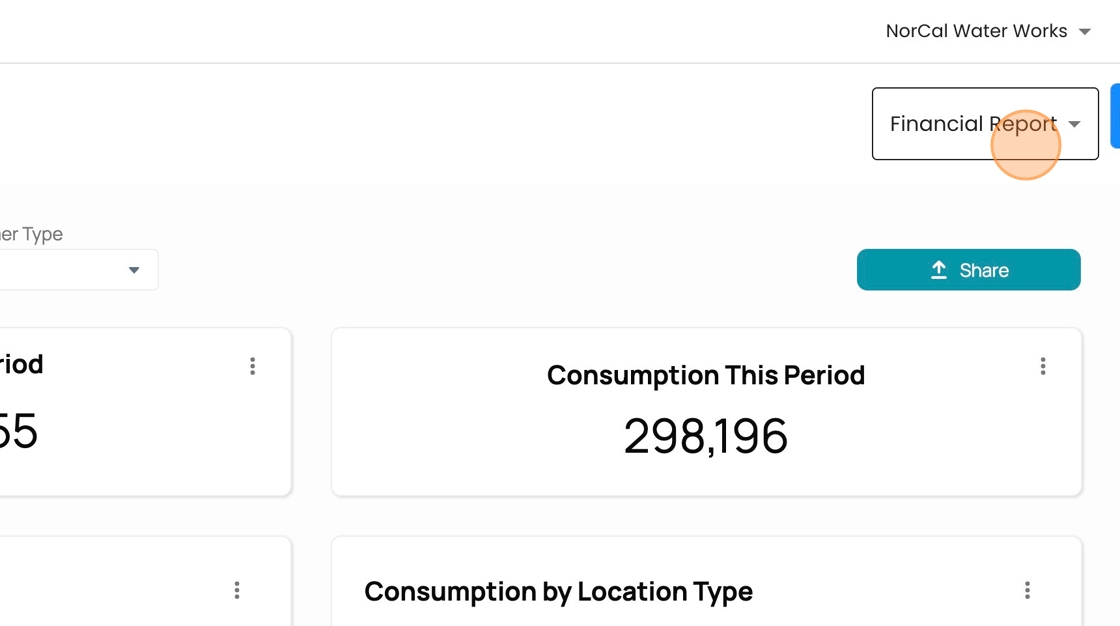
3. Click "Custom Reports"

4. Click this dropdown.

5. Click "Accounts Receivable"

6. Click this icon to pick a different "as of" date.

7. Choose the date you want from the calendar picker.

8. Click "Generate Report"
