Accept a Cash Payment from the Accounts Page
Accept a cash payment from the Accounts page
1. Find the right account in the Accounts Search Bar, such as by typing their name (in this case, let's say it's "Michael")

2. Select the correct "Michael" from the list.

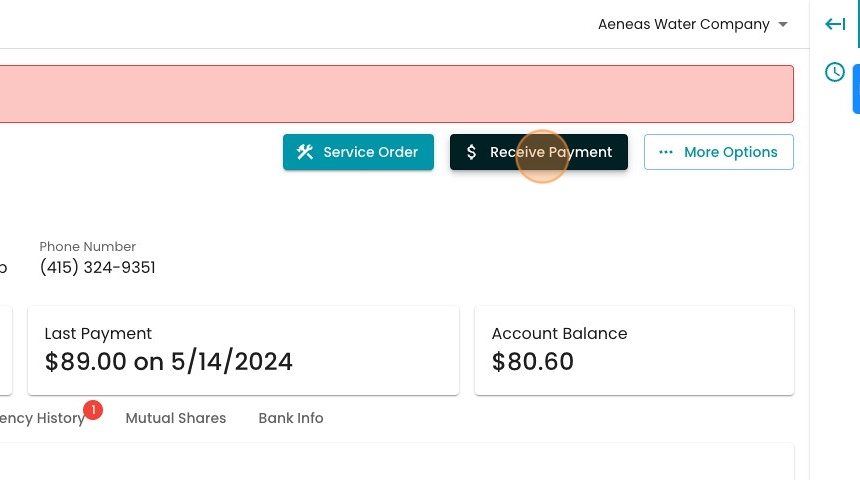
3. Click "Receive Payment"
4. Enter the payment amount in this number field.

5. See how the Account Balance is impacted by this payment here.

6. If the customer overpaid and wants change, you can enter the Cash Tendered here. If the customer enters more than the desired payment amount, the system will tell you the requisite change.

7. If the customer wants a receipt emailed to them, you may enter it here.

8. Click "Save"

9. The payment receipt will open automatically in a new tab for easy printing.
