Re-Activate Account and Generate Bill Steps
Re-Activate Account and Generate Bill Steps
1. Navigate to the Accounts Page

2. Click "All Accounts"

3. Find and open the inactive account

4. Click "More Options"

5. Click "Edit Account"
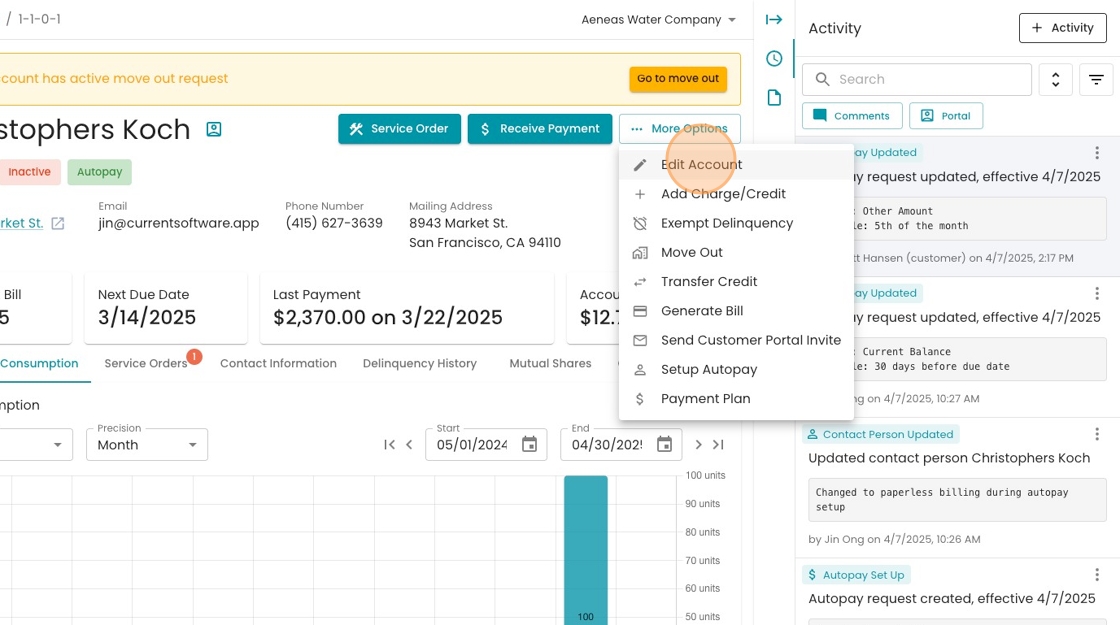
6. Click the "Account Status" drop-down

7. Change to "Active"

8. Click "Save"

9. Click "More Options"

10. Click "More Options"

11. Click "Generate Bill"

12. Set the Read Date

13. Set the Read Value

14. Set the Service Start Date and End Date to the same as the Billing Cycle

15. Enter the Due Date
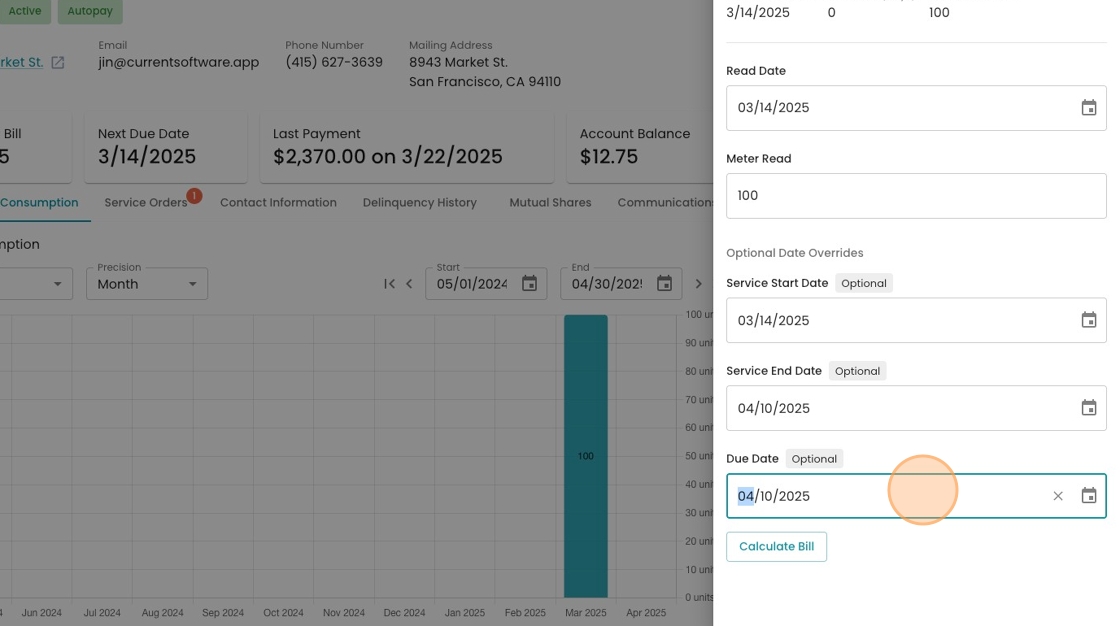
16. Click "Calculate Bill" to see a preview of the bill amount

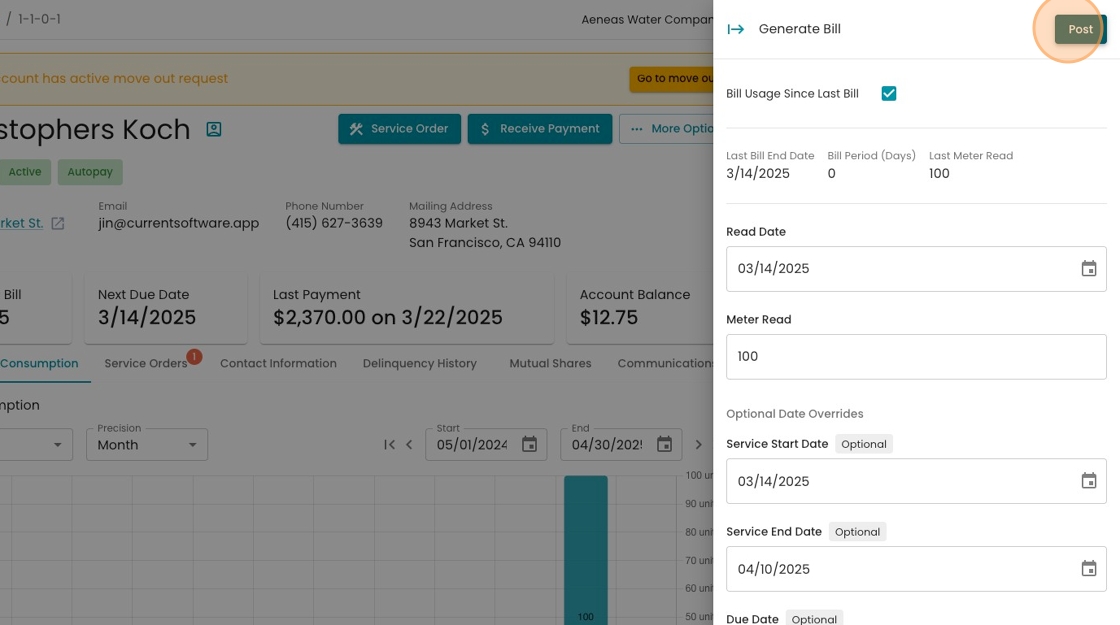
17. If everything looks good, Click "Post"
18. Click the eye to see the generated bill
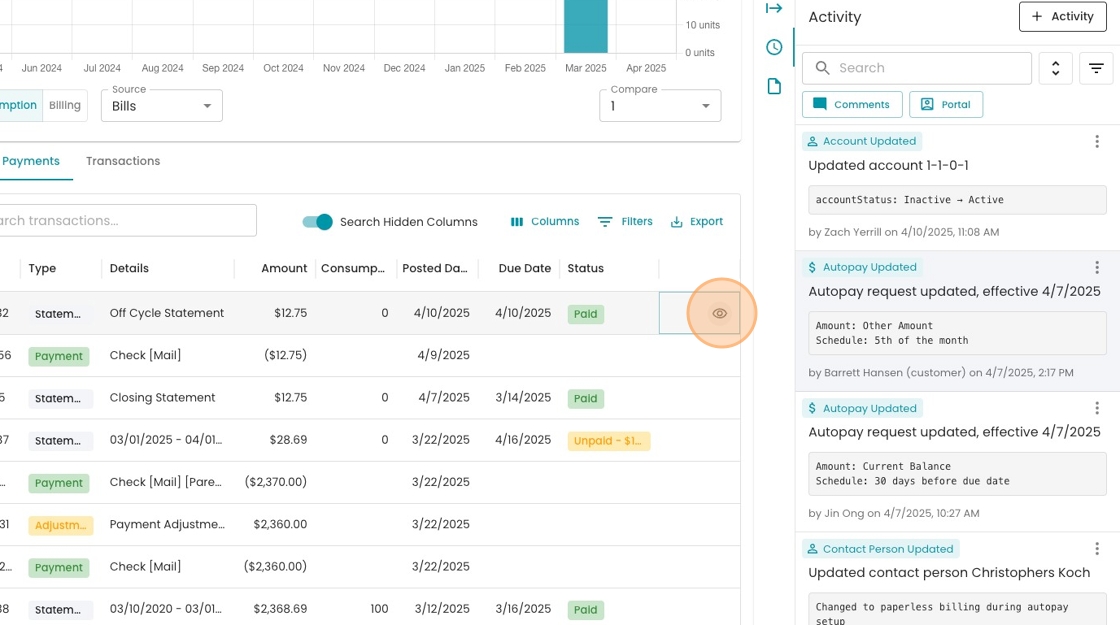
19. Resulting Bill
