How to View Customer Email Activity
How to view customer email activity
1. Start on a specific account's page

2. Find the activity log on the right-hand side. Click this icon to filter.

3. Click "Deselect All"
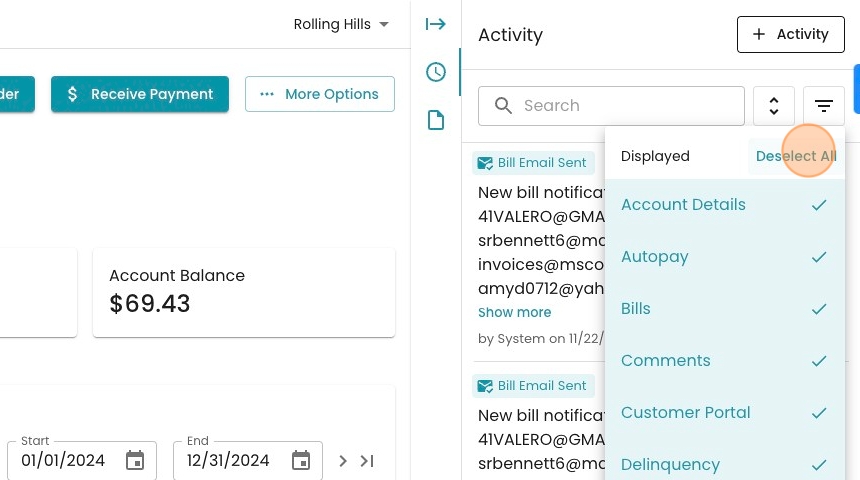
4. Click "Email" to filter only to emails

5. We've now filtered to only the emails. Each event represents a batch of 25 emails sent, including an email to the account you're on.
If you want more information, you can click the the three-dot icon.

6. Click here to open up the billing cycle that generated the email.

7. Look here for more general information about the billing cycle.
