Conduct Billing - Import Meter Data, Review Exceptions, and Generate Re-Read Service Orders
This guide provides step-by-step instructions on how to schedule a billing cycle, import meter reads, review exceptions, and schedule service orders for suspicious reads. It includes detailed instructions and screenshots to help users navigate the process easily. By following this guide, users can efficiently manage their billing cycles and address any exceptions or suspicious meter reads.
1. Navigate to https://utilities.currentsoftware.app/billing
2. Click "Schedule a Billing Cycle" in the top right.

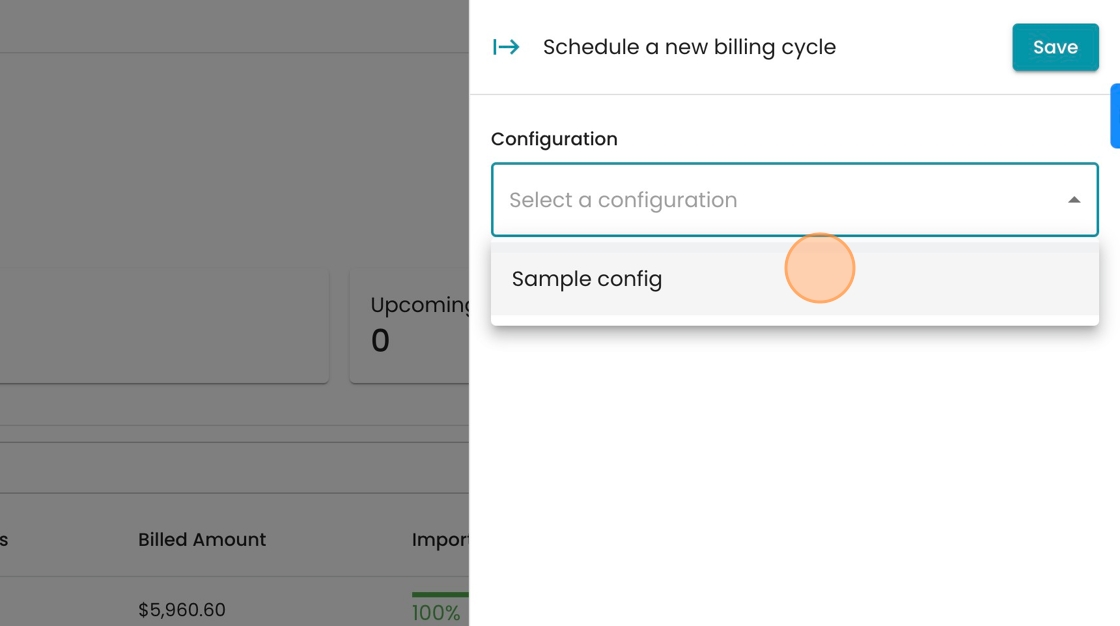
3. Select the billing configuration this billing cycle belongs to

4. Select from the dropdown.
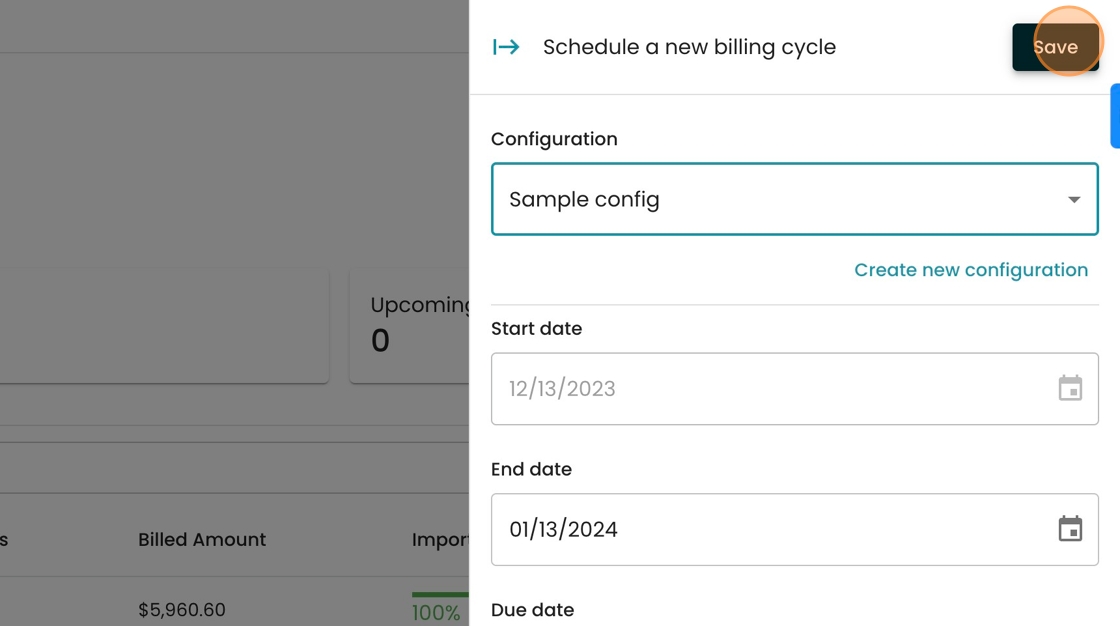
5. Click "Save"
6. Click "Export data for meter reads" to generate the file you'll upload to your meter reading software.

7. Select from the options in the dropdown, and your download will begin automatically.

8. Once you have your meter reads, select "Import Data"

9. Either drag your file into this box, or press "Browse" to select your file. Your data will begin loading.

10. Once your data loads, select "Review Exceptions" to see which meter reads the system flagged automatically for review.
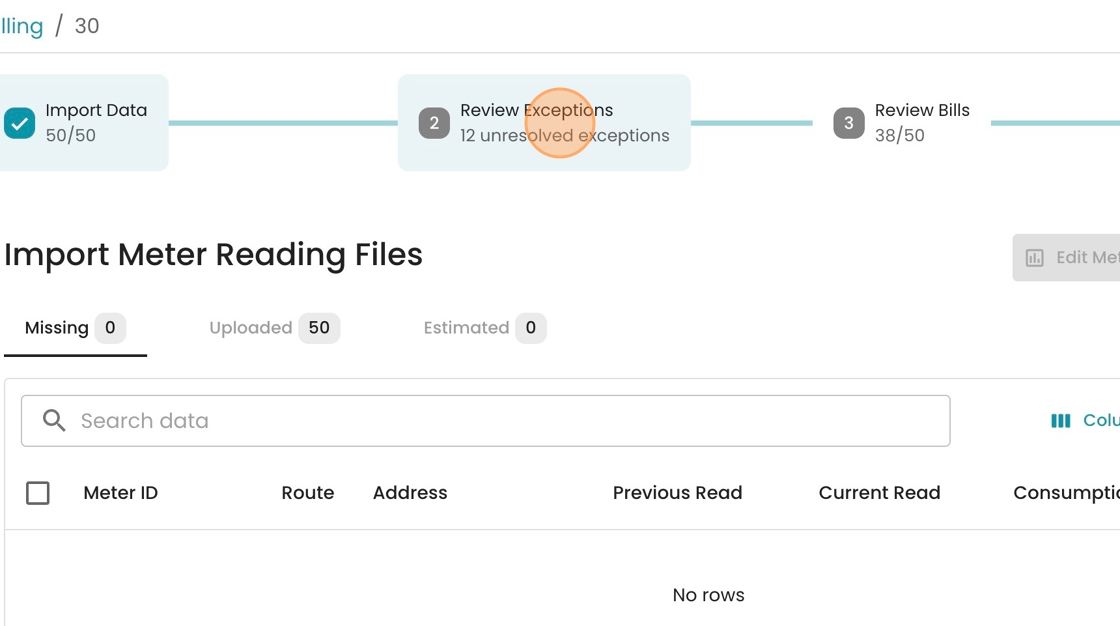
11. Select from the type of exception to review from the preset tabs

12. To take bulk action on similar exceptions, you may select rows with the checkmark on the left-hand side.

13. To request a reread, click "Create Service Order"

14. Select "Meter Read" from the dropdown.

15. Select the Assignee from the dropdown

16. Optionally add a description to the text box
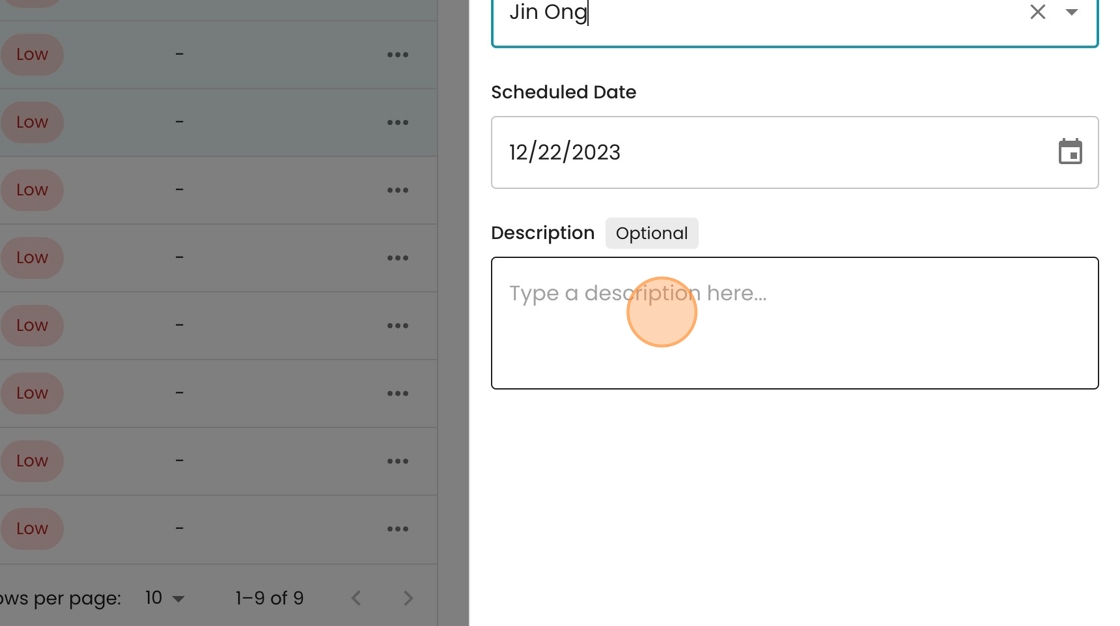
17. Click "Save"

18. To access the service order, click on the linked field in this column
