Import and Process Payment Batch Using ORCC Integration
Import and Process Payment Batch Using ORCC Integration
1. Navigate to the payments page by clicking here

2. Click "Import Payment Batch"

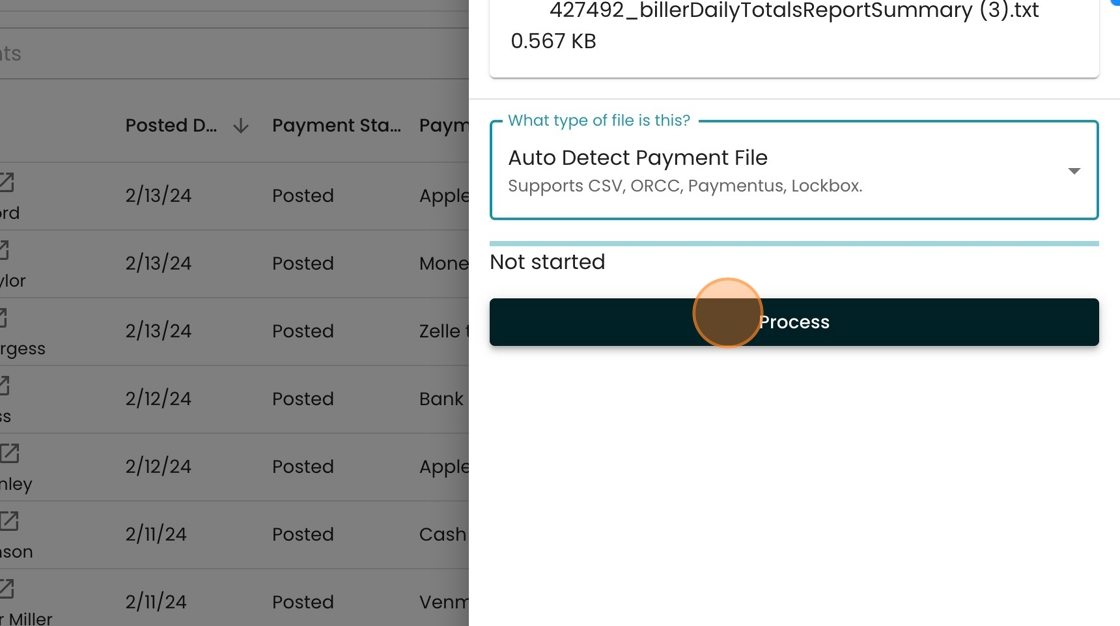
3. Notice that there's an option to "Auto Detect Payment File". This supports a variety of payment types including ORCC.

4. Click "Process"
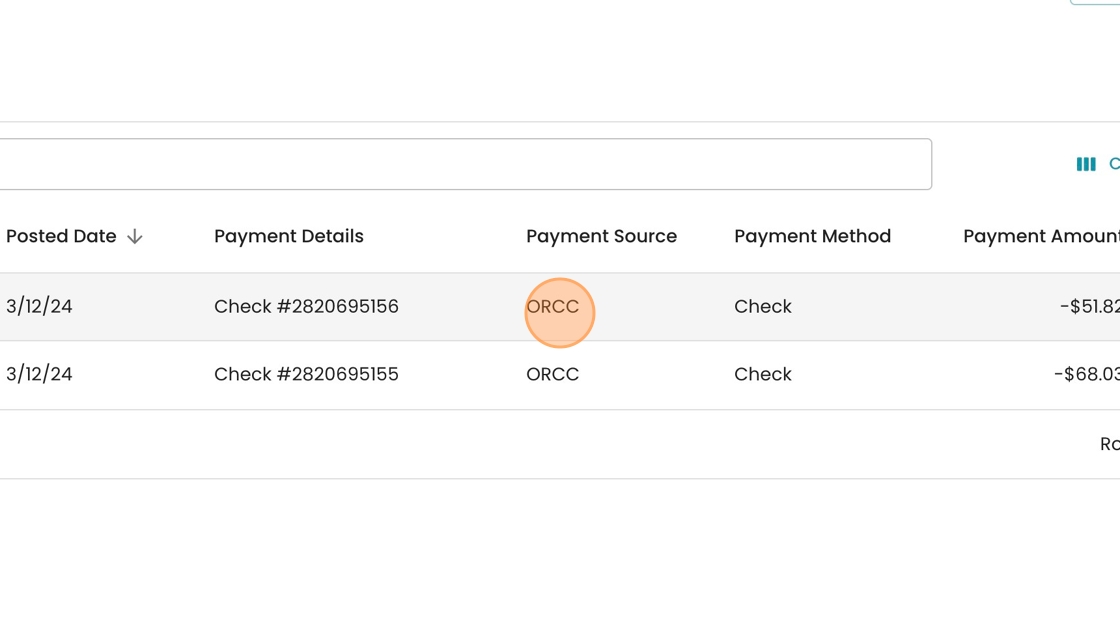
5. Our system automatically detected the ORCC file format, and noted the payment source here.
6. After reviewing the payments and accounts, click "Post Payments" to finalize this batch.
