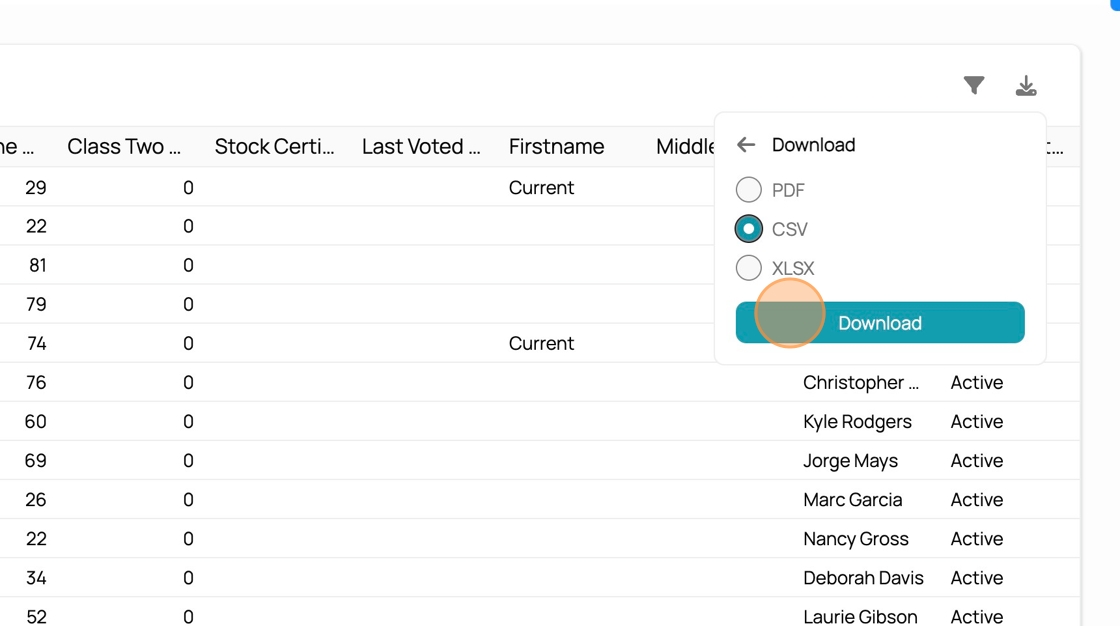
Downloading Shareholders for Proxy Votes
Downloading Shareholders for Proxy Votes
1. Navigate to the Dashboards by clicking the Current logo in the top left.

2. Click on the dashboard dropdown in the top right

3. Select "Mutual Shares"

4. Find the "Shareholders" table

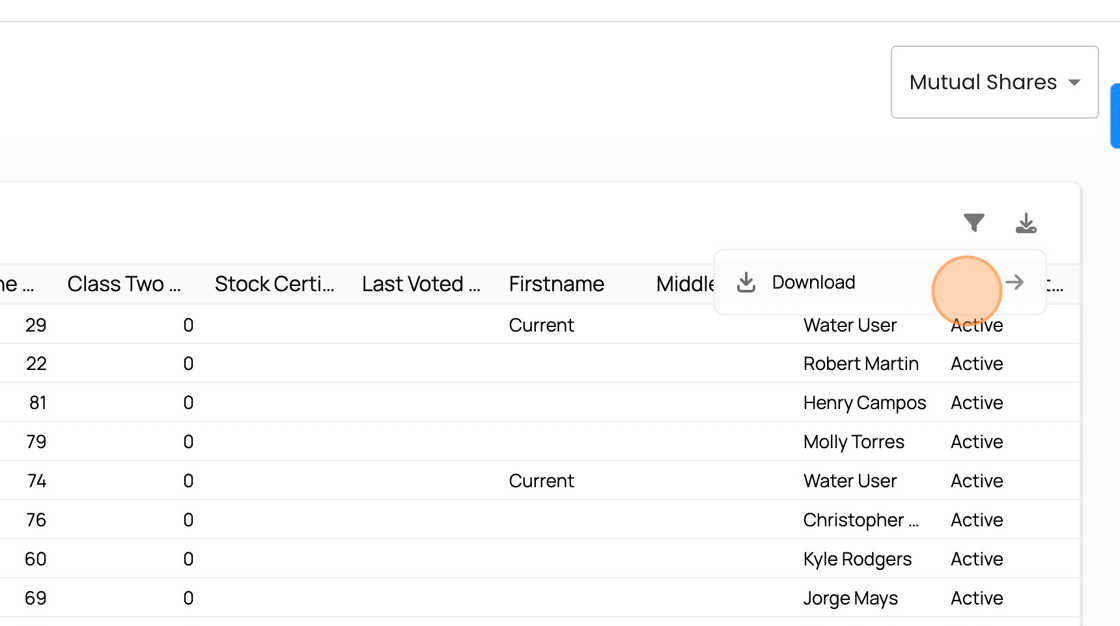
5. Click the download icon to begin data export.

6. Press "Download"
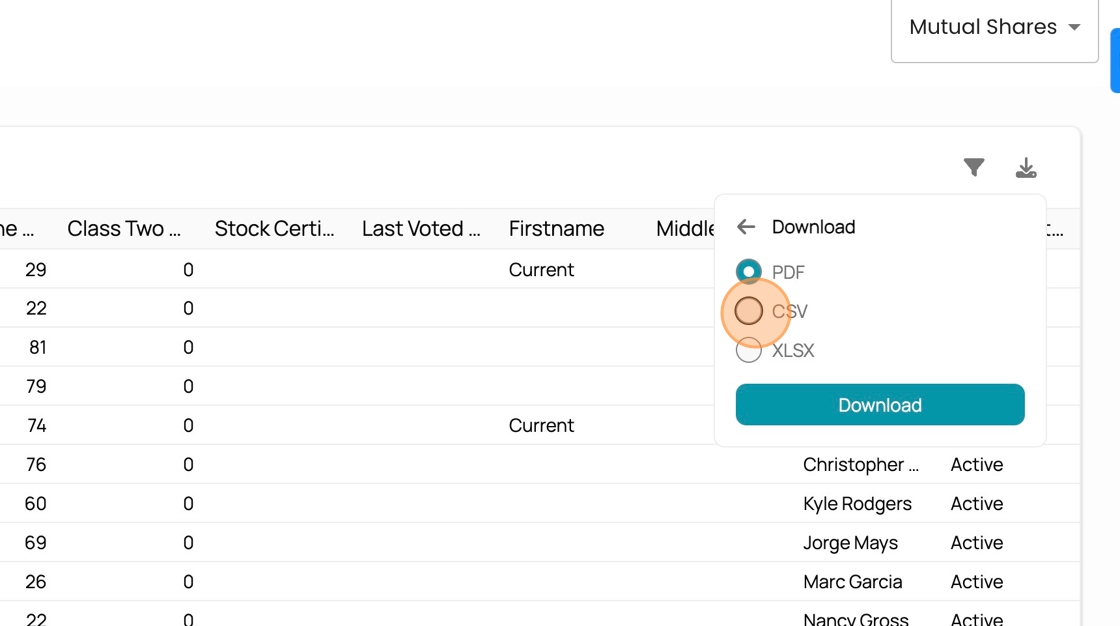
7. Select the data format type here.
8. Confirm selection and press "Download"