Add a Meter to a New Location
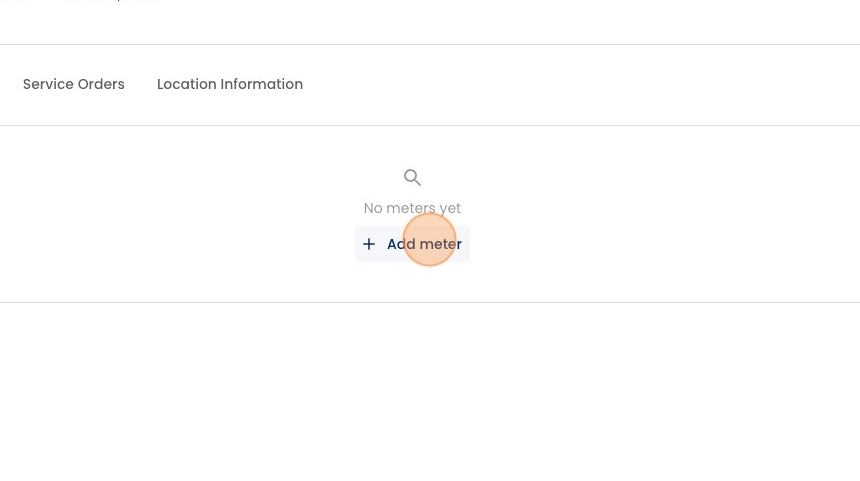
1. In the center of the page - under "Meters" - click "Add meter"
2. Fill out detail about the meter in the right-hand panel, starting with the meter brand.

3. Here you can type in the meter model.

4. Adjust the initial read (if not 0).
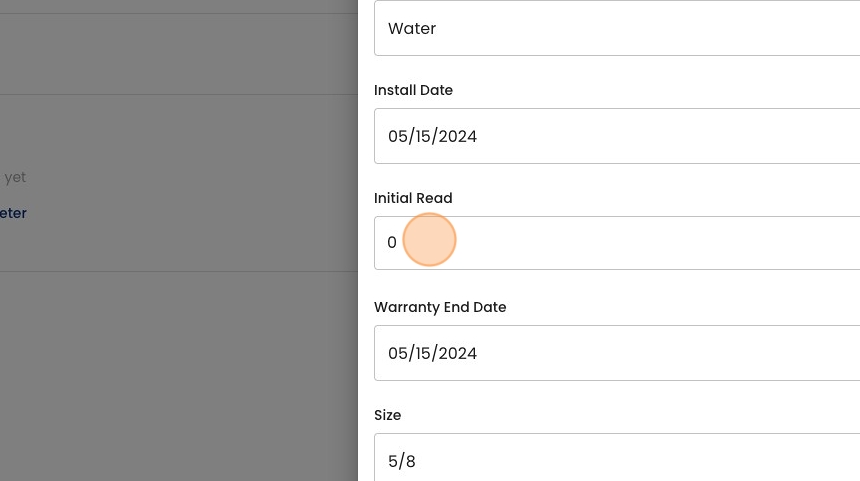
5. Select the meter size

6. Optionally, type out a description of where the meter can be found (e.g. "5 feet left of the front door").

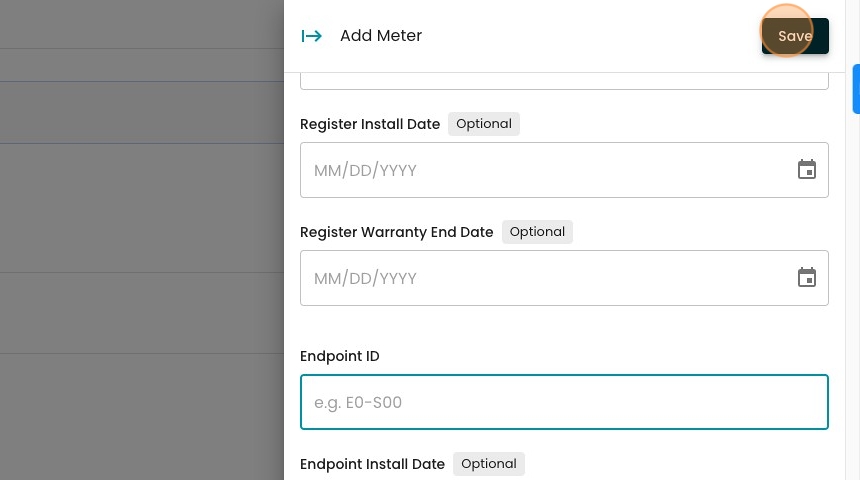
7. Optionally, if the meter has a separate register, enter that ID here. You may also enter the installation & warranty end dates for your records.

8. Optionally, if the meter has a separate endpoint, enter that ID here. You may also enter the installation & warranty end dates for your records

9. Click "Save" to add the meter.
10. See your new meter in the "Meters" tab in your location here.
