See Locations Details from an Account
1. Navigate to https://utilities.currentsoftware.app/accounts
2. Double-click on a row to access the Account Details page.

3. Click on the hyperlinked Service Address to open it up in the right-hand peek window.

4. See how the Location pops out from the right-hand size.

5. You can navigate the tabs as if you were on this page.

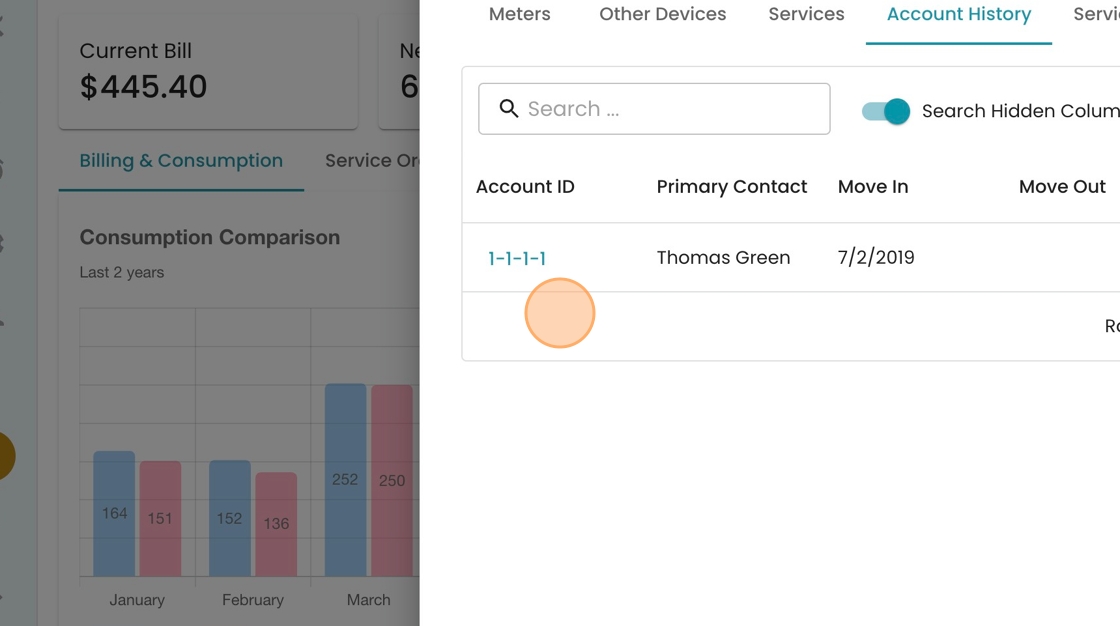
6. Click "Account History" to see a list of previous account holders.

7. In this case, Thomas is the only account holder. If a new person moved in, we'd see them added to the list here.