Make a Payment for a Utility Bill
1. From the home screen, click "Pay" for a specific account

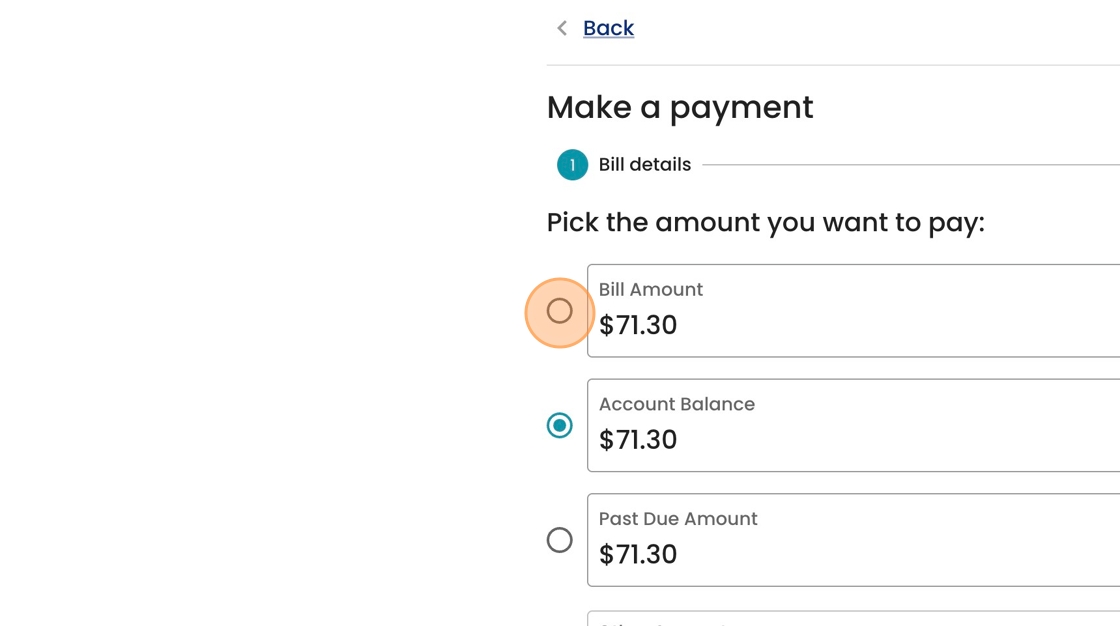
2. Select which balance you'd like to pay off: the most recent bill, the account balance, or what's past due. These may be similar or different depending on your circumstance.
3. Enter your Card or Bank Account information here.

4. Click "Continue"

5. Review your transaction details, and click "Pay" to confirm.
