How to Add Fees Only to Customers Delinquent Over a Certain Threshold
How to add fees only to customers delinquent over a certain threshold
1. From the left-hand menu, click "Delinquency"

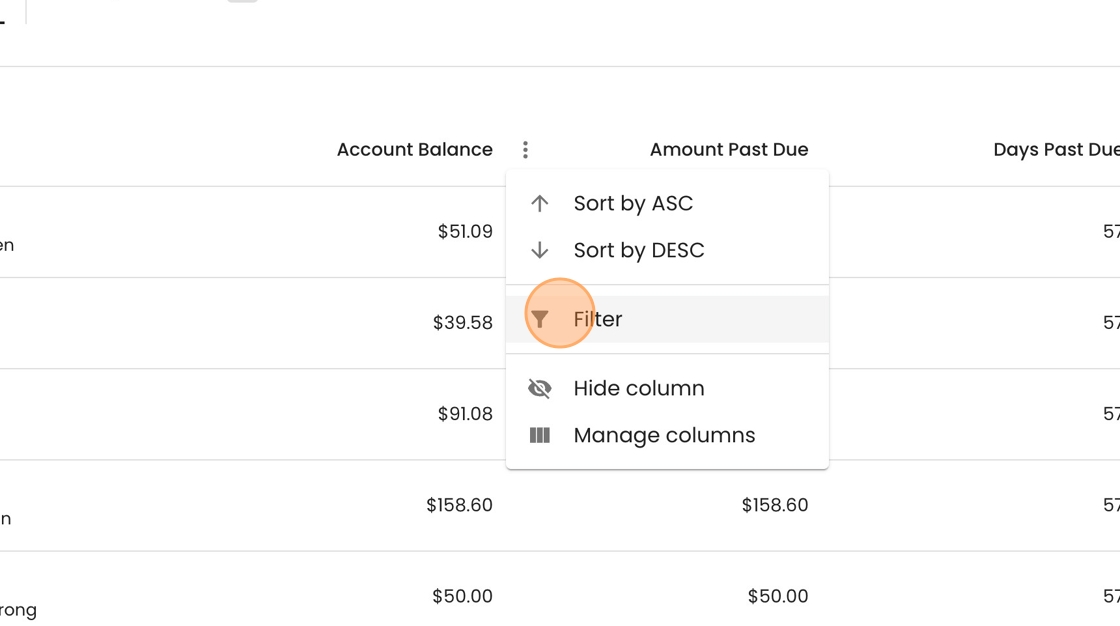
2. To filter past due accounts by the their balance, click the three dot menu on Amount Past Due.

3. Select Filter.
4. Change the operator to "greater than".

5. Type in the value you want as your threshold and press Enter.

6. To take bulk action on these accounts, click the checkbox in the top left.
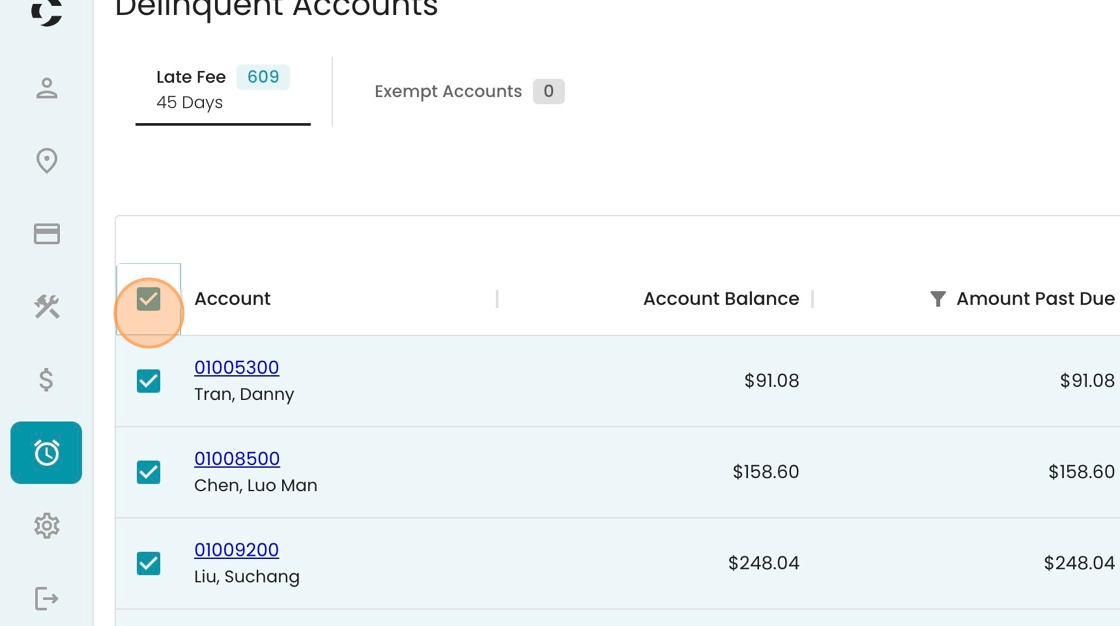
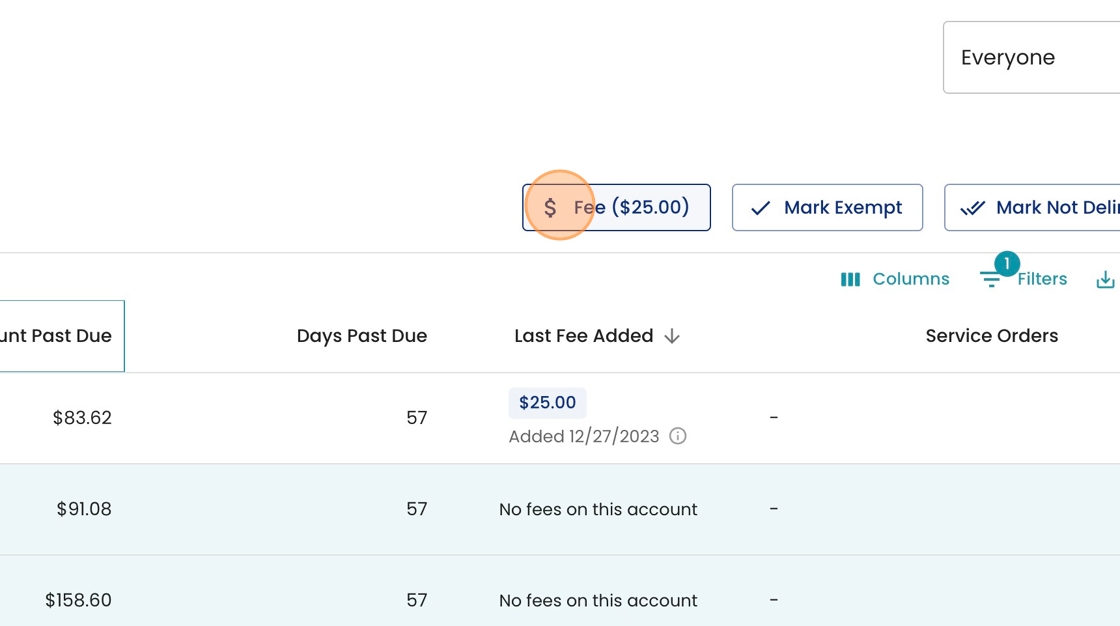
7. Select from the set of activated bulk actions on the right, such as "Fee"