Add a Saved Payment Method
1. In the top right, click the dropdown with your name on it.

2. Click "Profile Settings"

3. Navigate to the "Payment information" tab

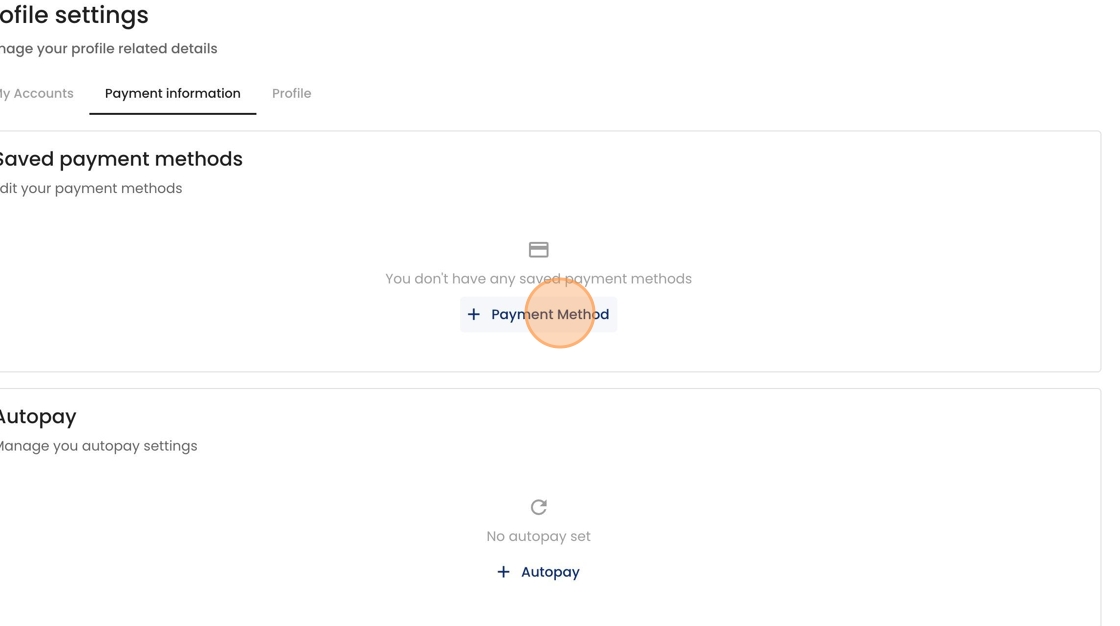
4. Click here to add a new saved payment method.
5. Enter your credit card or bank account details, including a nickname that you can refer to later.

6. Click "Save"

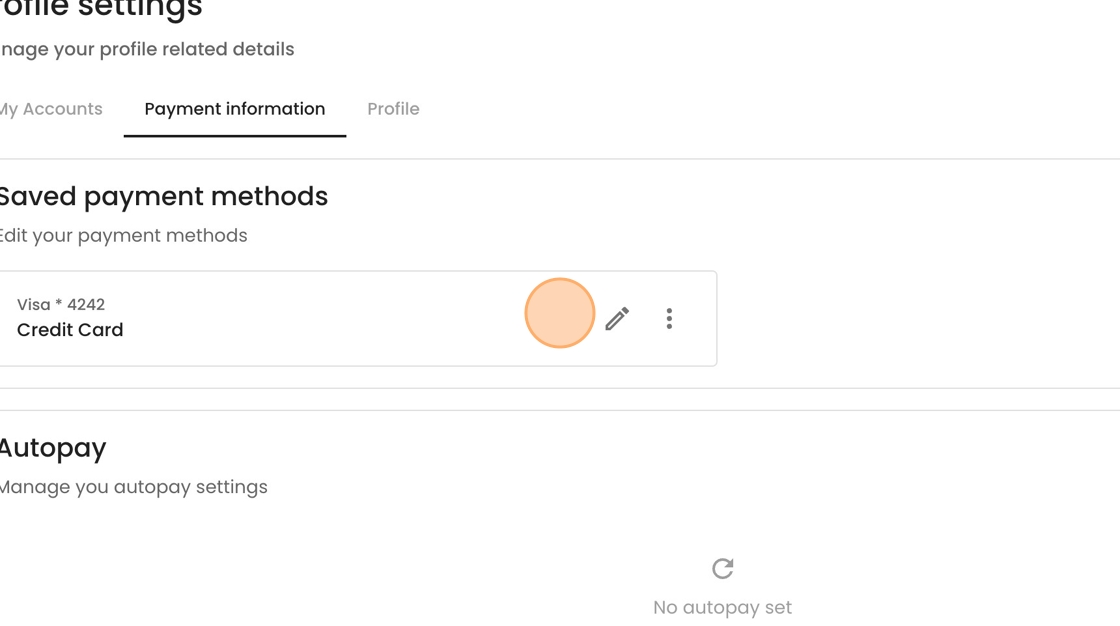
7. View your saved payment method here.