Add a Note to an Account
Add a Note to an Account
This guide provides a step-by-step process on how to add a note to an account. By following these instructions, users can effectively log comments and track activity on an account.
1. From an account page, click "Add Activity"

2. Select the activity type from the dropdown menu here.

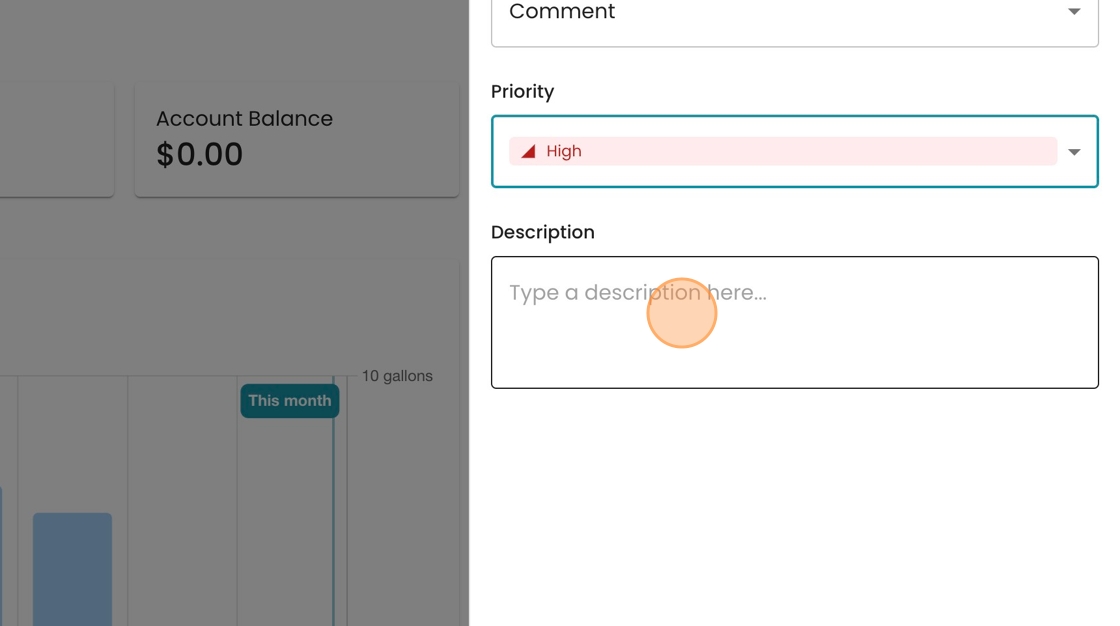
3. Select the priority level from the dropdown here.

4. Add an optional description to the text box here.
5. Click "Save" to log the comment on the account

6. View the comment added in the activity log along the right hand side.
