Create Rate Structure for Non-Paying Members
Create Rate Structure for Non-Paying Members
1. Click the gear icon to reach the "Settings" page.
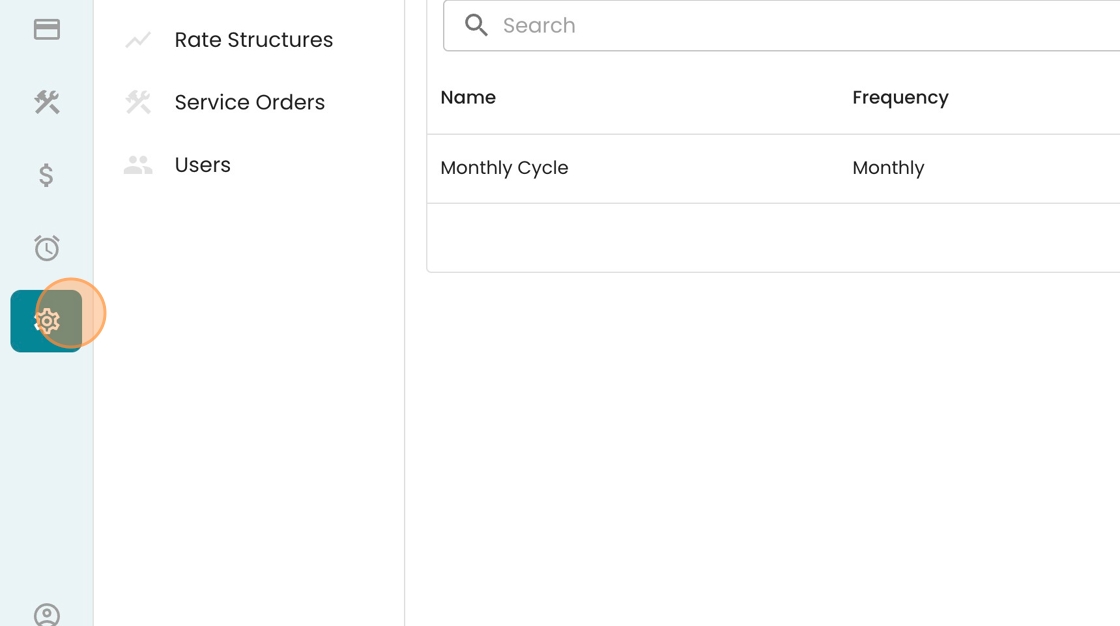
2. Click "Rate Structures"

3. Click "New Rate"

4. Type out the name of this rate code in this field.

5. Describe the rate code. Be sure to outline why these customers are getting free water!

6. Click "Save"

7. You'll be immediately redirected to the "Rate Structure Detail" page. From here, you can add a new rate by clicking "+Rate" here.
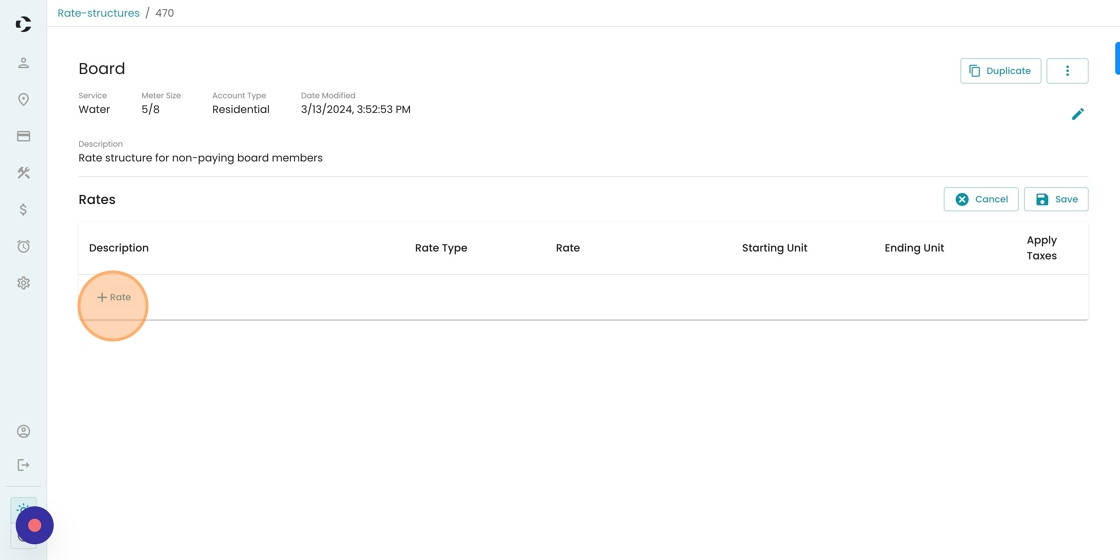
8. Double click the rate value here.

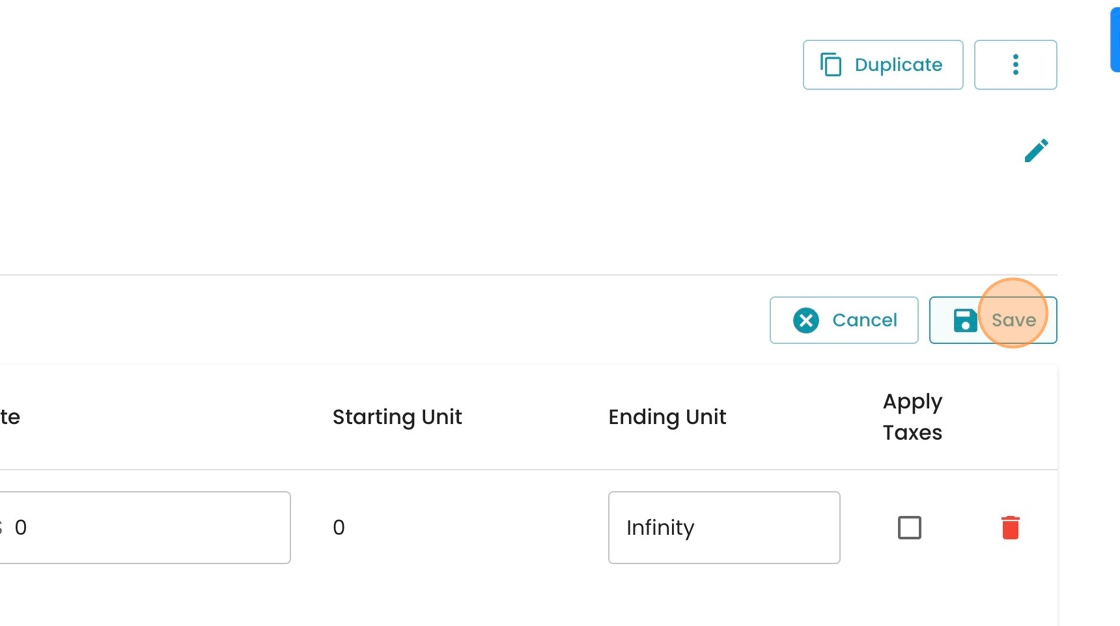
9. Type "0"
10. Click "Save"
11. To update a specific account to this new rate code, navigate to the "Accounts" tab.

12. Search for your account in the Search Bar here.

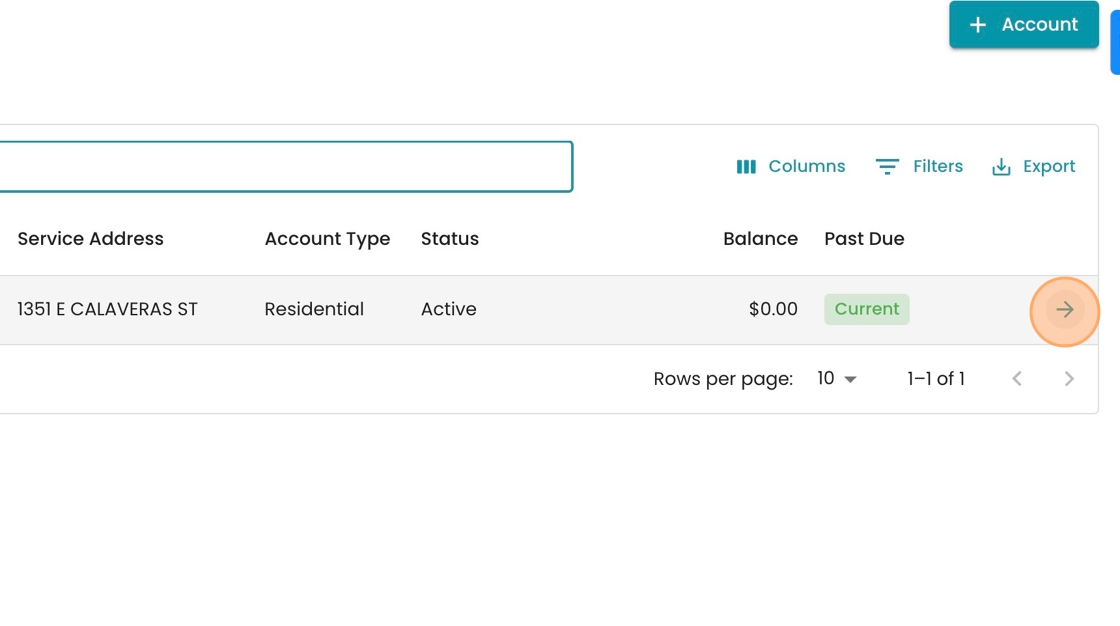
13. When you find the account, double click on the row, or click the arrow icon.
14. Open up the "Location" record in the side panel by clicking this link.

15. Click "Services"

16. Find the appropriate water service, and press the pencil icon to edit.
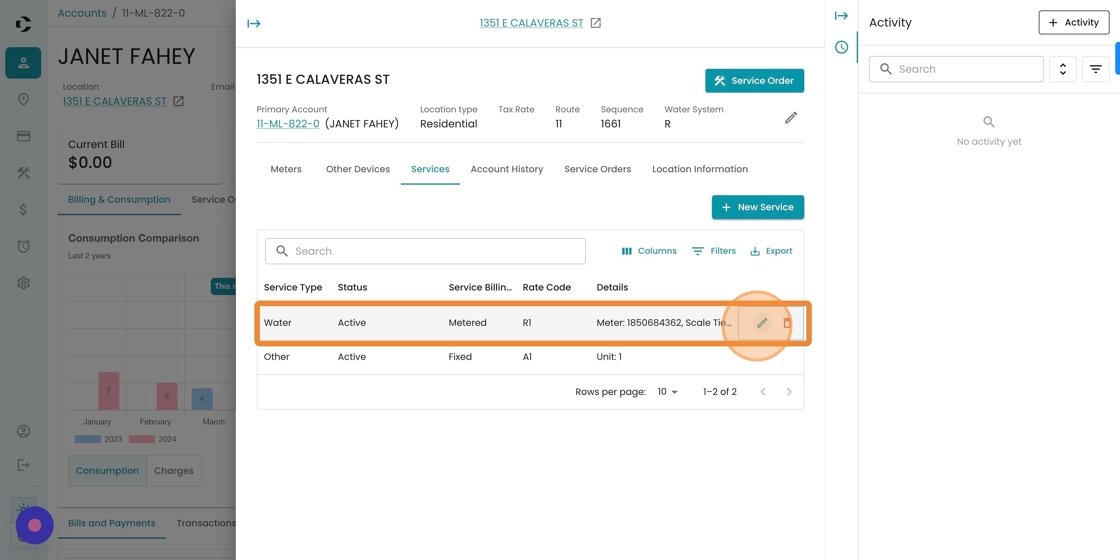
17. Select your new rate structure from the dropdown here.

18. Click "Save"
