How to Schedule a Billing Cycle and Export Data
How to Schedule a Billing Cycle and Export Data
1. Navigate to https://utilities.currentsoftware.app/billing
2. Click "Schedule a Billing Cycle"

3. Click "Select a configuration"

4. Click "Select a configuration"

5. Click "Sample config"
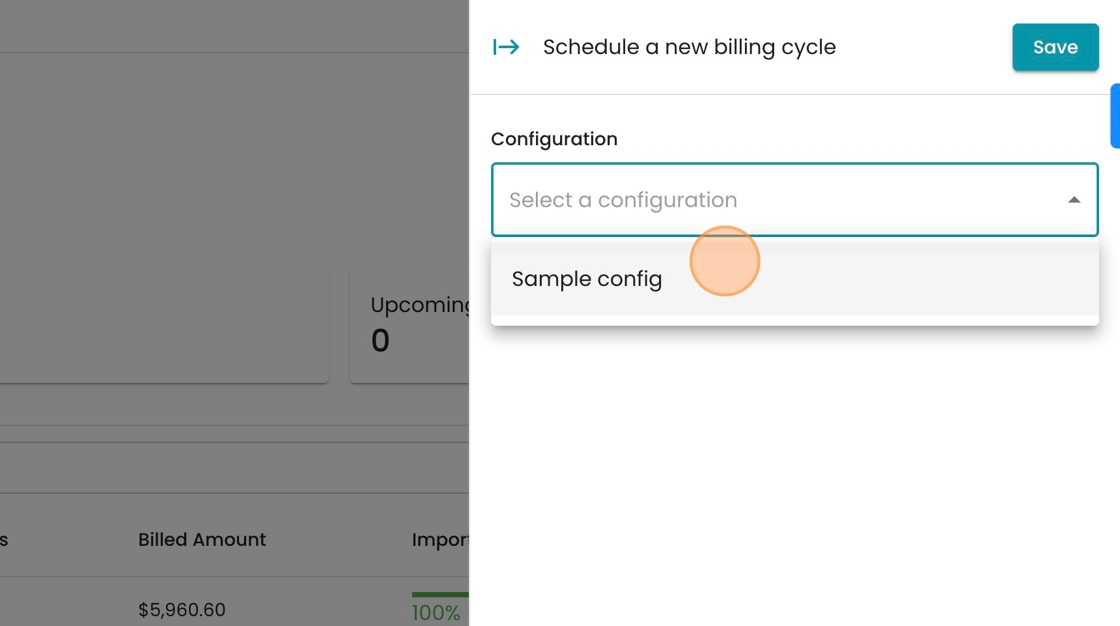
6. Click here.

7. Click "5"

8. Click "Save"

9. Click this icon.

10. Click "Export data for Neptune meters"
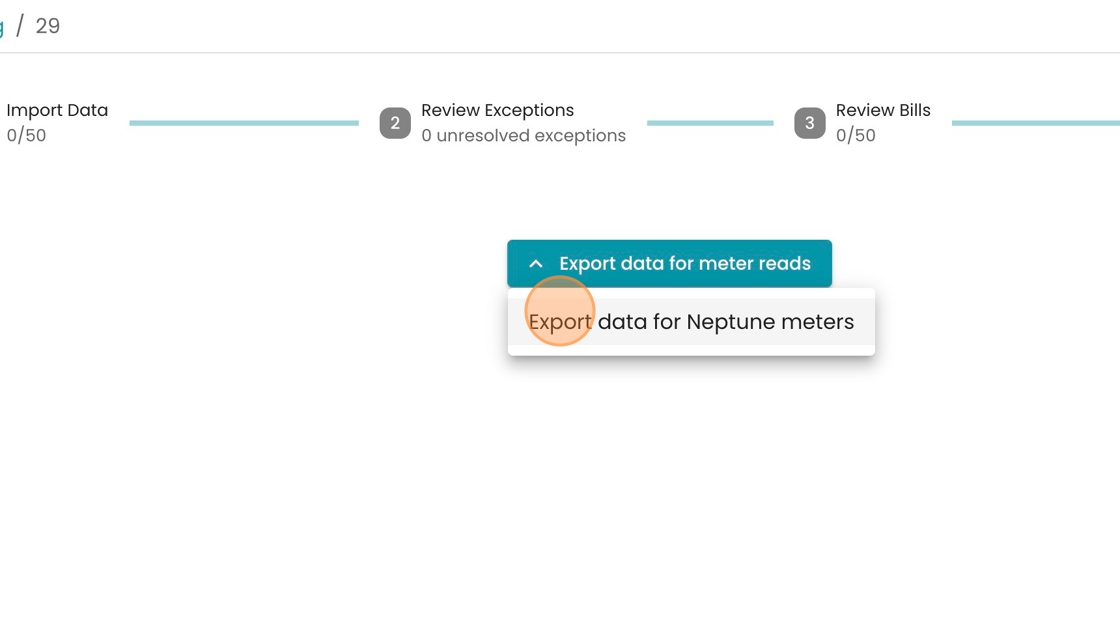
11. Click "Import Data"

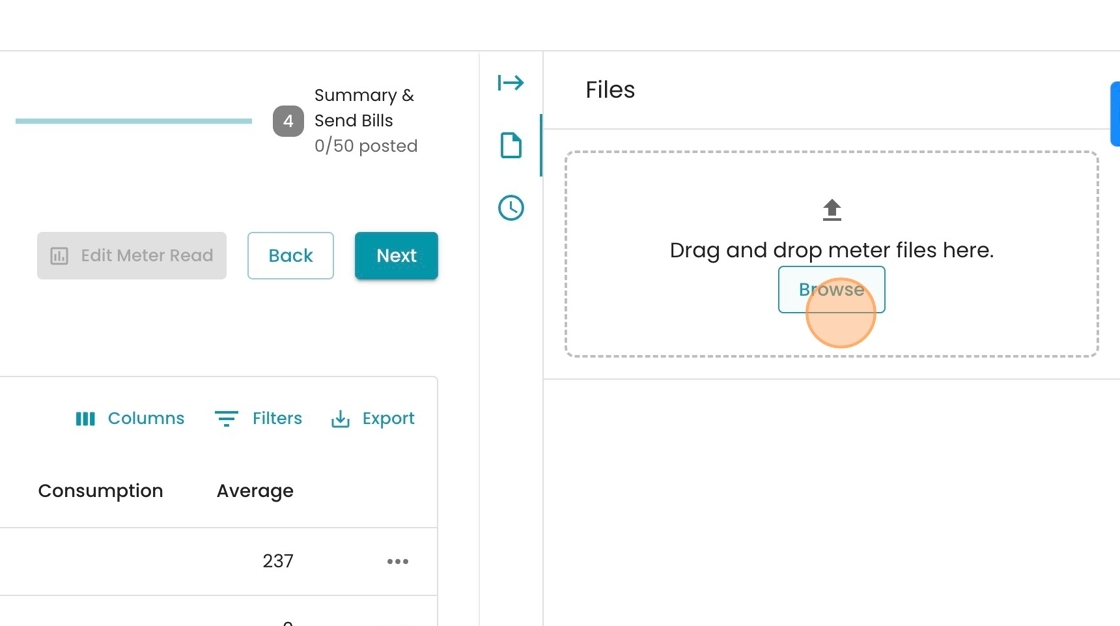
12. Click this file field.

13. Click this file field.
14. Click "32 unresolved exceptions"

15. Switch to tab "Scribe | Workspace"