Schedule a Closing Meter Read for Moving Out
Schedule a Closing Meter Read for Moving Out
1. For a given account, click "More Options"
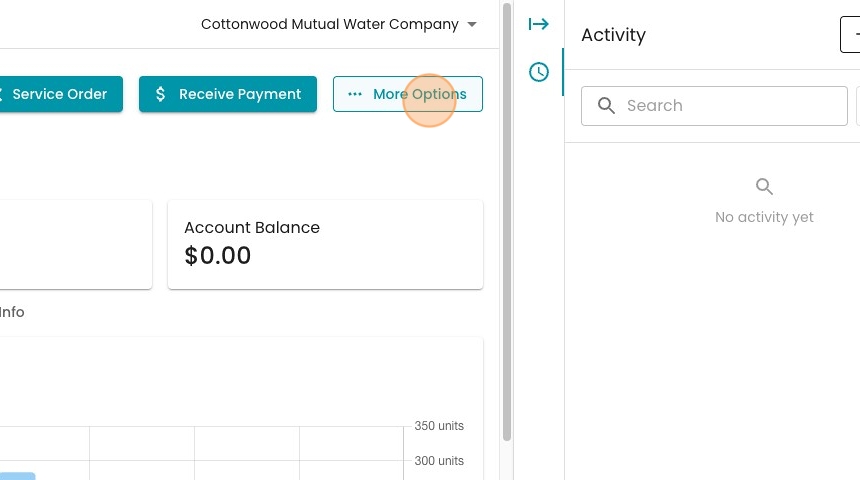
2. Select "Move Out"

3. First, select the move-out date from the date picker.

4. You can navigate between steps along the left-hand side. Completed steps will be marked in green.

5. You can also mark a step complete by clicking this checkmark.

6. Navigate tot he "Schedule Closing Meter Read" step. You can create a service order to get the closing read.

7. Select "Meter Read"

8. Pick an assignee
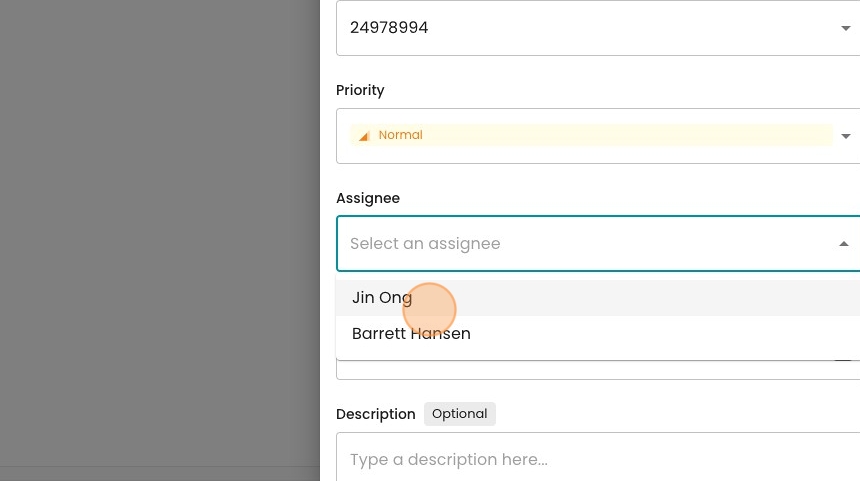
9. Insert a description if helpful.

10. Click "Save"

11. You'll now see the created service order. You can open up the service order and make changes by pressing the "Edit" button.

12. In real life, we'd wait until the move-out date and for the service order to be completed. For now, let's move on to the Closing Bill step

13. Move on to the Closing Bill step. Here you may enter a Meter Read.

14. Note that if the service order is completed, the associated Meter Read value will be entered automatically here.
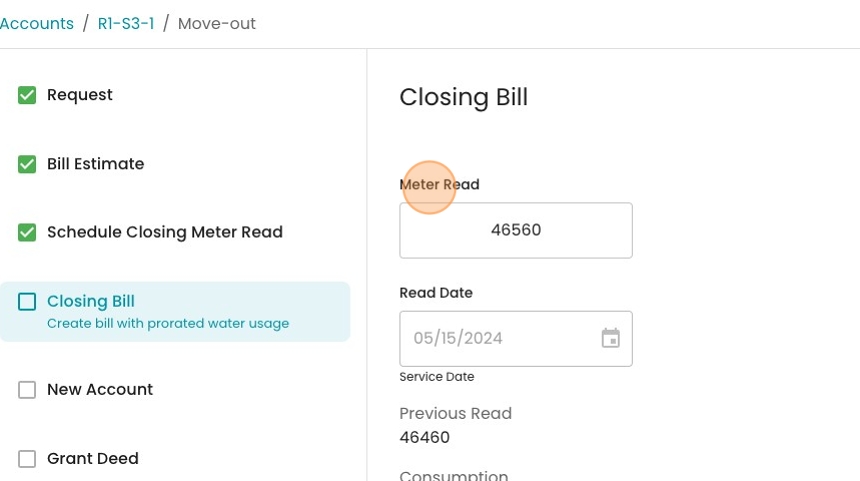
15. Once the read is entered, click "Calculate Closing Bill"

16. Here you can see the calculated final bill. Fixed chargers are prorated based on the exact number of days the account was active during this period.
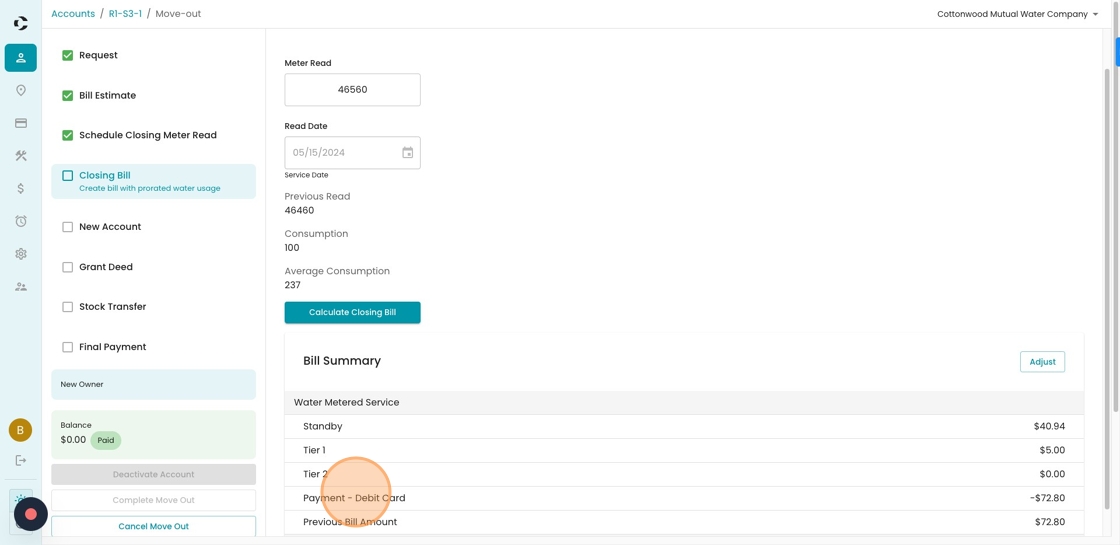
17. When satisfied, you can click "Post Bill"
