How to Look up a Specific Customers Bill
How to look up a specific customer's bill
1. From any page, click "Accounts" in the left-hand side menu.

2. Click the "Search accounts" field and start typing the name of the customer you're searching for.

3. When the customer appears in the list, click the arrow icon to open their account page.

4. Scroll past the graph and click the eye icon to view their bill.

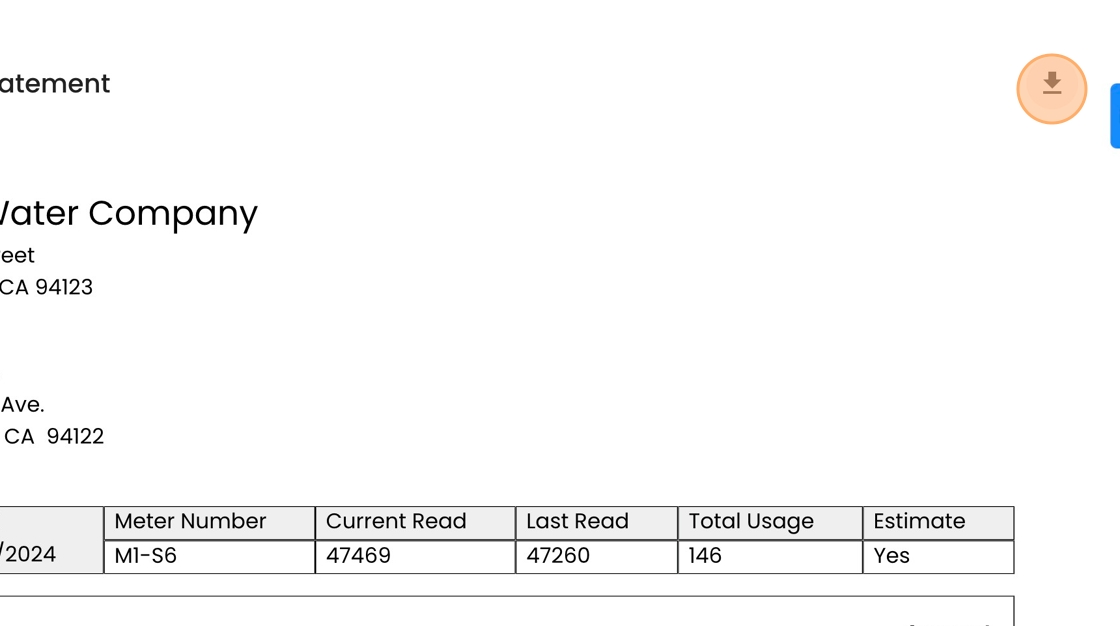
5. The bill will open up along the right side of the page. To download the bill, click this icon in the top right.