How to See the Different Ways Customers Have Paid
How to see the different ways customers have paid (including manually and online)
1. Start on a specific account.

2. Click here to filter activities
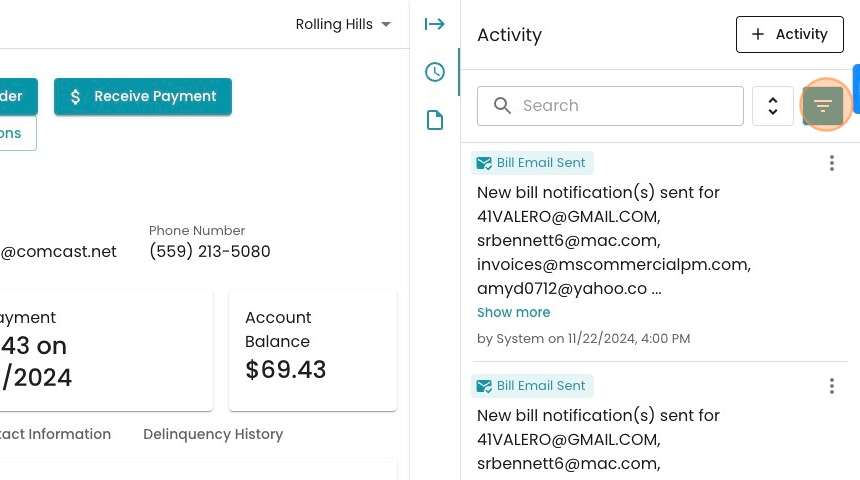
3. Click "Deselect All"
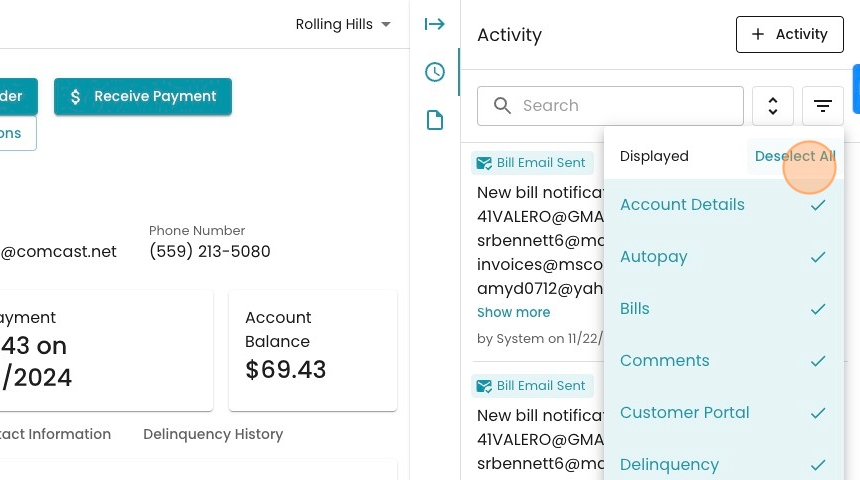
4. Select "Autopay"

5. Also select "Transaction"

6. Click anywhere on the main page to make the filter menu disappear.

7. Note the different transaction messages. The oldest two payments were posted via CSV upload. The highlighted transaction was created by an agent at the utility.

8. Note also how autopayments are logged. The author is written as "System" as the program initiated the payment, but it is implied that the customer's autopayment configuration was the driving factor.
