New Omni Dashboard Reports
Current now has a new dashboard for reports. It is much simpler, but it includes all the reports you need, as well as a new Data agent feature where you can ask any questions and have it build a report for you.
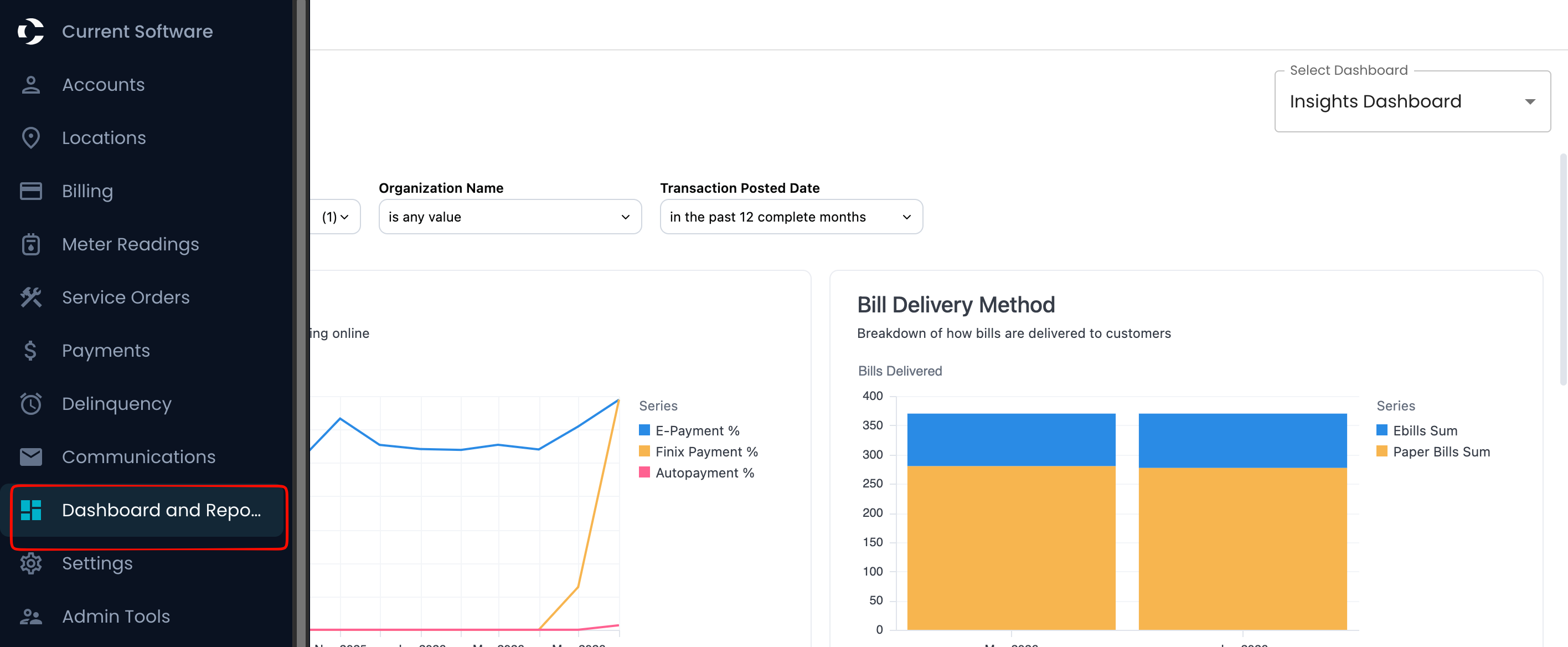
The dashboard can be access like usual in your reports tab on the left
To access all the reports or dashboards, select the drop-down under “Select Dashboards.”
To access the usual reports, navigate to Accounting Reports within that drop-down
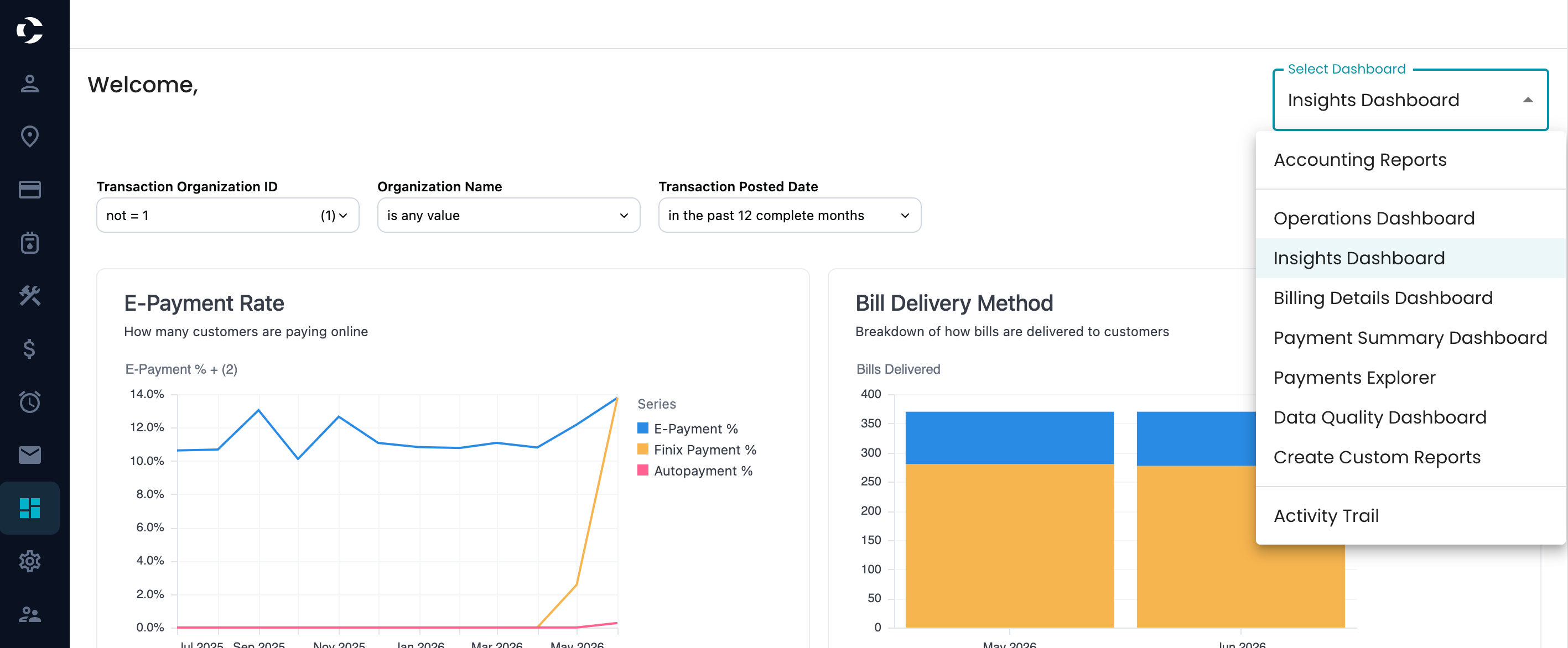
Operations Dashboard
The Operations Dashboard offers insights into data that help with daily utility management. It includes details like meter statuses, failed email deliveries, and other operational metrics. Administrators can apply filters, such as date ranges or context-specific options, to refine the displayed data for more accurate analysis.
Insight Dashboard
The Insight Dashboard is a central hub that provides visibility into financial, operational, and system-wide metrics. It helps administrators monitor key metrics impacting operations and customer service.
Key features include:
- Financial Reports: Insights into revenue, billing, collections, and usage.
- Operations Reports: Data on meter statuses and failed email deliveries.
Billing Detail Dashboard
The Billing Detail dashboard is used to review billed amounts, consumption, and bill-level data for a specific period. It's especially helpful for billing audits and analyzing consumption patterns. It provides details like account information, amounts, consumption, line items, and rate structure, giving a complete view of billing data.
Payments Explorer
The Payments Explorer Dashboard helps users explore payments and payment batches with ease.It offers advanced filters to search within specific batches or the entire dataset, making payment management and analysis more efficient.
Data Quality Dashboard
It is used to show data quality reporting for the organization. Displays metrics, checks, and issues around the health of billing and account data.
Create Custom reports
See Create Custom reports Help document