Custom Field Options for Location Details
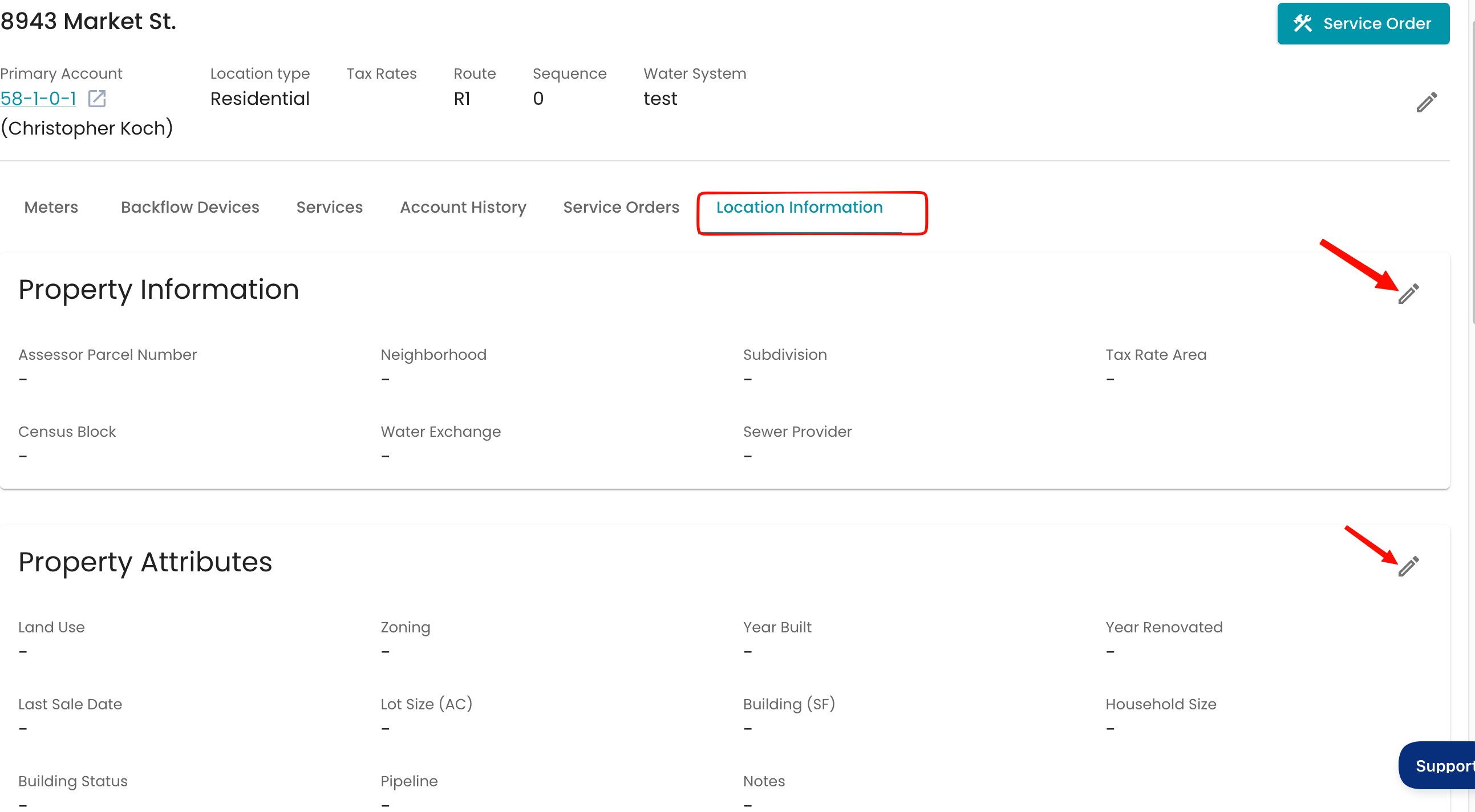
These custom fields are located within your Locations Details page.
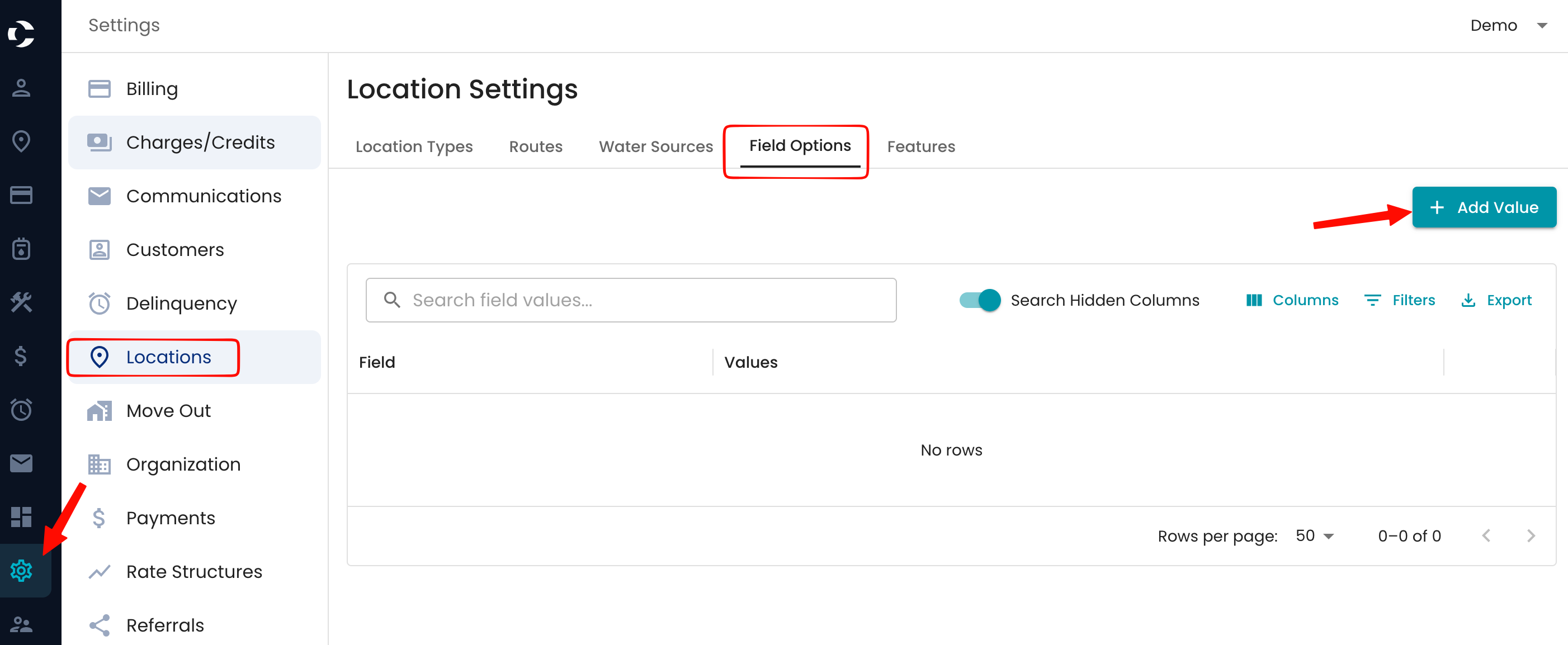
Navigate to Settings> Locations Settings >Field Options > + Add Value
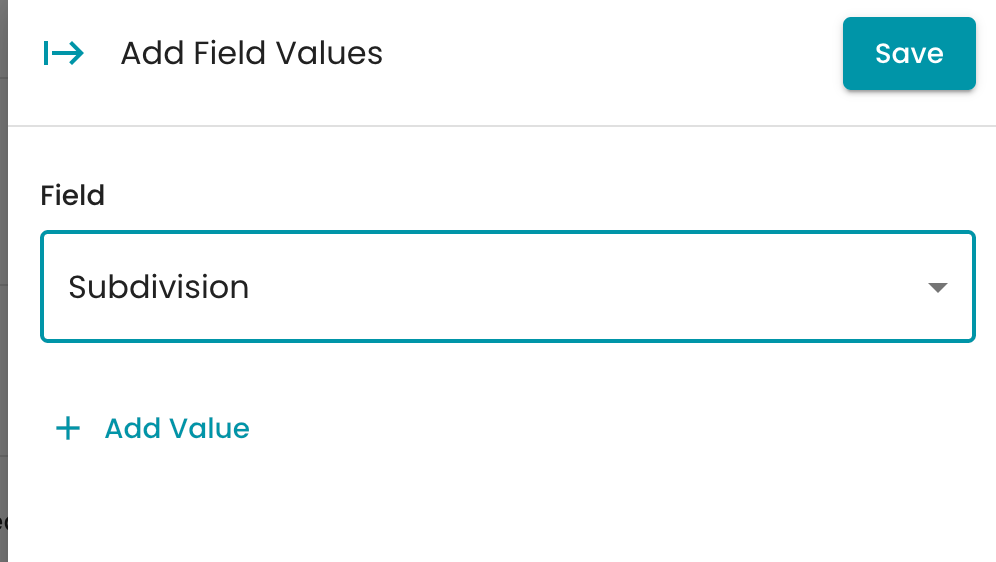
The Field drop down has prepopulated options to select from the location details and add the value associated to the field.
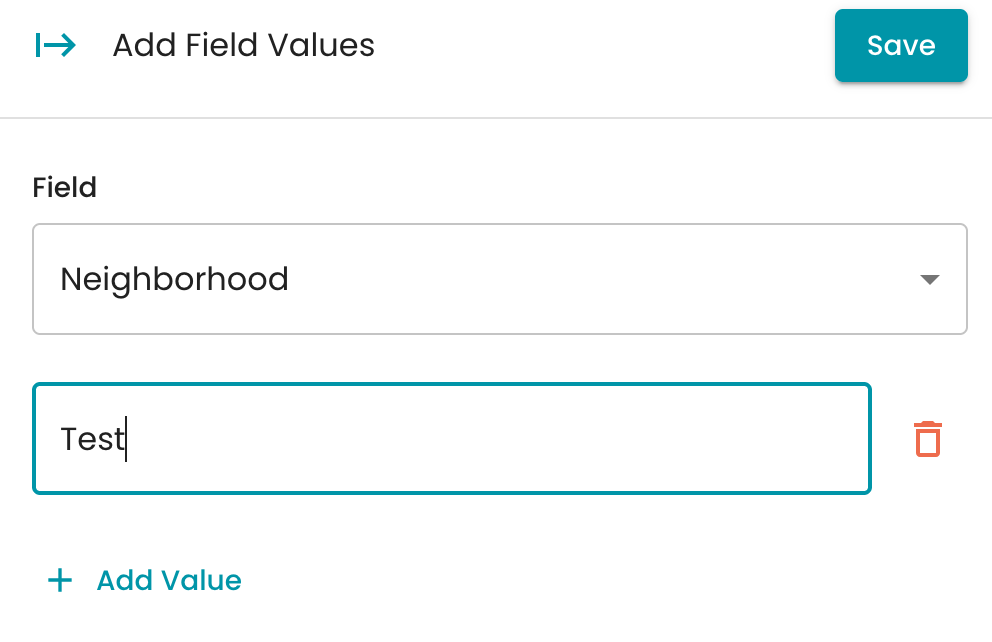
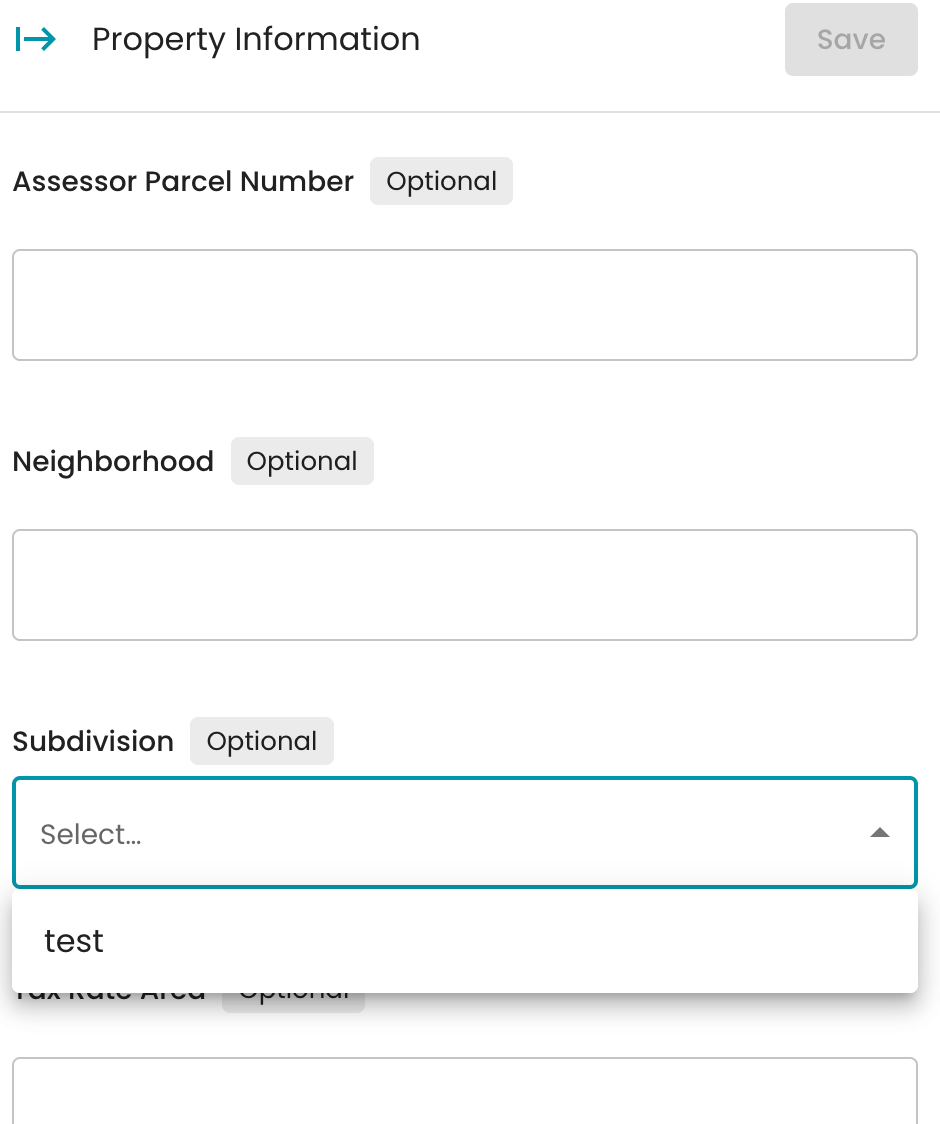
After saving, the field options are visible and can be selected via the drop-down within the location information.