Reassign A Transaction/Payment/Credit
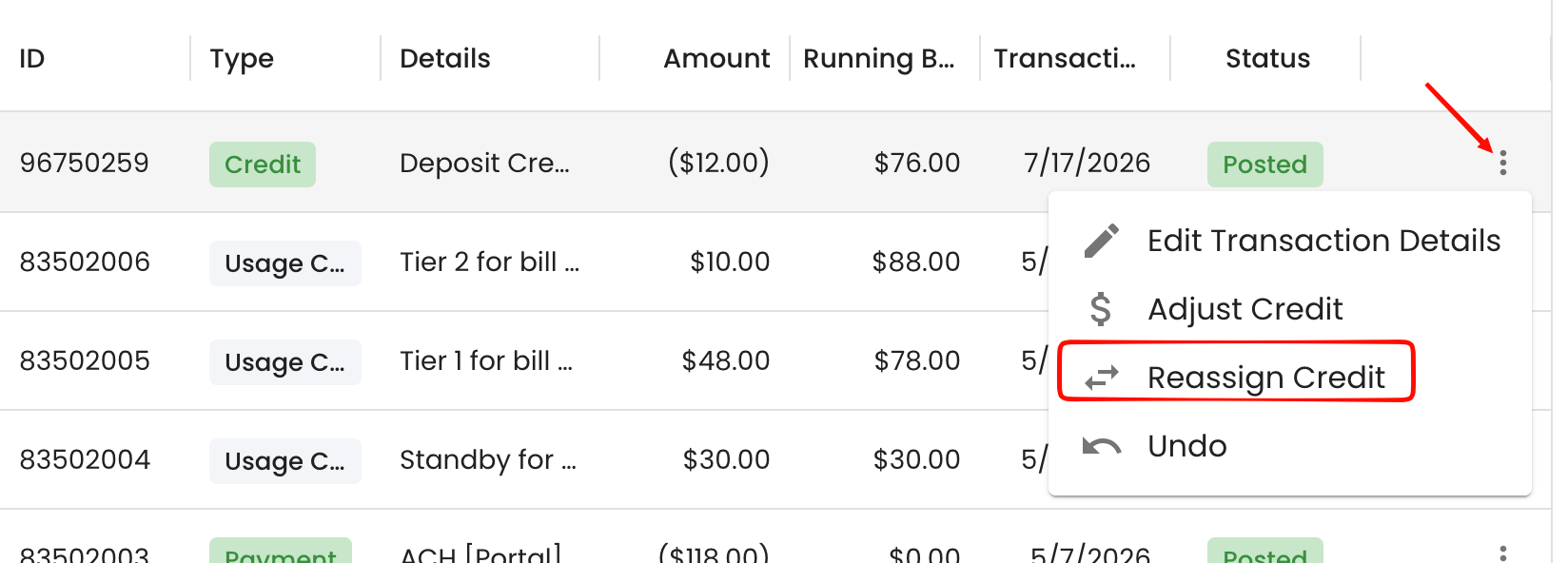
If a Transaction/Payment was entered into the wrong account, selecting the 3 dots next to the transaction/Payment will give the option to reassign it.
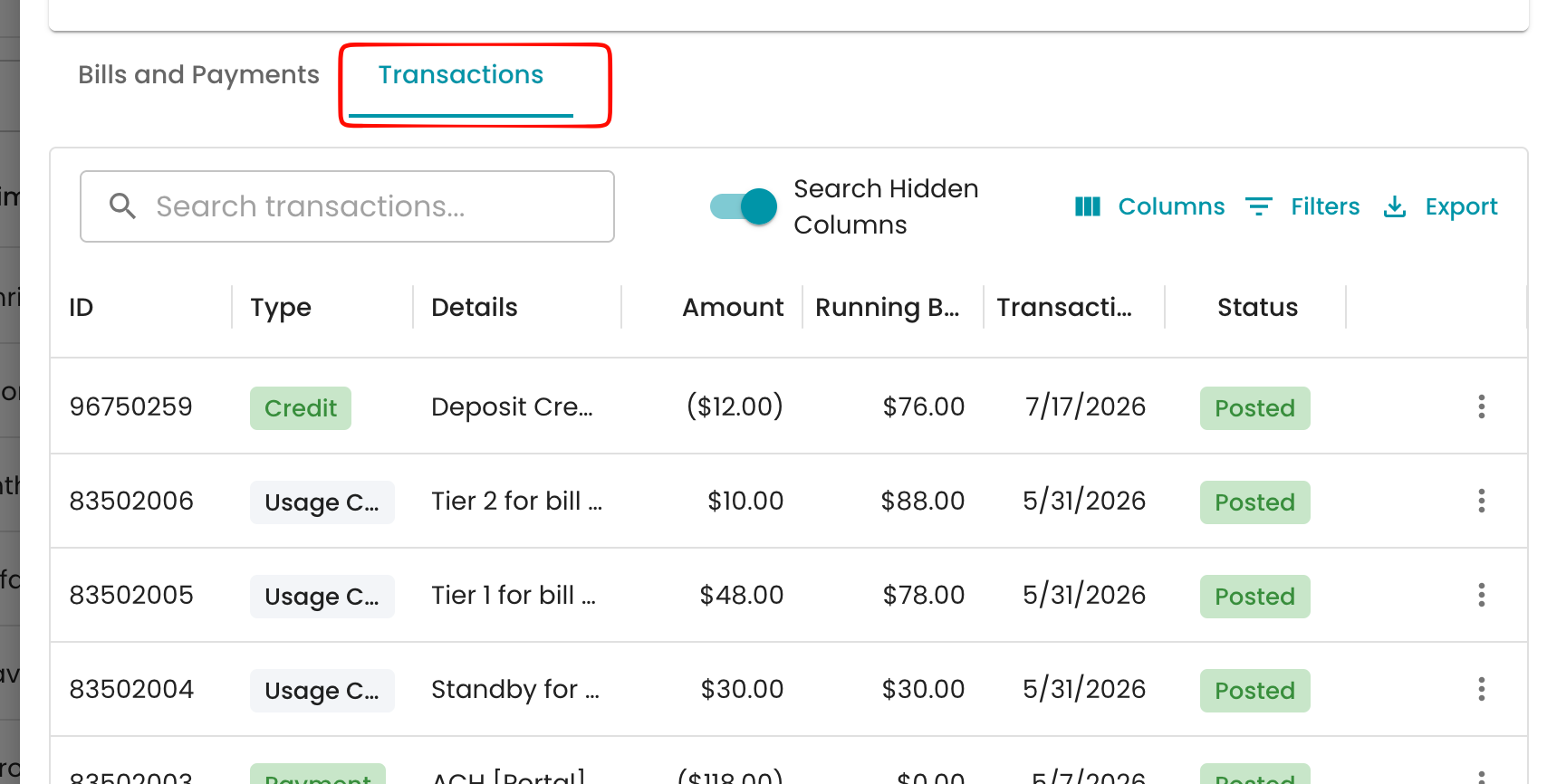
Navigate to the account with the transaction/payment that needs to be moved. Find the transactions/payment under the transaction section.
Select the 3 dots next to the transaction and select Reassign Credit/payment/deposit etc..
Select the new account within the Account ID drop down and leave a comment for the reason.
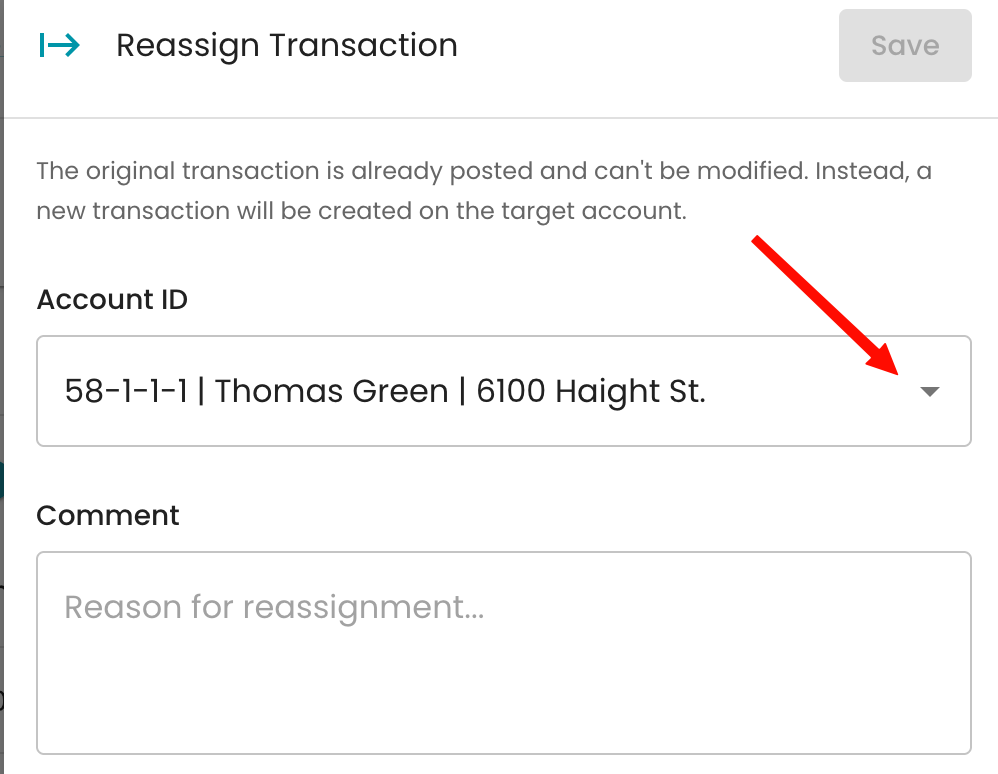
Once done it will create an adjustment on the original account and you will be able to see the transaction in the new account.